
Inbound Package Tracking Software
Receive and deliver packages with accountability using TekTrack® inbound package tracking software. It picks up where the carriers leave off, helping you log and track valuable packages from receipt through recipient delivery.
What Does Package Tracking Software Do?
Package tracking software is a system used by organizations to receive, log, track, and deliver inbound packages from the moment they arrive to the moment they reach the recipient. It provides organizations a reliable way to reduce lost packages and maintain accountability for every delivery.
Is This You?
- Are you responsible for receiving and delivering packages?
- Do you currently log packages using a clipboard or spreadsheet?
- Want to reduce processing time and costs?

Inbound Package Tracking Software
TekTrack is a package tracking system that picks up where the carriers leave off.
When a package arrives at your mailroom, loading dock, or reception desk, TekTrack helps you log it in seconds, notifies the recipient automatically, and builds a complete chain of custody from first scan to final signature.
Whether you deliver packages around campus or hold them for pickup at designated areas, TekTrack gives you full visibility and accountability at every step.
Package Tracking Made Smart. Simple. Secure.
Log packages, notify recipients, and deliver with a confirmed signature.
It’s as Easy as 1-2-3
TekTrack manages the complete inbound package workflow from the moment a package arrives to confirmed delivery.
Packages Arrive
Log packages into the system using your choice of hardware or device.
- PC scanner and desktop software
- Mobile computer, phone, or tablet
- Send optional email or text notification to recipient
Recipient Gets Notified
The moment a package is logged, TekTrack automatically notifies the recipient so they know their package is ready.
- Automatic email and text notifications
- Customizable notification templates
- Reminder alerts for unclaimed packages
Pickup with Proof
When the recipient collects their package, TekTrack captures a digital signature and proof-of-delivery photo to close the chain of custody.
- Digital signature capture at pickup
- Optional proof-of-delivery photo
- Complete searchable package history
Benefits
TekTrack replaces error-prone manual processes with an automated system built for the way packages actually move through your organization.
Don’t Be the Fall Guy for Lost Packages
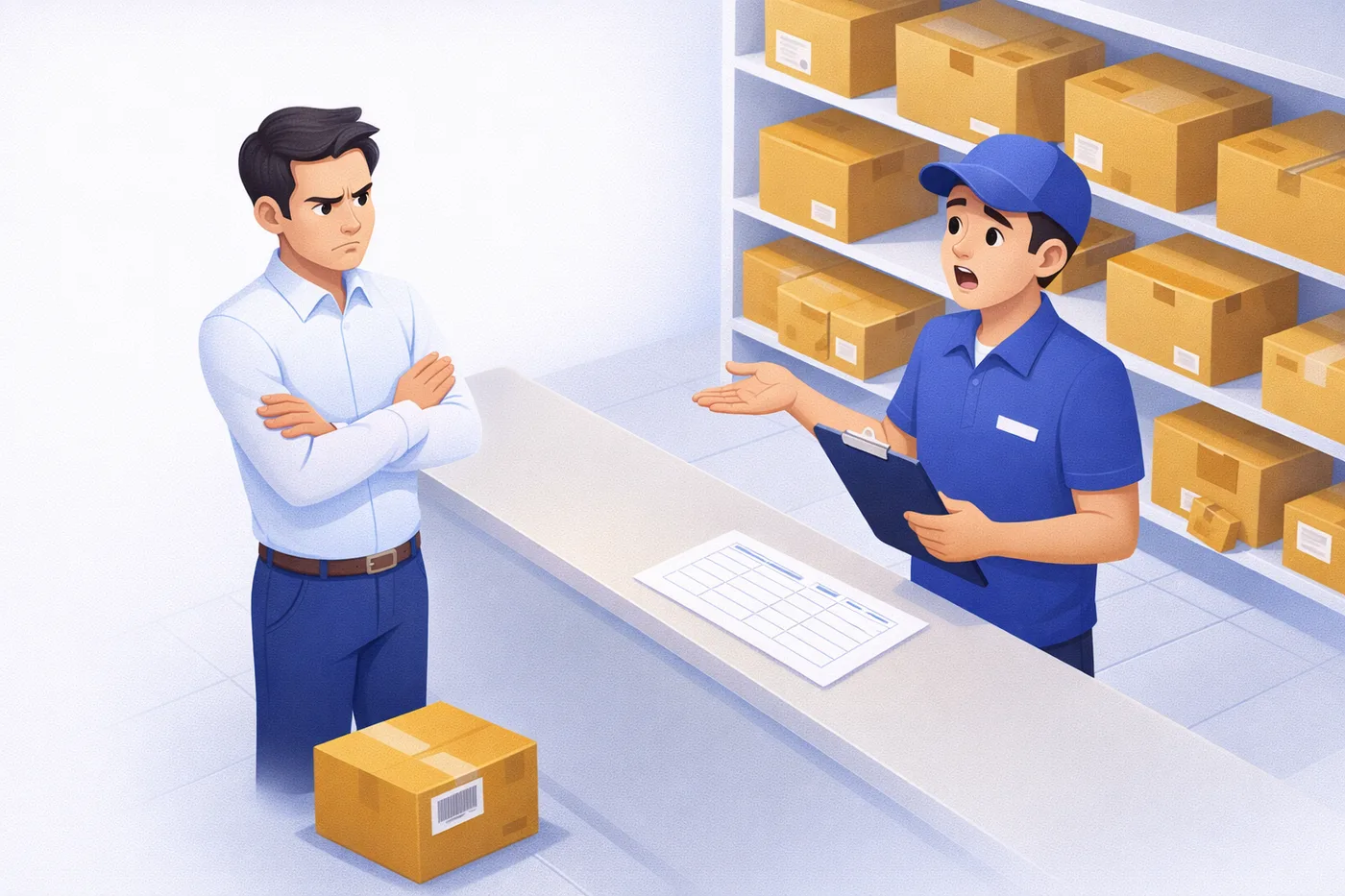
When a package goes missing, the first person in the room is the last person with a clipboard. Without a digital record, there is no way to prove what happened, who had it, or when it was last seen. That conversation ends badly.
TekTrack creates an unbroken record from the moment a package arrives at your facility to the moment a recipient signs for it. Every scan, every notification, every handoff is timestamped and stored. When someone challenges a delivery, you have the answer in seconds.
- Every package logged with carrier, tracking number, arrival time, and receiving staff
- Complete notification history shows who was contacted and when
- Digital signature and proof-of-delivery photo close the record at delivery
- Searchable history retrieves any package record instantly
- No more relying on memory, paper logs, or hoping someone remembers
Key Features of TekTrack Inbound Package Tracking Software
TekTrack’s unique SmartScan™ technology and powerful automation go far beyond basic package logging. Here is what sets it apart.
SmartScan™ for Advanced Barcode Processing
TekTrack’s unique SmartScan™ technology reads labels from any carrier and assists in identifying the recipient automatically.
Mobile Support for Windows, iOS, and Android
Full mobile support for Windows Mobile, Windows, iOS, and Android phones and tablets. Supports multiple concurrent users.
Proof-of-Receipt Signature Capture
Record proof-of-receipt signatures and the signer’s name at the time of delivery using a signature pad or magnetic card reader.
Automatic, Customizable Notifications
Email, text, and phone notifications for customers and staff. Every template is independently configurable.
Photos and File Attachments
Take pictures and attach files to a package’s history. Proof-of-delivery photos can be embedded directly in delivery notifications.
Label Generation and Printing
Generate a tracking ID for packages without barcodes. Print labels for packages with damaged labels or to display additional information.
On-Screen Alerts for Staff
On-screen displays alert staff about packages or recipients that require special attention, so nothing slips through.
Custom Reports and Saved Searches
Create your own custom reports or import from our library. Advanced and basic searches can be saved for quick recall.
Self-Service Recipient Portal
Recipients view their own package history and signatures without contacting your staff, reducing inbound inquiries.
Pallet Processing
Special processing capabilities for pallets. Handle bulk deliveries efficiently alongside individual package tracking.
Administrative Controls
Administrative controls to manage your staff’s operations or access. Customizable fields for package information, recipients, and workflows.
Application Programming Interface (API)
Full API support for integration with your existing enterprise systems, ERP platforms, and custom workflows.
Simple, Transparent Pricing
Both editions include unlimited recipients and users. Choose the deployment model that fits your organization.
- Unlimited recipients and users
- Data never leaves your network
- Software hosted on your hardware
- Full feature access
- Unlimited recipients and users
- Data encrypted in transit and at rest
- No PC software installation required
- Automatic updates included
Package Tracking Software That Receives and Delivers With Ease
See TekTrack® in action. We’ll walk you through the complete package tracking workflow live, tailored to how your operation works.
Frequently Asked Questions
What is package tracking software?
Read this overview: What is package tracking software?
What advantages does TekTrack have over other package tracking software?
TekTrack is known for three things our customers cite most often: simplified data capturing, highly customizable workflows, and the lowest cost-per-feature pricing in the category. It also works completely offline, supports both Cloud and On-Premise deployment, and requires no IT support to set up or maintain.
Can TekTrack send notifications to recipients automatically?
Yes. TekTrack sends automatic email, text, and phone notifications the moment a package is logged. Templates are fully customizable, and the system can send reminders for uncollected packages after a defined period. Notifications are held until a configured send window so recipients are not disturbed outside of business hours.
What happens if a package arrives with a damaged or missing barcode?
TekTrack can generate a unique tracking ID for any package that arrives without a scannable barcode. You can also print a replacement label directly from the system, ensuring the package stays trackable through delivery and pickup.
Can multiple staff members use TekTrack at the same time?
Yes. TekTrack supports multiple concurrent users with no per-user or per-recipient licensing fee. This applies whether you have two staff members working the same mailroom counter or separate teams operating independently across multiple buildings, campuses, or locations. Each department or location can run its own workflows within the same system, and all activity is tracked under a single unified record.
Will TekTrack work if my internet connection goes down?
Yes. TekTrack has a built-in offline mode that keeps your operation running even when connectivity is lost. Staff can continue logging packages, recording deliveries, and capturing signatures without internet, cellular, or Wi-Fi. All activity is stored locally and syncs automatically when the connection is restored.
Can recipients check on their packages’ status without calling the mailroom?
Yes. TekTrack includes a self-service recipient portal where recipients can check the status of their packages, view delivery history, and see proof-of-delivery signatures without contacting mailroom staff. This reduces inbound inquiries and frees your team to focus on processing.
What is the difference between Cloud and On-Premise editions?
Cloud requires no PC software installation, keeps data encrypted in transit and at rest, and includes automatic updates. On-Premise gives you full data control within your own network, hosted on your own hardware, and works without requiring any internet access. Both editions include unlimited recipients and users. Your TekCore representative can help you choose the right fit.
Does TekTrack integrate with Active Directory or ERPs?
Yes. TekTrack package tracking software connects with Active Directory, ERP systems, locker systems, and other organizational directories, so recipient data stays in sync without manual entry. A full API is also available for teams that need custom integrations with existing enterprise workflows.
How fast can I set up TekTrack?
Most organizations are logging packages within the same day. It requires no IT support and works with barcode scanners, phones, or tablets you may already have, so setup typically involves a short configuration session rather than a lengthy deployment process.
Is there a free trial of TekTrack?
Yes. You can start a trial to test TekTrack’s package tracking software features, including logging, notifications, and reporting, before choosing the edition that fits your organization.
How secure is TekTrack’s package data?
Yes, TekTrack encrypts data in transit and at rest and is built to meet enterprise security standards. On-Premise deployments keep all data within your own network and never leave your infrastructure, while Cloud deployments include the same encryption standards with automatic updates handled for you.
Ready to Replace Your Clipboard with a Real Package Tracking System?
Schedule a free one-on-one demo and we’ll walk you through TekTrack’s complete package tracking workflow, tailored to how your operation works.