
How TekTrack Works
From the moment a package arrives at your facility to the moment it’s picked up or delivered — every step is tracked, recorded, and searchable.
Three Steps to Full Accountability
TekTrack replaces manual logs and spreadsheets with a streamlined digital workflow. Packages are scanned in, recipients are notified automatically, and every handoff is documented with proof of receipt. Here’s how the process works.
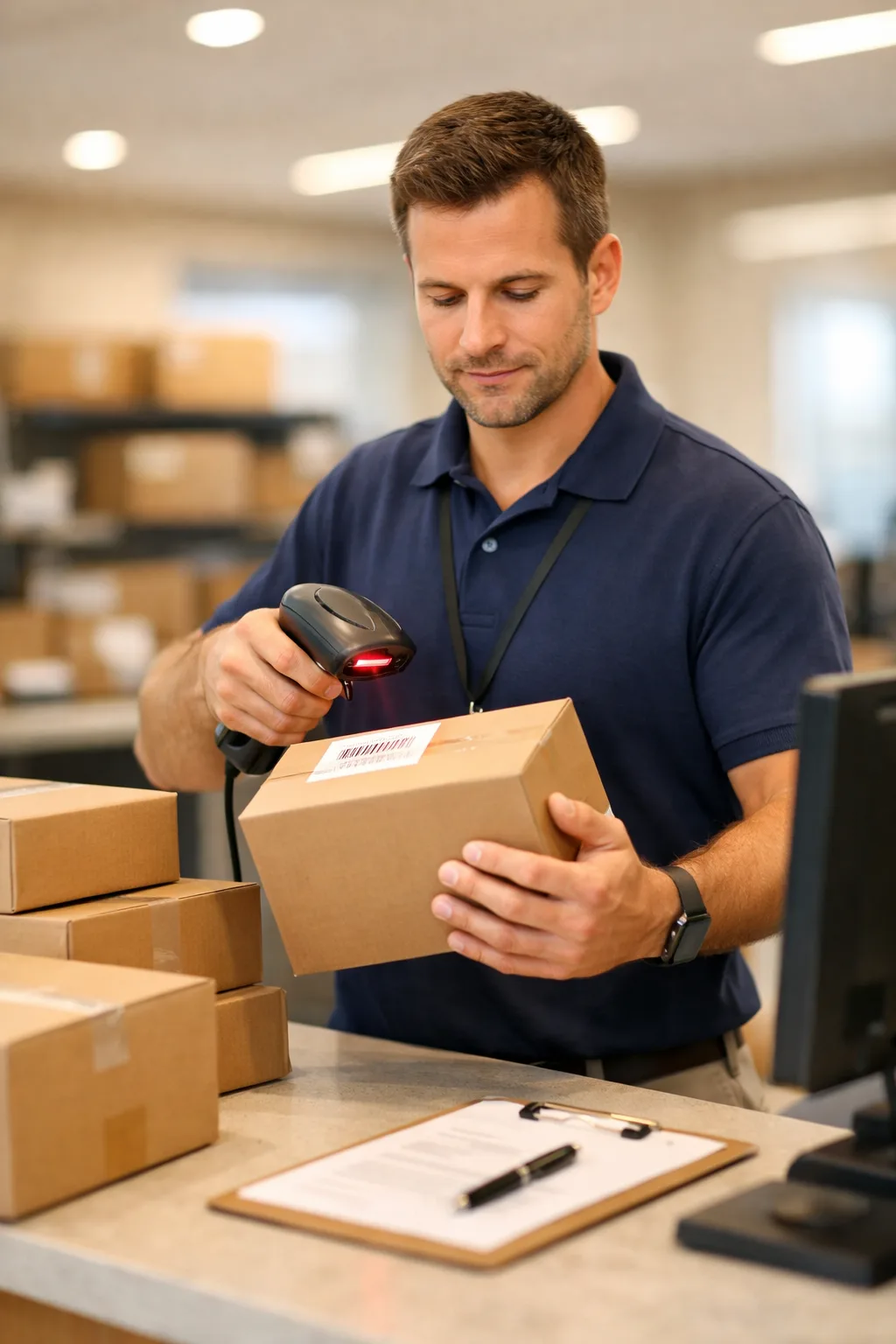
Log Incoming Packages
When packages arrive at your facility, staff scan or enter them into TekTrack. The system assigns a tracking ID to every item — even those without readable barcodes — and creates a timestamped intake record.
Recipients are automatically notified by email or text that their package has arrived and is ready for pickup or delivery.
- Desktop software with a PC scanner for fast bulk entry
- Mobile app on a phone, tablet, or handheld scanner
- Manual entry for items without barcodes
Deliver or Hold for Pickup
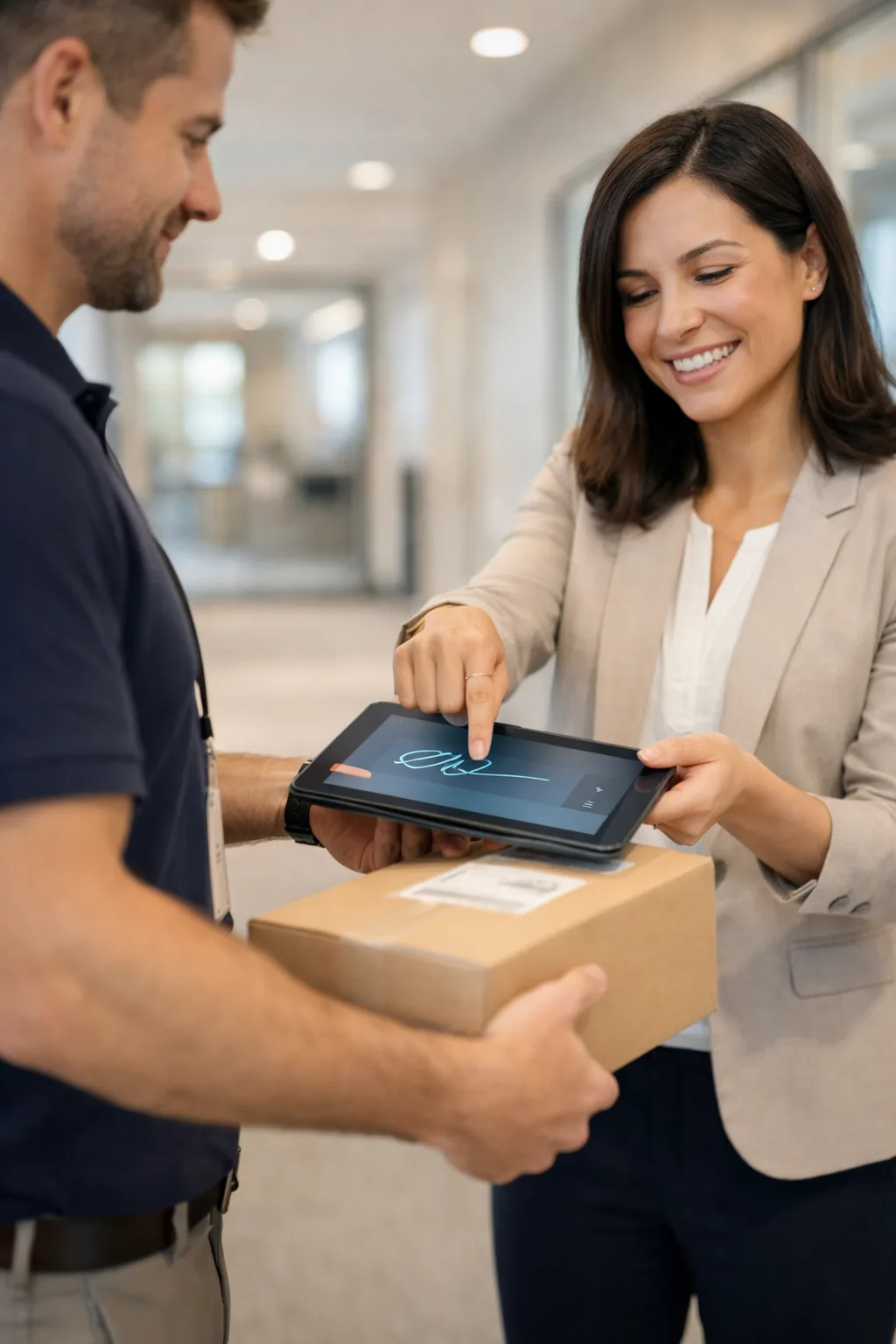
Once logged, you choose the delivery method that fits your operation. Packages can be delivered directly to the recipient’s desk or department, or held at a central location for pickup.
When the recipient collects or receives the package, they sign for it digitally. TekTrack captures the signature, the name of the person who accepted it, plus the date and time — creating an indisputable proof-of-receipt record.
- Direct delivery to the recipient’s location
- Hold at a designated pickup area
- Digital signature captured on any device
- Photo capture for damaged items
Search, Track & Report
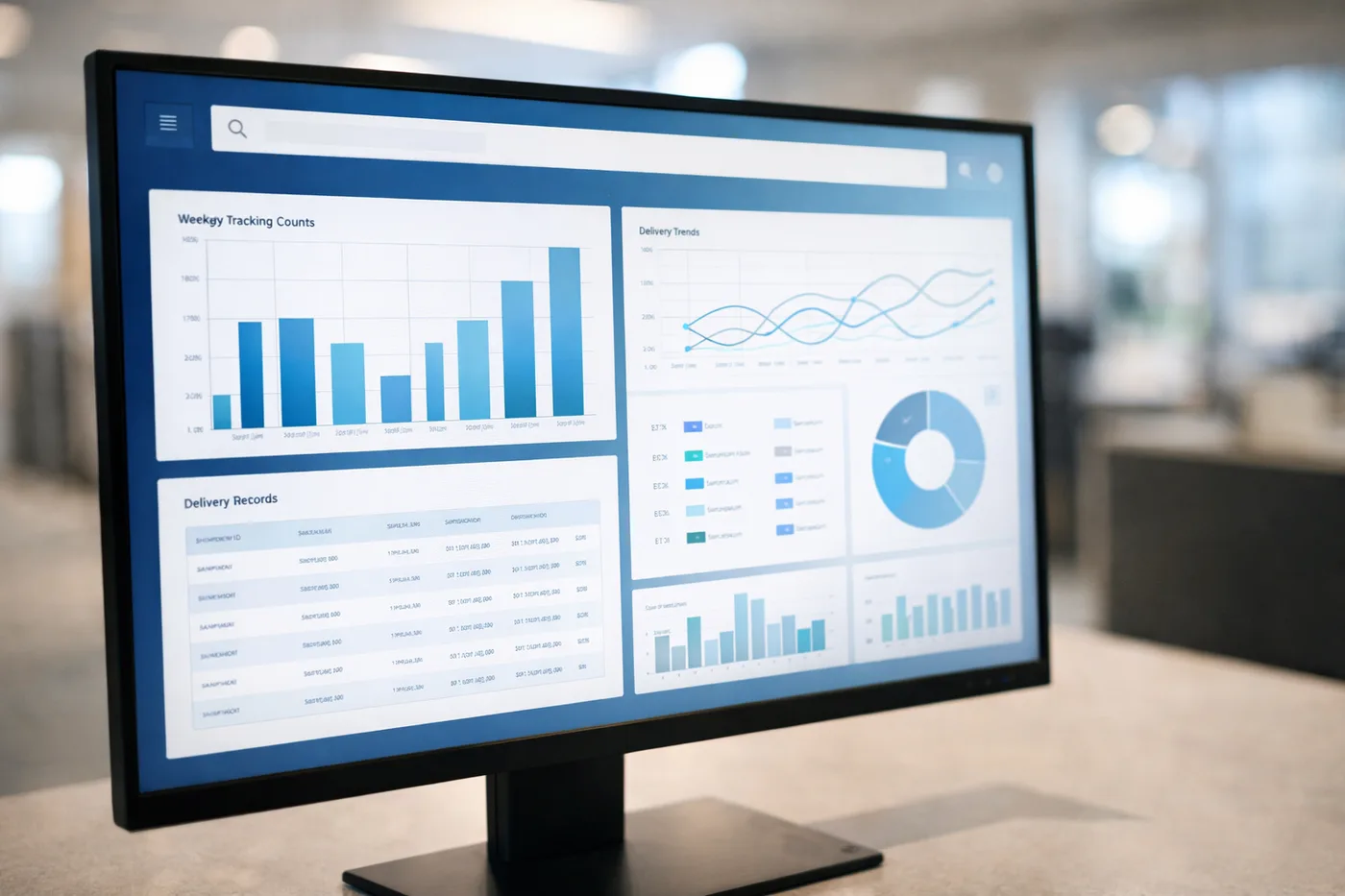
Every package that moves through TekTrack is searchable at any time. Staff can look up items by recipient name, tracking number, carrier, date range, or any custom field you define.
Run reports to see volume by day, week, month, or year. Pull proof-of-delivery for a specific package in seconds. Identify bottlenecks, measure processing times, and track trends across your entire operation.
- Instant search by recipient, tracking number, or carrier
- Custom reports by any time period
- Proof-of-delivery retrieval in seconds
- Volume and trend analytics for management
Frequently Asked Questions
How long does it take to get started?
Most organizations are up and running within a day. TekTrack’s cloud option requires no software installation — just log in and start scanning. On-premise deployments take slightly longer but are typically operational within a week.
What hardware do I need?
At minimum, a computer or mobile device. For faster processing, a USB barcode scanner is recommended. TekTrack works with any standard barcode scanner and supports Windows, iOS, and Android devices.
What if a package doesn’t have a barcode?
TekTrack automatically generates a tracking ID for any item entered into the system. Staff can log packages manually or print a label on the spot. Nothing goes untracked.
Can recipients check their own package status?
Yes. TekTrack includes a self-service portal where recipients can see their incoming packages, check delivery status, and view history — without contacting the mailroom.
Ready to See TekTrack in Action?
Schedule a personalized demo and see how TekTrack can streamline your package operations from day one.