
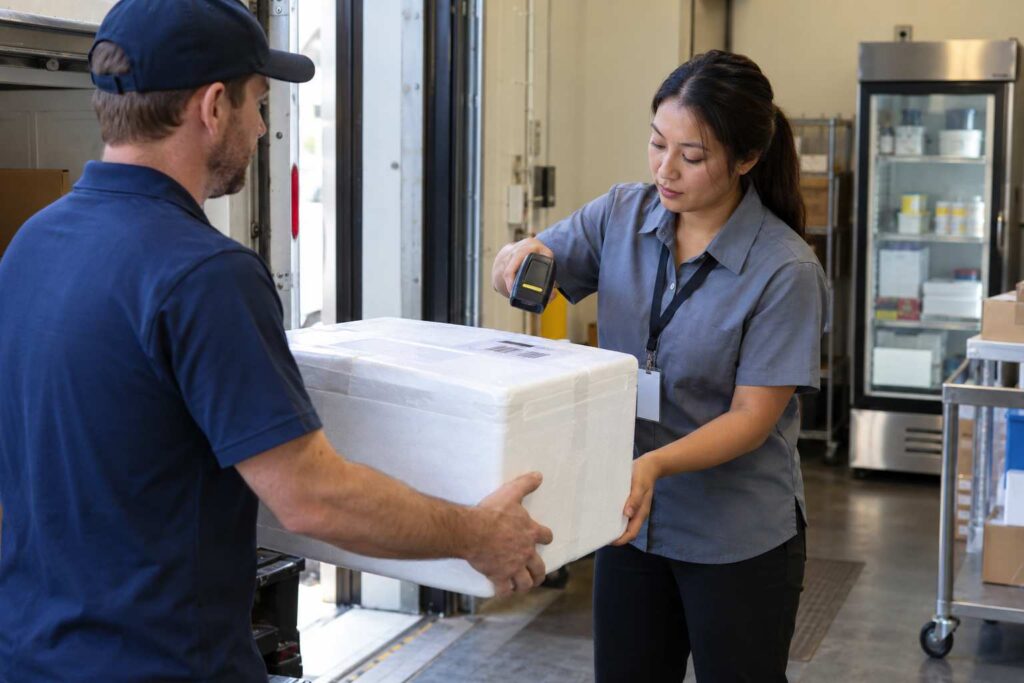
Handling Oversized, Refrigerated, and Perishable Deliveries in Your Mailroom
The safest way to handle perishable deliveries in the mailroom is to decide in advance what you will accept, set a short clock for anything that must stay cold, tell the recipient the moment it arrives, and record every step. Oversized items need a different plan, with a designated place, the right equipment, and a safe way to move them. Package tracking software helps with both, because it can flag special items at intake, alert the recipient right away, and keep a record of when each item arrived and left.
Standard shelves and standard rules work for most boxes. They do not work for a 60-pound printer, a meal kit with ice packs, or a case of lab supplies that must stay cool. This article explains how to set policies for these deliveries, how to protect your staff and your organization, and how to use software and simple habits to keep exceptions from becoming emergencies.
Why Special Deliveries Need Their Own Rules
Special deliveries are rare compared to the daily flow of ordinary boxes, but they cause a large share of the stress. A perishable item can spoil in a few hours. An oversized item can block an aisle, injure someone, or damage a wall. A refrigerated shipment may belong to a person who is in a meeting all day. In each case, the cost of a mistake is higher than for a normal box.
Volume makes the problem hard to ignore. The U.S. Postal Service reported that its shipping and package volume was 6.8 billion pieces in fiscal year 2025. Whenever employees order groceries, meal kits, gifts, or large equipment to the workplace, some share of that volume lands on your mailroom floor.
Consider a corporate mailroom that receives 150 packages on a normal day. Perhaps 3 of them are oversized and 2 are marked to keep cold. That is only 3 percent of the volume, yet those five items may take as much staff time as thirty regular packages. A clear procedure turns them from interruptions into routine tasks.
Decide What You Will and Will Not Accept
The first decision is policy, not process. Many organizations choose not to take perishables at all. The Farmingdale State College central receiving page states that perishable deliveries cannot be accepted, stored, or held by its mailroom or central receiving, and notes that large items may need help from its Moving and Trucking staff. That is one clear answer, and it is a valid one.
Others accept limited perishables under rules. Some offer a refrigerator in the mailroom. Some allow deliveries only when the recipient confirms they will be present. Some accept medical or lab items under special handling. Any of these can work, but they must be written down, and recipients must hear about them before a problem happens.
The Clemson University Cooperative Extension offers advice that fits well in an office policy. It says to avoid having perishable items delivered to an office unless you know it will arrive on a workday and refrigerator space is available. You can turn that into a rule for employees: before you order a cold item to the workplace, make sure someone will be there and that there is room for it.
Know the Time Limit for Cold Items
When a cold package is accepted, a clock starts. Food safety experts describe the range between 40 and 140 degrees Fahrenheit as the danger zone. The University of California Master Food Preserver program explains that bacteria grow most rapidly in that range, doubling in number in as little as 20 minutes. It adds that perishable foods should never stay in the danger zone for more than 2 hours, or 1 hour when the temperature is above 90 degrees.
Those numbers set your mailroom’s practical limit. A box that arrives at 9:00 a.m. and sits on a shelf until the recipient returns from a meeting at 1:00 p.m. has been out of cold storage for four hours. Even if the recipient picks it up, they may not know how long it waited. That is why a perishable item needs an immediate notice, a cold place to wait, or a decision to refuse it.
The Clemson guidance also helps staff and recipients judge a delivery. It says perishable food should arrive frozen or partially frozen with ice crystals still visible, or at least refrigerator cold to the touch. If it arrives warm, above 40 degrees as measured with a food thermometer, the guidance says to notify the company and not eat the food. A mailroom does not need to test every box, but the recipient should know the item’s arrival condition and time.
What About Medical and Lab Items
Not every cold delivery is food. Hospitals, clinics, schools, and labs may receive medicines, samples, or reagents that must be kept cold and delivered quickly. These items often come with their own handling instructions on the box, and they may have stricter limits than a grocery order.
Your policy should say who may accept such items, where they go, and who is called when they arrive. For example, a clinic might require that every refrigerated box be taken to a named nurse within 15 minutes, signed for, and recorded. A system that supports special handling instructions can display that rule on the screen when staff scan the package. See our article on how package tracking software handles restricted and hazardous material deliveries for a closer look at similar controls.
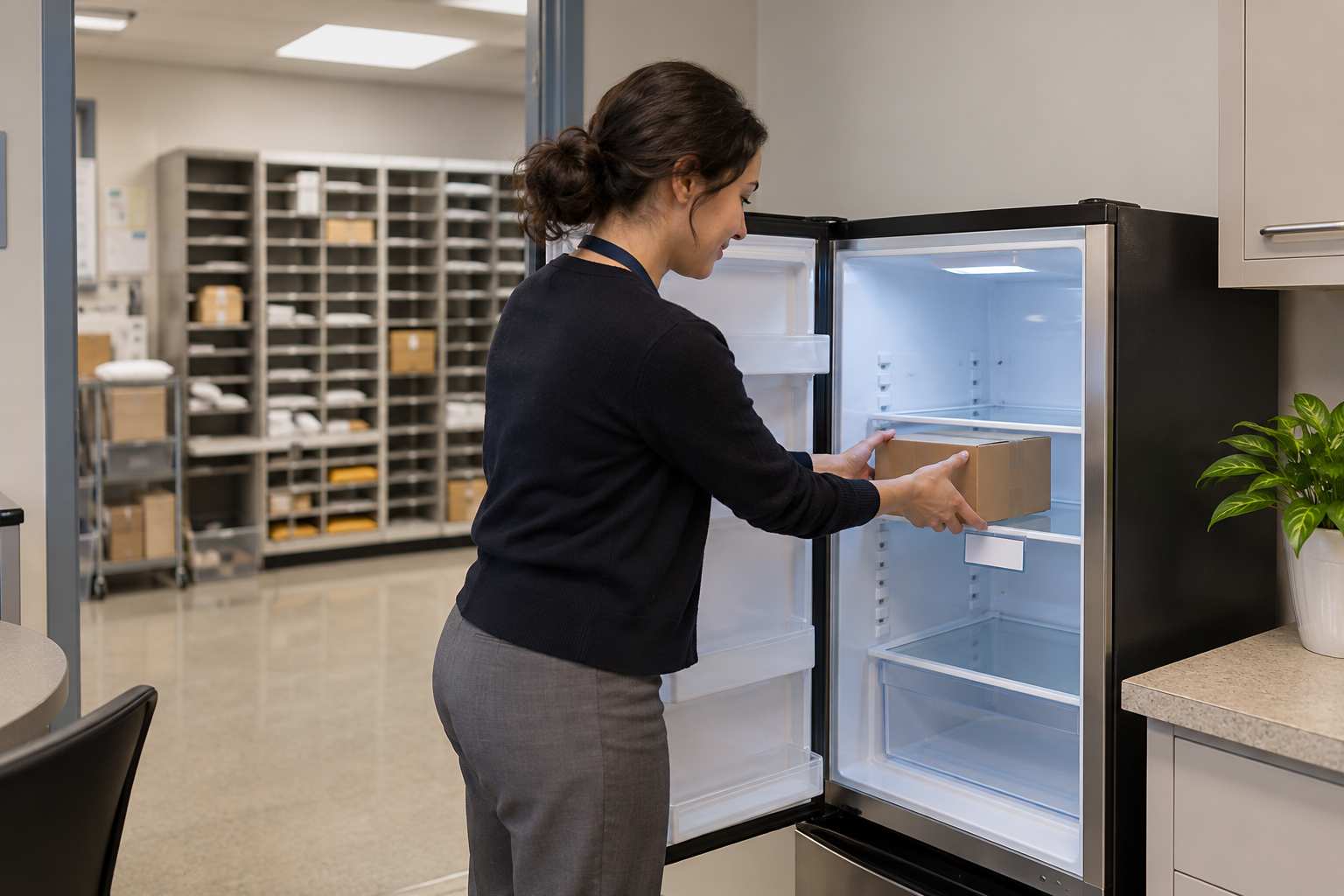
A Practical Workflow for Refrigerated Deliveries
A good workflow is short and has no gaps. Here is one that works for many offices.
- Spot it at the door. Staff look for labels such as keep refrigerated, perishable, or frozen, and for wet or sweating boxes.
- Log it as special. The item is scanned and flagged, with the arrival time recorded.
- Notify at once. The recipient is told immediately by text or email, with a clear request to pick it up soon.
- Store it cold. The item goes to a designated refrigerator or cold area, and the location is recorded.
- Set a deadline. A short holding limit applies, and a supervisor decides what happens after that.
- Record the release. The recipient signs, and the time is saved.
Notice that notification comes before storage in the list. The sooner the recipient knows, the less time the item waits. In a mailroom with software, the notification can go out automatically at the time of logging, so staff do not lose time writing messages.
Oversized Deliveries Create Different Risks
Oversized items bring space and safety problems. Large boxes block aisles, rest awkwardly on shelves, and are hard to move. They are also easy to damage. A bent corner on a monitor box can mean a cracked screen, and a dropped chair can mean a returned item and an unhappy employee.
Know the limits of the carriers you use. The USPS Quick Service Guide for parcels lists a maximum weight of 70 pounds and maximum size of 130 inches in length and girth combined for USPS Ground Advantage. Anything larger or heavier usually comes by freight or another carrier service, and it may arrive with a lift gate, a pallet, or a scheduled appointment instead of a normal drop-off.
Plan for the delivery, not just the storage. Who signs for a pallet? Who inspects it? Who has the equipment to move it? In a small office, the answer is often “whoever is around,” which is how back injuries and damaged goods happen. Write a procedure that names the roles and the equipment, and add a call to the recipient’s department when a large delivery is scheduled.
Protect Your Staff From Lifting Injuries
Moving heavy items is a safety issue, not only a space issue. The Occupational Safety and Health Administration lists lifting and lowering heavy items, bending, and pushing and pulling heavy loads among the ergonomic hazards in warehousing. Its guidance on warehousing hazards and solutions suggests reducing case weights to 35 pounds or less, and developing job rotation and work and rest cycles to give muscles time to recover.
A mailroom is not a warehouse, but the same ideas apply. Provide a hand truck or cart. Set a weight above which staff must ask for help or use a team lift. Have a clear path from the dock to the storage zone. Teach people to ask for a second person without shame. An injury costs far more than a few minutes of waiting.
Imagine a clerk who lifts a 65-pound box alone to avoid delaying a recipient. The box is awkward, the shelf is high, and her back pays for it. Compare that to a mailroom with a posted rule that anything over 35 pounds requires a cart or a second person. The delivery is delayed by two minutes, and no one is hurt.
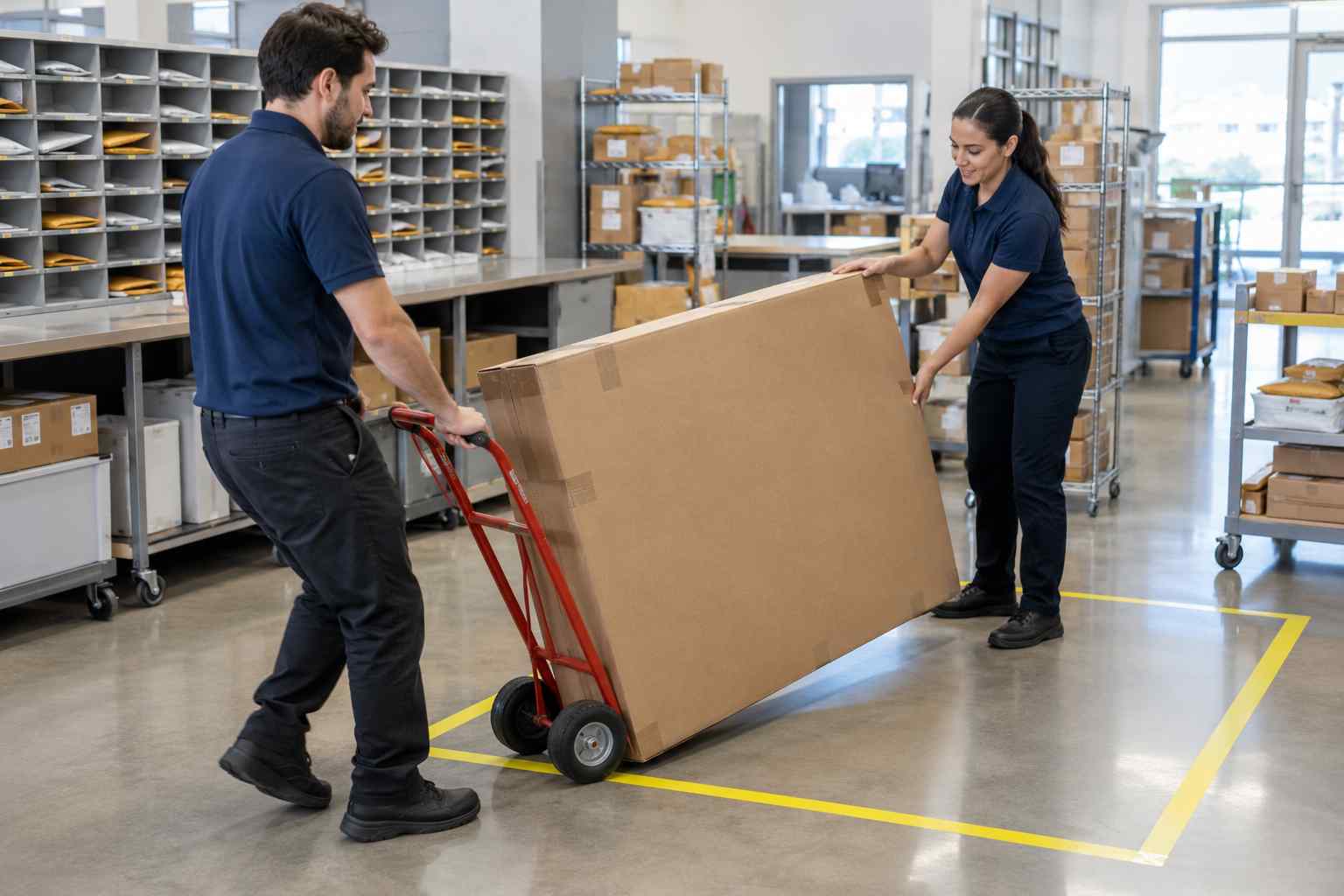
Where Oversized Items Should Live
Create a floor-level zone for large items and label it clearly. Keep it near the dock so staff move heavy items only a short distance. Keep a clear path wide enough for a hand truck. Mark off spaces and give each one a code, so the code in your package record matches the physical spot.
Our guide to setting up a secure office package room describes this planning step as part of a larger room layout. The key point is to record the location. Recipients should not have to hunt for a large box, and staff should not have to guess where one was put.
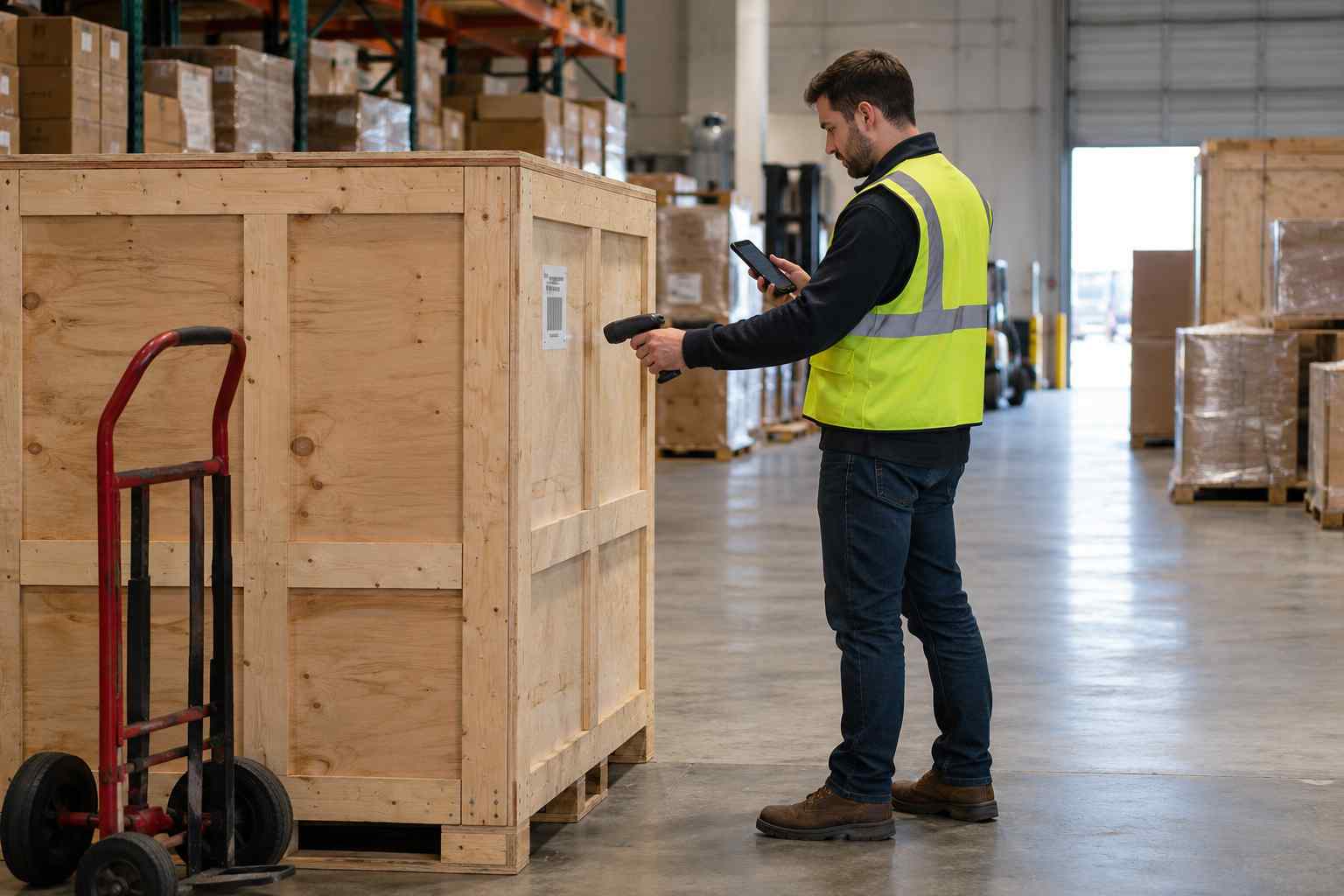
How Software Supports Special Deliveries
Software cannot lift a box or chill a carton, but it can make sure the right people know about both. At intake, package receiving software logs the item, identifies the recipient, and creates a record with a time stamp. Staff can add a flag, a size, a note, or a photo to show the condition on arrival. TekTrack supports special handling instruction alerts for specific packages or recipients, and photo and document attachments, so the instructions appear when staff handle the item.
The notification step matters even more. The recipient gets a message the moment the package is logged, and reminders can follow if it is not picked up. For perishables, that shortens the time an item waits. For oversized items, it lets the recipient bring help or a cart.
The record also helps if something goes wrong. If a recipient says a cold item arrived warm, you can show when it was received, when the recipient was told, and when it was picked up. If a large item arrived damaged, the intake photo and notes show its condition at the door. You can find more about the available features in the package tracking brochure.
Communicate the Rules Before the Delivery Arrives
Most problems with special deliveries begin before the box arrives. An employee orders groceries to their desk, or a department buys a large cabinet without telling anyone. A short notice to staff solves much of this. Tell them what you accept, what you do not, how to arrange a large delivery, and what to do if a perishable item is on the way.
Put the rules in the new-hire packet, on the intranet, and on a sign at the pickup counter. Repeat them before the holidays, when meal kits, gifts, and large orders increase. For example, a short email that says “Please do not order perishable items to the mailroom unless you will be here to receive them” can prevent many spoiled deliveries.
Frequently Asked Questions
Should a mailroom accept perishable deliveries?
That is a policy choice. Some organizations refuse them entirely, while others accept them under rules. Whatever you choose, write it down and tell employees before they order.
How long can a perishable package sit in the mailroom?
Food safety guidance says perishable foods should not stay in the temperature danger zone for more than two hours, or one hour when it is above 90 degrees. Plan your holding limit around that, and notify the recipient right away.
How should we store oversized deliveries?
Use a labeled, floor-level zone near the dock with a clear path for a hand truck. Record the location in the package record so the recipient and staff can find the item quickly.
Who should move heavy packages?
Set a weight limit above which staff must use a cart or a second person. OSHA guidance for warehouses suggests keeping case weights to 35 pounds or less where possible.
Can package tracking software flag special deliveries?
Yes. Software can record a flag, a note, a size, and a photo at intake, and can notify the recipient immediately. Check that special handling instructions can be tied to specific packages or recipients.
Ready to give special deliveries a clear path? Start a trial and set up your first special handling alert.
