
Mailroom Standard Operating Procedures: What to Document and How Software Helps
Mailroom standard operating procedures are written, step-by-step instructions that tell every person in the mailroom how to receive, log, store, notify, release, and handle exceptions for each delivery. The best ones are short, specific, and kept current, and they cover who does each task, what to do when something goes wrong, and how the work is recorded. Package tracking software supports them by building the steps into the daily workflow, so staff follow the procedure by using the tool instead of remembering it.
This guide walks through what to document, how to organize it, and which parts of your procedures software can enforce for you. It uses real examples from published university and government mail procedures, plus simple scenarios you can adapt. Use it as a checklist when you write your first set of procedures, or when you refresh an old binder that no one has opened in years.
Why Written Procedures Matter in a Mailroom
A mailroom looks simple from the outside. Packages arrive, packages leave. Inside, dozens of small decisions happen every day. Is the name on the label a match? Where does a damaged box go? Who can sign for a package that is addressed to a manager on vacation? When staff answer these questions from memory, the answers drift. Two people on two shifts end up doing the same job in two different ways.
The U.S. Postal Service lists written procedures among its recommendations for mail centers. Its Best Practices for Mail Center Security says to create, update, or review standard operating procedures, security procedures, and disaster plans, and to keep a backup copy of the plans off site. It also asks mail centers to train personnel in their policies and procedures. The point is simple. A procedure that exists only in someone’s head leaves with that person.
Consider a mid-sized office with a three-person mailroom. One clerk has run the package desk for eleven years. She knows which executive wants calls instead of emails, which vendor delivers on Thursdays, and what to do when a package arrives with no name. When she retires, that knowledge goes with her unless it was written down. The new hire spends months learning by trial and error, and recipients feel it in the form of lost or late packages.
How to Structure a Mailroom SOP
Good procedures follow a predictable format. The University of Georgia housing office, for example, writes its unclaimed and undeliverable packages policy with a policy statement, a purpose, a scope, and a numbered procedure. That layout is easy to copy. Each document answers the same questions in the same order, so staff know where to look.
For each procedure, include a short title, the purpose in one sentence, who the procedure applies to, the numbered steps, who owns the procedure, the date it was last reviewed, and any forms or screens it refers to. Keep each procedure to one page when you can. A clerk in the middle of a busy morning will not read three pages of background to find step four.
The University at Buffalo shows how a full document can be organized. Its mail and package delivery procedure has nine sections, which include service overview, addressing standards, best practices, departmental mailroom management, missing and misdelivered mail, and a section on review, approval, and distribution. That last section matters. It tells readers who approved the document and how updates reach the people who need them.
Receiving: What Happens at the Door
The first procedure to write covers how deliveries enter the building. It should say who may accept packages, what hours carriers can deliver, and what the receiver checks before signing. A good receiving procedure also says what to do with a delivery that arrives outside normal hours.
Include a quick inspection step. The receiver should look for crushed corners, wet spots, torn tape, and signs of tampering, and should note any damage on the carrier’s screen or paper before the driver leaves. This takes seconds, and it creates the evidence you need if a claim is filed later. If damage is common in your building, write a separate procedure for it, because carriers have time limits for claims.
Here is a scenario. A driver drops off 12 boxes at 4:45 p.m. on a Friday, and two have wet corners. If the procedure says to check each box and record damage before signing, the receiver notes both boxes on the driver’s device and takes photos. If there is no procedure, the boxes are accepted without comment and the damage is discovered Monday, when no one can prove when it happened.
Receiving is also the place to describe your intake method. Many mailrooms now use barcode scanning instead of typing, which cuts both time and mistakes. If you are comparing methods, a mail tracking software approach lets every item be scanned once and linked to a person in your directory.
Logging and Identifying the Recipient
The logging procedure should explain what is recorded for every package. At a minimum, record the carrier, the tracking number, the recipient, the date and time received, the person who received it, and the storage location. Add optional fields for size, special handling, and sender when they matter to your site.
Be specific about name matching. Decide how staff should handle nicknames, misspellings, maiden names, and packages addressed to a department instead of a person. The University of Georgia policy tells staff to check their systems for contact information even if the name on a package does not match the current roster, because it may belong to a former resident or a person in another building. A similar rule can save an office mailroom from sending packages back too soon.
Software helps most at this step. A scan can read the carrier barcode, identify the carrier, and match the recipient from your directory, which reduces typing and the errors that come with it. A package tracking software system also creates one consistent record per package, so the log does not end up with three different spellings of the same name.
Storage and Location Rules
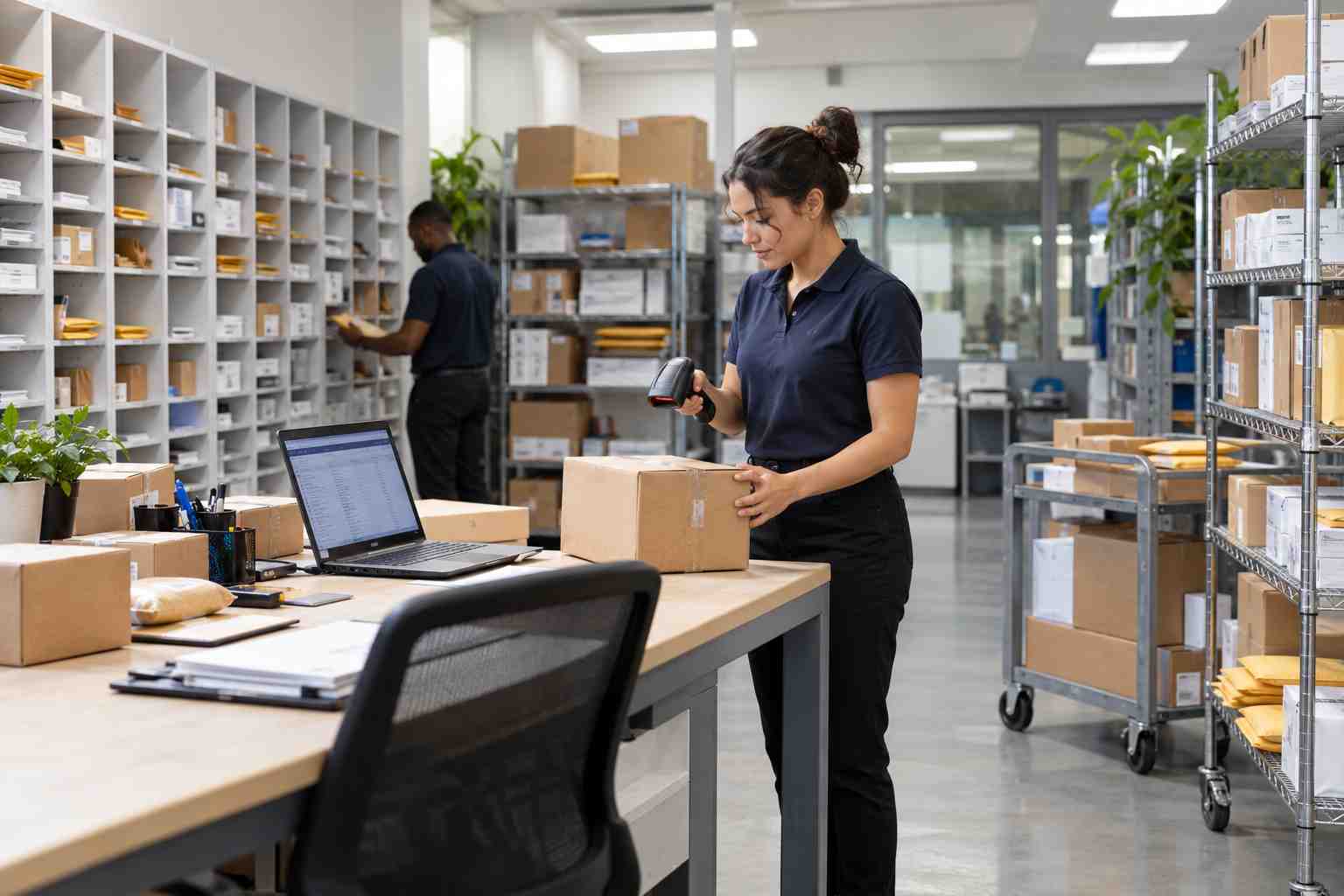
Procedures should say where packages go after they are logged. Small items go to one place, standard boxes to another, oversized items to a floor zone, and sensitive items to a locked cabinet. Each shelf position should have a code, and the code should be written in the package record. If you are setting up or redesigning the space, our guide to setting up a secure office package room covers layout, access, and cameras in more detail.
Storage rules are also the place to describe items that cannot wait. Some organizations will not hold certain deliveries at all. The Farmingdale State College central receiving page states that perishable deliveries cannot be accepted, stored, or held by its mailroom or central receiving. Whether you accept or refuse such items, your procedure should say so in plain words.
Notification: Telling People Their Package Is Here
The notification procedure should say who gets notified, how, and how soon. A common approach is to notify at the time of logging. The message should include what arrived, where to pick it up, the hours of the pickup window, and any ID or authorization needed.
Decide how reminders work. At UMass, the mail services page says reminder statuses send a message at 2 days, 4 days and 6 days, and an email goes out at 7 days listing stale packages for return. You do not have to copy that schedule, but your procedure should have one. Without it, each staff member invents a schedule, and recipients see mixed results.
Notifications are easy to automate, and this is one of the most useful places for software. When a package is logged, the system can send the first message with no extra steps. It can also send reminders on a timer, which means the procedure is followed even on the busiest day.
Pickup, Identification, and Release
The pickup procedure protects the chain of custody. It should say who may collect a package, how identity is checked, and what record is created at release. For example, a procedure might require the recipient’s name and a signature, and allow a delegate only with written authorization from the recipient.
Think about the last time a package went missing from your mailroom. The usual question is not whether it arrived, but who took it. If your procedure requires a signature or photo at pickup, you can answer that question in seconds. If it does not, the answer is a guess. A system that captures a digital signature and ties it to the tracking number creates that proof without extra paperwork. Learn more about how package chain of custody records work from intake to release.
Exceptions: The Procedures People Forget to Write
Most SOPs describe the normal path and say little about the exceptions. Yet exceptions are where a written procedure earns its keep. Plan for at least these cases: a package with no recipient name, a package for someone who has left, a damaged package, a package that appears to be in the wrong building, and a package that is unclaimed past its holding period.
Take the unclaimed package. Without a rule, it sits until someone gets tired of looking at it. With a rule, there is a clock and an owner. Buffalo’s procedure, for example, says that packages unclaimed in departmental mailrooms for more than 14 days will be brought back to the Campus Mail facility, and that packages unclaimed for 30 days are subject to return to the sender. Our article on how to organize a mailroom offers a short look at the same issue.
Write each exception as a short decision path. If the situation is this, do that. If that does not work, call this person. Give staff the authority to act within clear limits, and name who to call when the limit is reached.
Special Deliveries: Large, Cold, Restricted, or Urgent
Some deliveries need their own procedures. Oversized items need a place to go and a way to move them. Perishable items need a time limit. Restricted items, such as controlled materials or legal papers, need extra control. Urgent deliveries, such as medical specimens, may need to reach a person within minutes.
Healthcare is a good example. A hospital mailroom may handle medication, lab samples, and equipment parts in the same hour. The same rules do not apply to each. If your site is a hospital or clinic, see how hospital mailroom software supports chain of custody for sensitive items.
For each special category, document what makes an item qualify, how staff identify it, where it goes, who is told, and how long it may wait. Then add a flag or special instruction to the package record so the next person to handle it sees the warning.
Security and Access Procedures
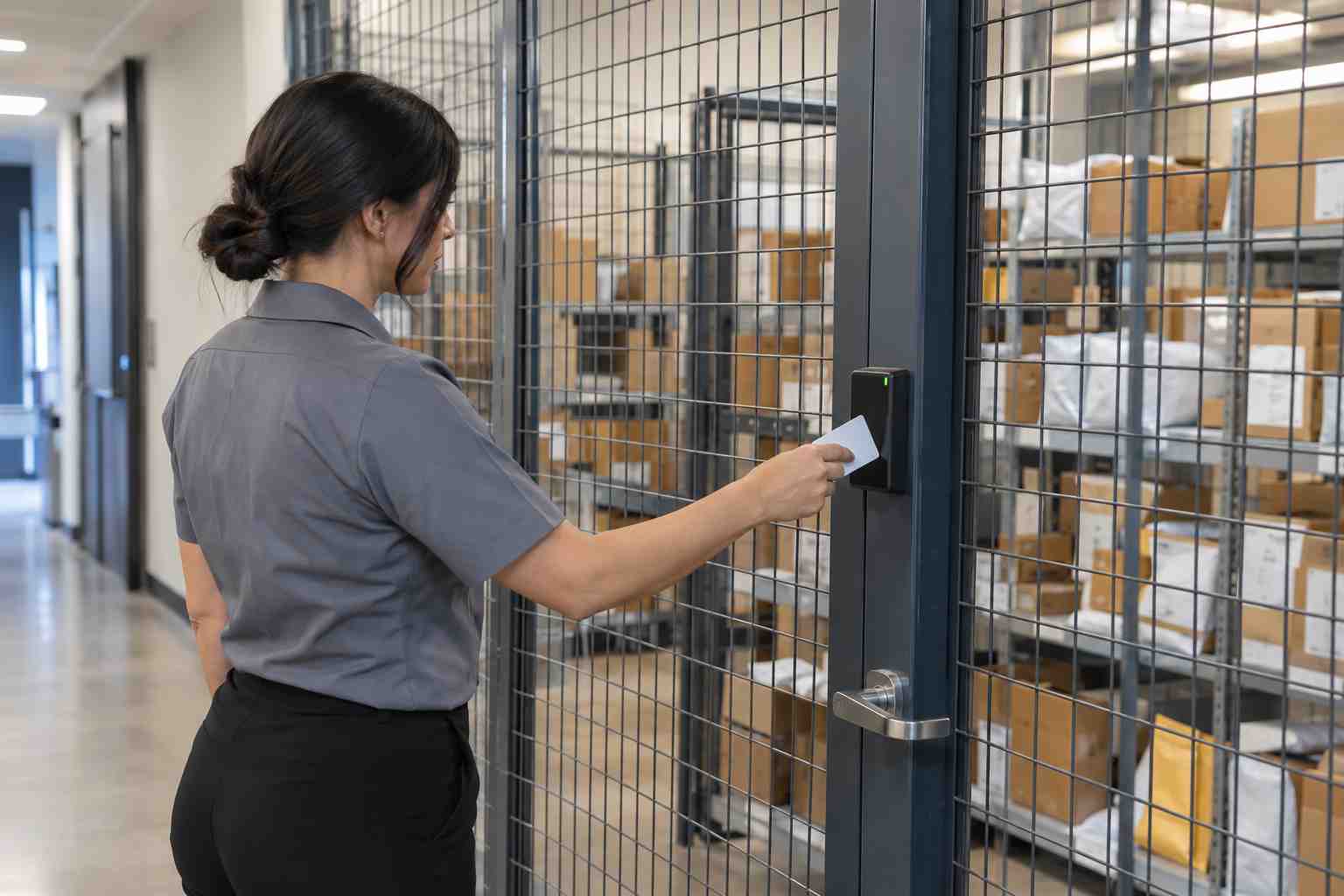
Security belongs in your SOPs because people are part of the risk. The USPS best practices page recommends appointing a Mail Security Coordinator, and an alternate if the mail center is large. It also recommends keeping updated employee lists and limiting access to the mail center with sign-in sheets, badges, or card readers, and publishing an incident report after every incident.
Turn these ideas into your own steps. Name the person responsible for security. List who has keys, badges, or system logins. Describe what to do when an unknown person asks for a package. Describe how and when a suspicious package is reported, and to whom. Then review the list when people join, change roles, or leave. A short quarterly review is enough for most sites.
Software helps by limiting who can see and change records. User and group permissions let you give a part-time temp access to intake and release without letting them delete records or run reports. Keep the permission list in your SOP so a manager can check it against reality.
Shift Handoffs and Absences
A procedure written for one person fails the day that person is out. People are absent from work often enough to plan for it. The Bureau of Labor Statistics reports that 3.2 percent of full-time wage and salary workers were absent in 2025, and 2.2 percent were out due to illness or injury. Across a team of five, that is a small chance on any day, but it adds up over a year.
Your SOPs should name a backup for each role and describe what that person needs to know. They should also describe the end-of-shift handoff. At a minimum, the person leaving should record what is still open, what is waiting on a call, and what is urgent for the next shift. A shared system makes this easy, because the next person sees the same open items without a note.
Training and Keeping Procedures Current
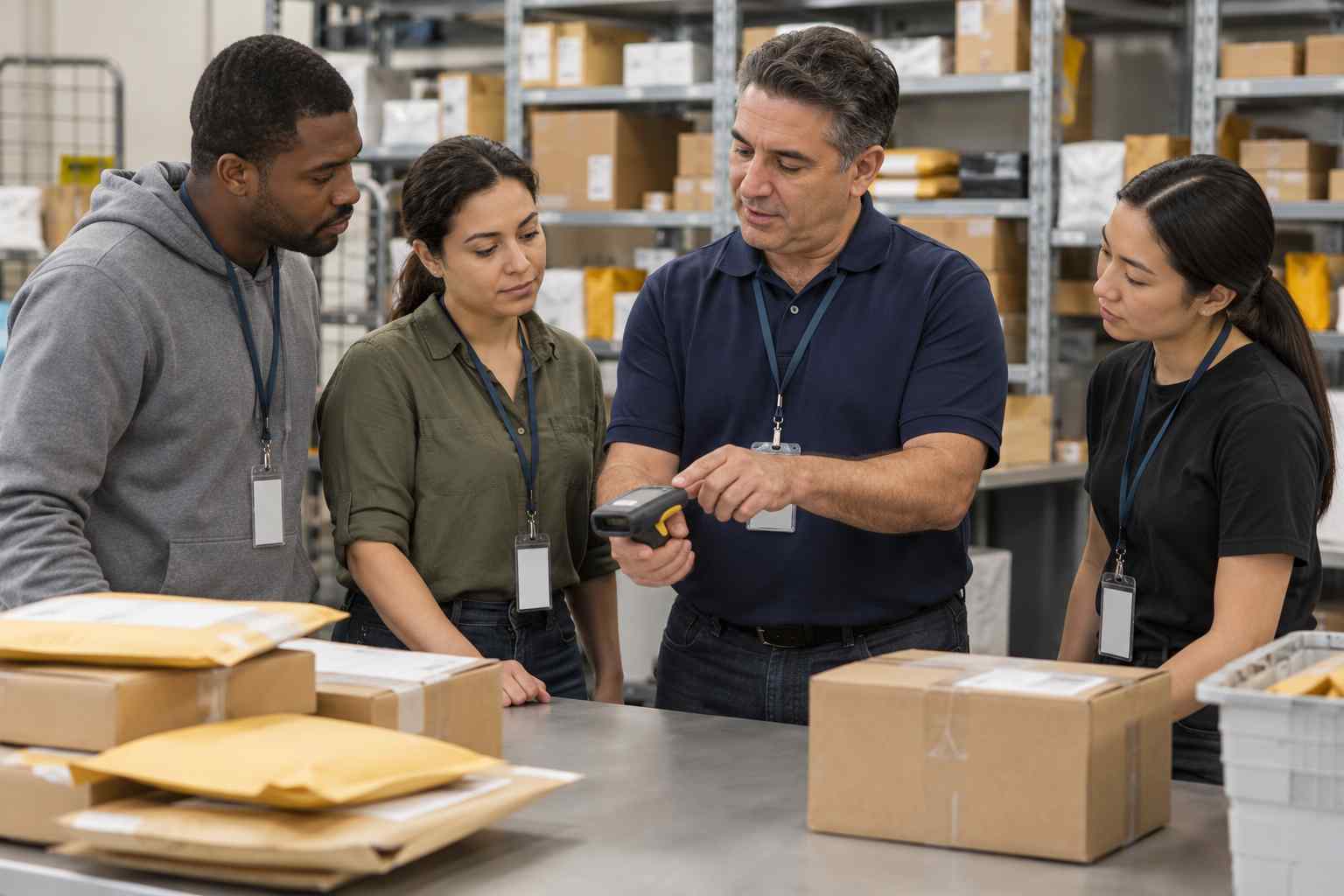
A procedure no one has read is not a procedure. Build training around the SOPs, and make them the reference during the first week of any new hire. The USPS best practices page recommends that mail centers train personnel in their policies and procedures. Training also becomes easier when the software enforces the steps. Our article on how to train mailroom staff on new package tracking software shows how to do it without slowing daily work.
Keep a review schedule. Assign each procedure an owner and a review date, and update it when something changes, such as a new carrier, a new building, or a new security rule. Store the current version where staff can reach it and keep an archive of older ones. If a dispute arises, you can show which version was in force on a given date.
How Package Tracking Software Turns SOPs Into Daily Practice
Written procedures work best when the daily tools match them. If your SOP says every package must be scanned, notified, and signed for, the software should make those steps the easiest path. If your SOP says oversized items need a special flag, the software should have a field for it. Otherwise staff must work around the system, and the SOP becomes a document that few follow.
Think of software as the SOP in action. Intake scans create the log. Notifications and reminders send on schedule. Signatures at pickup close the record. Reports show how many packages are open, how long they have waited, and who handled them. That gives managers evidence for audits, and it gives staff a clear routine. You can read the details in our package tracking white paper.
Software also gives you better answers when someone asks whether procedures are followed. Instead of checking binders, you can pull a report of notification times, pickup times, and open items. If a step is regularly skipped, you can see where, and fix either the training or the procedure.
A Practical Starting Checklist
If you are starting from nothing, do not try to write every procedure at once. Begin with the five that matter most and add more over time.
- Receiving and inspection. Who accepts deliveries, what they check, and how damage is noted.
- Logging and storage. What is recorded and where packages go.
- Notification and reminders. Who is told, when, and how often.
- Pickup and release. How identity is checked and what record is created.
- Exceptions and escalation. What to do with damaged, unclaimed, or unidentified packages, and who decides.
Write each in plain language, test it with a person who has never worked in the mailroom, and fix any steps that confuse them. Then train, post, and review. The goal is not a perfect manual. It is a set of steps that people follow every day.
Frequently Asked Questions
What is a mailroom standard operating procedure?
It is a written set of steps that explains how to do one mailroom task the same way every time, such as receiving a delivery, logging a package, or releasing it to a recipient.
What should a mailroom SOP include?
A good SOP includes a purpose, scope, roles, numbered steps, exception handling, security rules, and a review date. It should be short enough that staff can use it during a busy shift.
How often should mailroom procedures be updated?
Review each procedure at least once a year, and update it when something changes, such as a new carrier, building, system, or security requirement.
Can package tracking software replace written procedures?
No. Software enforces many steps, but you still need written procedures for exceptions, security, backup coverage, and decisions that people must make. The best results come from using both together.
Who should own the mailroom SOPs?
The mailroom or facilities manager usually owns them. Assign each procedure its own owner and review date, and name a backup so the work continues when someone is away.
Want to see how your procedures could run inside a single tool? Schedule a demo and we will walk through a full intake-to-pickup workflow built around your own steps.
