
Why Does My Package Tracking Show It Moving Farther Away From My Address?
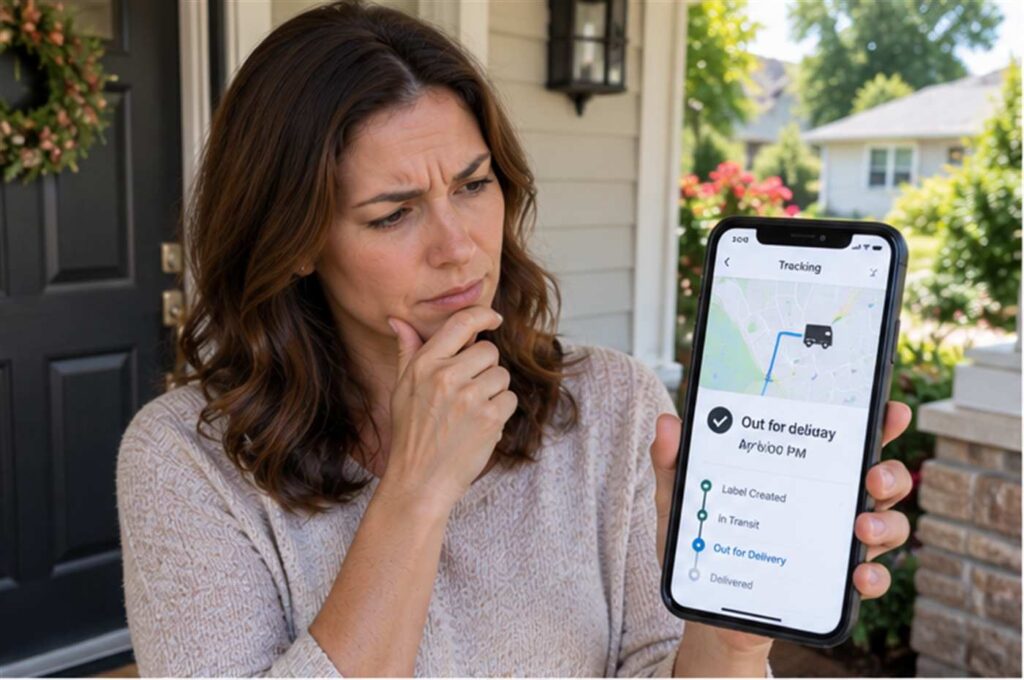
When your tracking page shows a package moving away from your city instead of toward it, the most likely explanation is that the package is being routed through a regional sorting hub before it starts its final approach to your address. Carriers rarely ship a package in a straight line from the seller to your door. Instead, packages travel through a network of sorting facilities, and the fastest route through that network sometimes runs through a hub that sits farther from you than your package’s starting point. This backward-looking movement is usually normal and temporary, not a sign that your package is lost.
What Is Actually Happening When Your Package “Backs Up” on the Map
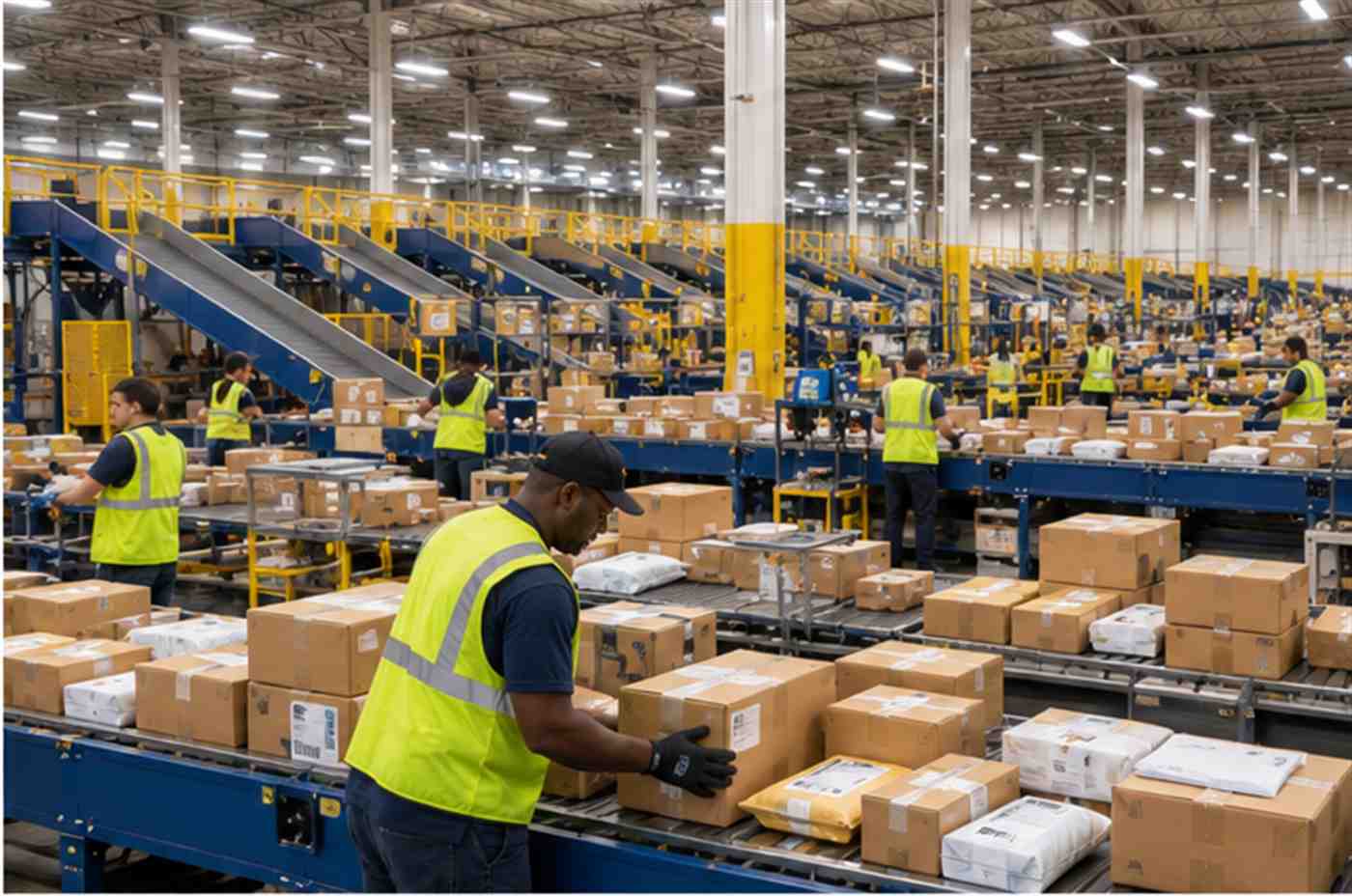
Every major carrier, including USPS, UPS, and FedEx, relies on a hub-and-spoke network rather than direct point-to-point delivery for most shipments. A package first gets picked up locally, then it usually travels to a larger regional processing center where it gets sorted along with thousands of other packages heading toward the same general region. Only after that sorting step does the package get loaded onto a truck or plane heading toward the facility that actually covers your delivery route.
Consider a realistic example. A shopper in a small town orders a phone case from a seller two states away. The seller’s local post office is not equipped to sort packages for long-distance routes, so the package first travels to the nearest regional processing hub, which happens to be in a large city in the opposite direction of the shopper’s home. From there, it gets consolidated with other packages and shipped to the regional hub that actually serves the shopper’s ZIP code, which may require passing back through or near the seller’s original area again. On a tracking map, this looks like the package moved away from the shopper and then doubled back, even though the carrier was simply following its most efficient sorting path.
Why Carriers Route Packages Through Regional Hubs First
The United States Postal Service has been actively rebuilding its network around large Regional Processing and Distribution Centers, or RPDCs, as part of a multi-year modernization plan. According to the USPS Office of Inspector General, these regional centers are designed to “sort all mail and packages that are being sent to other regions, as well as sort packages for delivery in the regional area,” and they serve as “the hubs for the Postal Service’s long-distance transportation.” With roughly 60 of these regional hubs planned to cover the entire country, each one serves a large territory, which means a package can easily travel to a hub that sits in a different direction from its final destination before heading back toward you.
UPS and FedEx use a similar hub-and-spoke design with their own regional sorting centers. The specific facility names differ, but the underlying logic is the same: consolidating packages at a smaller number of large hubs lets a carrier fill trucks and planes more efficiently than shipping each package on its own separate direct route. A fuller truck or plane costs less to operate per package and reduces the number of individual trips needed, which is part of why nearly every national carrier has moved toward this model rather than shipping packages directly from origin to destination.
Common Non-Routing Reasons a Package Seems to Move the Wrong Way
Normal hub routing accounts for most cases of a package appearing to move backward, but a few other situations can produce the same effect on a tracking page. A sorting facility that is running over capacity, especially during a high-volume period like the winter holidays, may reroute overflow packages to a less busy facility even if that facility sits farther from the final destination, simply to keep the overall system moving rather than letting packages sit idle at a jammed hub. Severe weather can cause something similar. A hurricane, blizzard, or major flight disruption can force a carrier to reroute an entire batch of packages around the affected region, which can add what looks like an unnecessary detour to the tracking history.
Consolidation is another common cause. Carriers frequently group packages heading toward a similar general direction onto the same truck or aircraft, even when the packages have slightly different final destinations. If most of the other packages on that particular route are headed toward a hub in one direction, your individual package may briefly travel that way too before being separated out and redirected toward your specific delivery area at a later sorting step.
A smaller number of cases involve an actual scanning or data entry error rather than the package physically traveling anywhere unusual. A worker at a sorting facility can occasionally scan a package into the wrong outbound bin, which briefly shows an inaccurate location on the tracking page until the mistake is caught and corrected at the next scan point. These errors are less common than genuine hub routing, but they do happen, particularly during periods of especially high package volume when facilities are moving as quickly as possible.
How Long Is Normal Before You Should Worry
A single instance of backward-looking movement, especially early in a package’s journey, is rarely a reason for concern. Most packages that appear to move away from their destination correct course within one to three business days as they clear the regional hub and get loaded onto the truck or plane heading toward the correct local delivery facility. If a package is still showing the same distant location, or continues moving in an inconsistent pattern, for more than four or five business days without any forward progress toward your area, that is a stronger signal that something beyond normal hub routing may be involved, such as a facility backlog or a genuine misrouting error that has not yet been caught.
It also helps to look at the pattern of scans rather than a single data point. A package that shows one facility scan that looks unusual, followed by scans that steadily move closer to your address again, is almost always just following a normal hub-and-spoke route. A package that keeps bouncing between distant facilities with no clear forward trend over several days is a more reliable sign of an actual problem worth escalating.
What to Do If the Backward Movement Does Not Resolve
If a package has shown no forward progress for several business days, the first step is to check whether the carrier’s tracking page includes any service alerts for the facility currently holding your package, since regional weather events or facility-wide delays are often posted publicly and can explain an otherwise confusing pause. If there are no posted alerts and the package still has not moved, contacting the carrier directly, rather than only the seller, often produces more specific information, since the carrier’s support team can sometimes see internal facility notes that are not visible on the public tracking page.
If several days pass with no resolution and no clear explanation from the carrier, contacting the seller or retailer is a reasonable next step, since many sellers can open a formal trace or claim with the carrier once a shipment has been stalled or seemingly misrouted for an extended period. Keeping a record of the tracking number, the dates of each unusual scan, and any correspondence with the carrier makes this process faster if a formal investigation becomes necessary.
How to Read the Facility Names in Your Tracking History
Most tracking histories list a facility name and city each time a package is scanned, and learning to recognize what those names mean can make the whole process much less confusing. USPS tracking entries typically reference a specific Regional Processing and Distribution Center, a Sorting and Delivery Center, or a smaller local post office, and the RPDC names usually correspond to a major metro area rather than the exact town where you live, since one RPDC can cover an entire multi-state region. UPS tracking histories reference facility types like a hub, a regional ground center, or a local delivery facility, while FedEx uses similar language such as a hub or a local ramp for air shipments. None of these facility names are meant to indicate the shortest possible route to your address. They indicate whichever facility is responsible for sorting packages heading in your general direction at that stage of the journey.
It also helps to notice how far apart the scan timestamps are. A package that shows a scan at a distant hub followed by a scan at a facility closer to you within a day or two is following a completely normal sequence. A package that sits at the same distant facility for several days with no new scan at all is a different situation, since that gap usually points to a genuine delay at that facility rather than the routing itself being the problem. Distinguishing between “went somewhere unexpected but kept moving” and “went somewhere unexpected and then stopped” is one of the most useful habits for figuring out whether a delay needs your attention.
Frequently Asked Questions
- Does backward movement mean my package is lost? Not usually. In most cases it simply reflects the carrier’s hub-and-spoke sorting process, where a package travels to a regional processing center before heading toward its final destination, even if that center is not in the direction of your home.
- Is this more common during the holidays? Yes. High package volume during the holiday season increases the chances that a facility will reroute overflow packages to a less busy hub, which can add what looks like an extra detour to the tracking history.
- Should I contact the carrier the first time I see this happen? Usually not right away. Give the package a few business days to clear the hub and resume forward progress before treating it as a problem worth escalating.
- Can a scanning mistake cause this too? Occasionally. A package can be scanned into the wrong outbound sorting bin at a busy facility, which shows an inaccurate location briefly until the next scan corrects it.
If you are the one responsible for tracking incoming packages for other people, such as running a mailroom, apartment complex, or business receiving area, understanding a single package’s journey is one thing, but keeping every delivery logged and accounted for across dozens or hundreds of packages a day gets a lot harder to do by memory alone. Teams in that position often find it easier to rely on dedicated package tracking software instead.
