
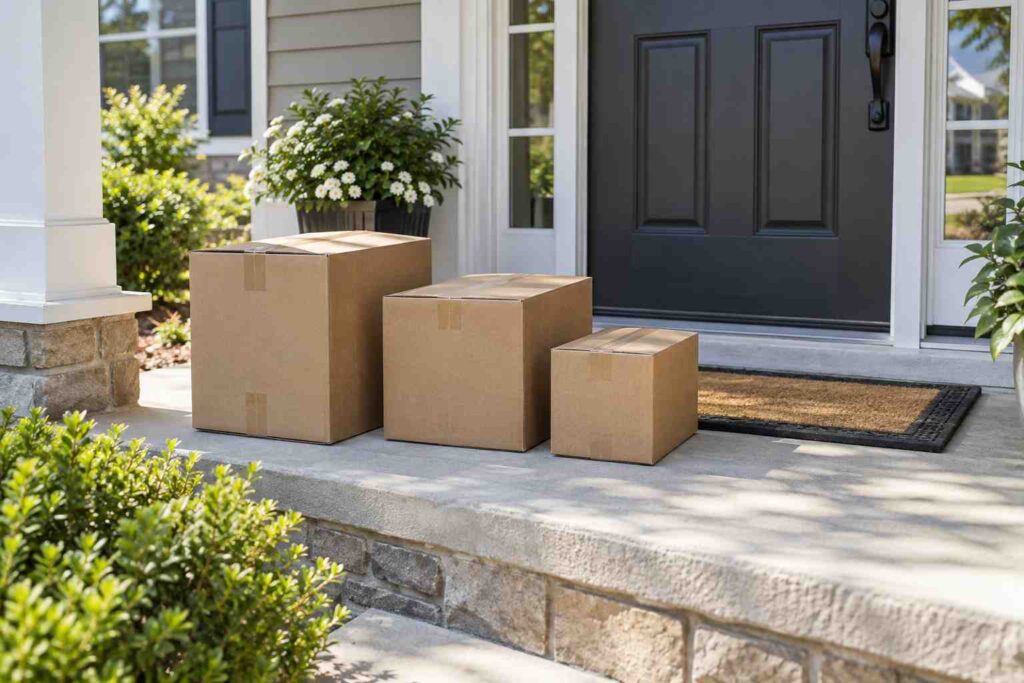
Why Did My Package Arrive in Multiple Boxes Instead of One?
Your package arrived in multiple boxes because the retailer’s warehouse system split your order to get each item moving as soon as it was ready, rather than waiting for every item to be picked, packed, and located in one place. Each box usually travels under its own tracking number, on its own schedule, and sometimes through a different carrier entirely, which is why the pieces of a single order can show up a day or two apart instead of all at once. This has become more common, not less, as major retailers have pushed toward faster and faster delivery promises, since holding an entire order together for a single shipment often conflicts directly with getting the fastest possible item to your door.
Why Retailers Split One Order Into Several Shipments
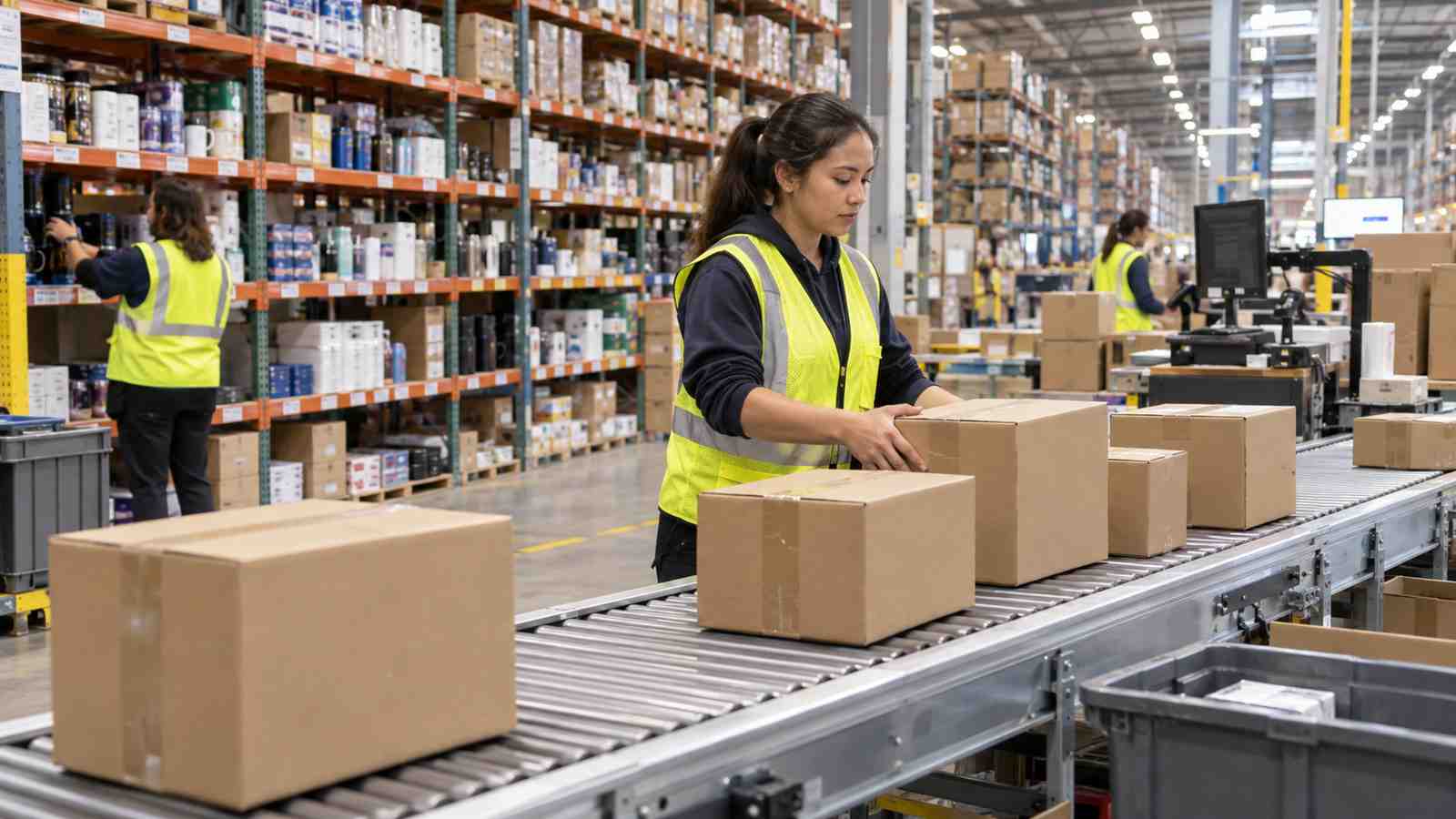
Large online retailers manage inventory across many fulfillment centers spread around the country, and it is unusual for every item in a cart to be sitting in the same building. When you check out, the retailer’s system looks at where each item is stored and how quickly it can be picked and shipped from that location. According to Ship24’s guide on split deliveries, orders are commonly divided because some items are ready to ship while others are still being processed or restocked, because items are stored in different fulfillment centers to optimize regional delivery times, or because the retailer’s shipping policy simply prioritizes getting each item moving the moment it is available rather than holding the whole order back.
Picture a customer who orders a phone case, a set of towels, and a small kitchen appliance in one checkout. The phone case might be sitting in a regional warehouse ten miles from the customer’s home, ready to ship the same afternoon. The kitchen appliance might be stored at a distribution center two states away and take an extra day to reach a truck. If the retailer waited for all three items to be picked and combined into one box, the phone case would sit idle for a day or more even though it could have already been on its way. Shipping each item as soon as it is ready gets the overall order to the customer faster, even though it looks like more boxes and more separate tracking numbers along the way.
Marketplace Orders With More Than One Seller
A second common reason involves marketplace-style retailers where individual items in your cart are sold and shipped by different third-party sellers rather than the retailer itself. If you buy a phone charger from one seller and a set of desk organizers from another seller on the same marketplace, those two sellers almost always pack and ship their own items independently, using their own shipping accounts and their own carriers. The retailer’s website can still show both purchases under a single order number for your convenience, but behind the scenes they are two entirely separate shipments with two tracking numbers, two delivery estimates, and no coordination between them. This is one of the most frequent causes of confusion, because the order confirmation email looks unified even though the fulfillment is not.
Items that require special handling add another layer to this. Oversized furniture, fragile glassware, and anything requiring temperature control or hazardous materials handling typically has to move through a different shipping method or a different carrier than a small, standard box. A retailer selling both a lightweight accessory and a bulky item in the same order will usually route the bulky item through a freight or oversized-parcel service while the smaller item goes out through standard ground shipping, guaranteeing two separate deliveries even when the order page implies one.
It is also worth knowing that the order confirmation page you see right after checkout is not always the final word on how many boxes to expect. Many retailers only decide how to divide the shipment after checkout is complete, once the warehouse system runs its own fulfillment logic against real-time inventory. That means a customer can place an order expecting one box, receive an automated email a few hours later noting that the order has been split, and only then see two or three separate tracking links appear on the account page. Reading that follow-up email carefully, rather than relying on memory of the original checkout screen, is one of the simplest ways to avoid confusion later in the week.
Carrier Size and Weight Limits Also Force a Split
Even when a retailer would prefer to consolidate everything into one box, the shipping carrier itself sometimes will not allow it. UPS, for example, documents a maximum weight of 150 pounds per standard package and a combined length-plus-girth limit of 165 inches, measuring girth as two times the width plus two times the height, according to UPS’s own shipping dimensions and weight guidance. An order that would exceed those limits if boxed together has to be split into two or more packages regardless of which warehouse the items came from, both to stay within the carrier’s rules and to reduce the risk of a heavy, oversized box being damaged or mishandled in transit.
This is easiest to picture with a large furniture or appliance order. A retailer shipping a desk, a chair, and a small lamp together might find that the desk alone is close to the weight or size ceiling for a single parcel. Rather than risk a rejected shipment or a costly oversize surcharge, the retailer boxes the desk on its own, ships the chair separately, and sends the lamp in a small parcel that can move through standard ground service. The customer ends up with three delivery dates instead of one, but each box arrives intact and within the carrier’s normal handling process instead of being flagged, delayed, or damaged.
What to Do If Only Some of Your Boxes Have Arrived
If one box shows up and others do not, the first step is to check your order confirmation page or account order history rather than assuming something is wrong. Most retailers display each shipment separately once an order has been split, and each shipment listing typically includes its own tracking number and its own estimated delivery date. Comparing those dates against what has actually arrived usually clears up the confusion immediately, since it is common for one box to be a day or two behind the other simply because it started its journey later or came from farther away.
It generally makes sense to wait until the latest estimated delivery date on the outstanding shipment has passed before treating anything as lost. Carriers occasionally scan a package late or route it through an extra facility, which can make tracking look stalled for a day even though the box is still moving normally. If the estimated delivery date passes with no further tracking updates and no box, that is the point where following up becomes worthwhile rather than premature.
Keeping the packing slip that arrives inside the first box is also worth the extra minute, since a partial packing slip usually lists everything included in that specific shipment rather than the entire order. That distinction matters when you contact support, because it lets you state clearly which items were in the box that arrived and which items are still outstanding, instead of the support representative having to guess which pieces of a multi-item order made it to your door and which did not.
When to Contact the Retailer Versus the Carrier
Knowing who to contact first can save real time. If the tracking number for the missing box shows regular movement, scans at facilities, an out for delivery status, that is a carrier issue and the carrier’s customer service or claims process is the right first stop. If the tracking number for that shipment has never updated at all, or the order page shows the item as “preparing to ship” well past its original estimate, that points to a fulfillment problem on the retailer’s or seller’s side, and the retailer’s customer service is better positioned to look into what happened before the box ever reached the carrier.
For marketplace orders shipped by a third-party seller, it is worth contacting that specific seller through the marketplace’s messaging system first, since they control the shipment and can often resend an item or issue a refund faster than the marketplace’s general customer service team can chase down a shipment they never directly handled. Keeping the order confirmation email handy, with both tracking numbers visible, makes either conversation faster because the support representative can immediately see that the order was split and does not need to search for a shipment that technically already has separate paperwork.
Getting Fewer Boxes on Future Orders
Some retailers offer a way to reduce how often this happens. Amazon, for instance, offers a delivery option that groups an account’s eligible orders into fewer shipments on a chosen day each week, which cuts down on both the number of boxes arriving and the packaging waste that comes with each one. It generally means waiting slightly longer for items that would otherwise ship immediately, so it works best for orders that are not urgent. Choosing a single, in-stock warehouse item over a mix of items from different sellers or different stock locations also naturally reduces the odds of a split shipment, though it is not something a shopper can fully control on every order.
On a related note, if you are the one responsible for logging deliveries at a mailroom, apartment community, or business receiving area rather than just tracking your own personal order, keeping every incoming box, however many arrive, tied to the right recipient is exactly what package receiving software is built to handle.
