
What Does “Delivery Attempted, No Access to Delivery Location” Mean on My Tracking?
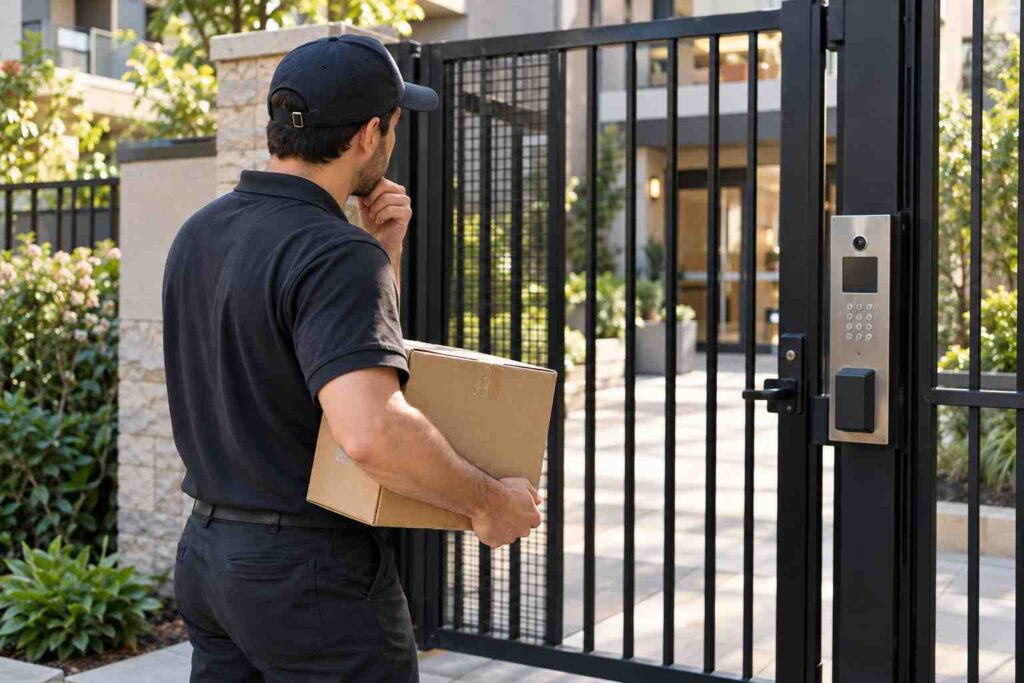
“Delivery attempted, no access to delivery location” means the driver came to your address but could not reach the spot where the package was supposed to go, so the delivery was not completed. It does not mean your package is lost. Common causes are a locked gate, a blocked driveway, a loose dog, a building that needs a code, or an address detail the driver could not use. The carrier will usually try again, hold the package, or send it back if the problem is not fixed.
This message is frustrating because you may have been home all day and never saw a driver. This guide explains what the status means, why it shows up even when you think the path was clear, what each major carrier does next, and the steps you can take today to get your package moving again.
What the Message Really Means
Carriers use short status phrases that cover a lot of situations. “No access to delivery location” is one of those phrases. It tells you the driver arrived near your address, or tried to, and something stopped them from walking or driving to the final drop point. The key word is “access.” The problem is almost never the package itself. It is the path to your door, your mailbox, or your mailroom.
Picture a driver pulling up to a townhouse community with a locked gate. Without a code, the driver cannot get in. They scan the package as “attempted,” drive on, and your tracking updates a few minutes later. You were home, but you never heard a knock, because the driver never reached your door.
Common Reasons You See This Status
Locked Gates and Secure Buildings
Gated communities, apartment buildings with entry doors, office suites, and college dorms are the most common cause. A driver often cannot enter without a code, a key, or someone to buzz them in. If no code is on file with the carrier and no one answers the buzzer, the driver marks the stop as no access and moves on, because they have a long route to finish.
Blocked Driveways and Roads
A parked car, a delivery truck, road work, snow, or a fallen tree can block the way to your mailbox or door. Rural routes with narrow roads can be hit hard by weather. A driver is not going to take a risk on a flooded or icy road, and the stop will often be marked as an access problem.
Dogs and Other Safety Concerns
Drivers are trained not to go where a loose dog or other safety risk is present. A dog in an open yard is a common reason. Even a friendly dog can cause an attempted delivery status, because the driver cannot tell. If you have a dog, bring it inside during the day, or place a note on your door about where to leave packages.
Address Problems
A missing apartment or unit number, a typo in the ZIP code, or a street number that is hard to see from the road can all lead to this message. In a big building, a driver who cannot find unit 4B inside a complex of six buildings may mark the stop as no access. A clear address with the unit number on the first line is one of the easiest fixes.
Mailbox Problems
For USPS, a mailbox that is full, locked, or too small for the package can also cause a failed attempt. When that happens, the carrier usually leaves a notice and the package is held at the post office. If your package is waiting at the post office, our article on what “Held at Post Office” or “Available for Pickup” means explains what to do.
What Each Carrier Does Next
UPS
UPS generally makes up to three delivery attempts on regular business days. After that, the package is usually held at a local UPS facility or moved to a nearby UPS Access Point, a partner store where you can pick it up. If no one claims it, UPS typically returns the package to the sender after about a week. The exact steps can vary by service and by the shipper’s instructions, so look at the notes on your tracking page.
FedEx
FedEx also tries again on the next delivery day in most cases, and it may leave a notice on your door. After repeated attempts, FedEx holds the package at a local location for pickup, and it may be returned to the sender after a set time. FedEx Delivery Manager lets you set delivery instructions, such as a gate code or a safe place, and request a new date.
USPS
USPS usually leaves a notice (often called Form 3849) and tries again the next delivery day, or holds the package at the post office for pickup. USPS typically holds a package for up to 15 days before returning it. You can request a redelivery online, through the USPS app, or from your Informed Delivery dashboard. If you want to know more about how that tool works, see our article on USPS Informed Delivery.
Amazon and Other Delivery Services
Amazon drivers often try again the next day, and the Amazon app lets you add access codes and delivery notes for your address. Some services return the package to a station quickly. If your Amazon order shows an access issue, update your delivery instructions in the app right away.
What You Can Do Today to Fix It
The good news is that most no-access problems are fixable in a few minutes. Work through these steps in order.
- Read the exact tracking message. Open the full tracking history and look for notes such as “gate locked” or “unable to access building.” The detail may point to the exact cause.
- Add access details. Use the carrier’s delivery tool to enter your gate code, building code, or a note like “Leave at the front desk.” Each major carrier has a free tool for this.
- Clear the path. Move any cars, bins, or objects that block the driveway or walkway. Put pets inside. Make sure your house number is easy to see from the street.
- Fix the address. If your unit number or ZIP code was wrong at checkout, contact the seller. If the address is right, ask the carrier to flag it.
- Request a redelivery or pickup. Choose a new date when you will be home, or ask for the package to be held at a local store or post office.
- Contact the seller. If the package has been returned or is close to the hold limit, the seller can often reship or refund.
Here is an example. Sam lives in a four story apartment building where the front door locks automatically. A UPS package shows “no access to delivery location.” Sam logs into UPS My Choice, adds a note that says “Buzz unit 3C or leave with the front office,” and requests a Saturday redelivery. The next day, the driver rings the buzzer and the package arrives. A two minute fix saved a trip to a pickup center.
What If You Were Home and Saw No One?
This is the most common complaint, and it is worth being clear: a driver can mark a stop as attempted without knocking, especially if they believe the location is closed or blocked. If you were home and nothing was in the way, you have a right to ask for another try. Contact the carrier through its app or customer service and say, “I was home during the whole delivery window, and no one came to my door.” Ask for a redelivery and note the time of the attempt shown on the tracking page.
If this keeps happening, it may point to a bigger problem, such as a gate code not being on file or a route that skips your street. Ask the carrier to leave a note on your address for the local driver. If you suspect the driver never tried, it is also worth reading our article on why a package says “Arriving Today” but never shows up, since the causes overlap.
Is Your Package in Danger?
In most cases, no. A no-access attempt means the package is still in the carrier’s hands, on a truck or at a local facility. The risk grows if it sits for days past the carrier’s hold limit, because then it is returned to the sender. That is why speed matters. If you find out on Monday and fix it by Tuesday, you will almost always get your package. If you wait two weeks, you may be waiting on a refund instead. If the package does come back to the sender, our article on why a package is returned to sender covers the next steps.
How to Prevent It Next Time
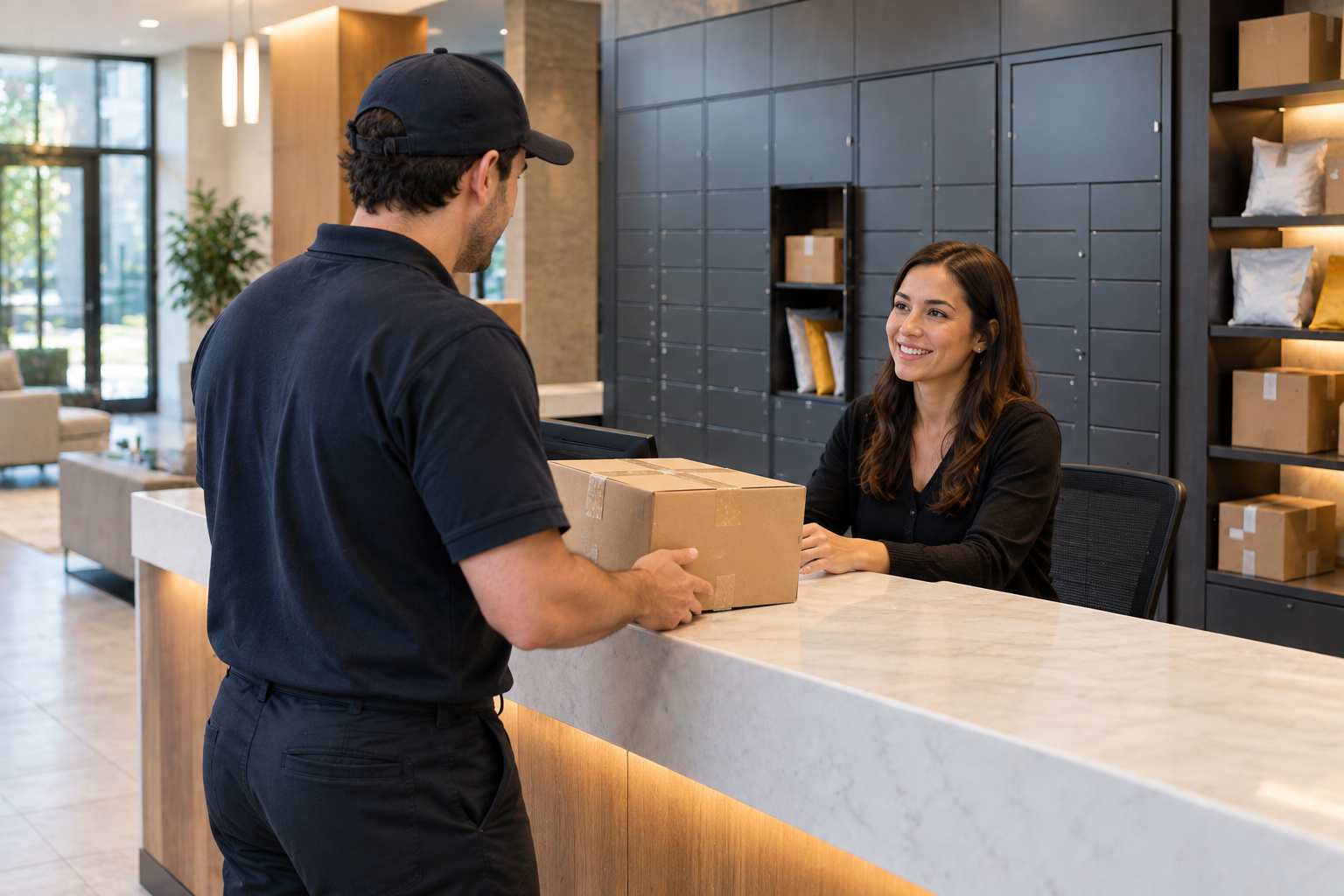
You can head off most of these failed attempts with a little planning. Save your gate or building code in your carrier accounts and in the delivery notes at checkout. Put the unit number on the first line of the address. Choose a pickup location, such as a locker or an access point, if your building is hard to reach. And if you live in a building with a front desk or mailroom, tell your management company so that staff know to accept packages.
Frequently Asked Questions
Is a package lost if it says no access to delivery location?
No. It means the driver could not reach the drop point. The package is still with the carrier and will usually be redelivered, held, or returned.
How many delivery attempts will a carrier make?
It varies. UPS generally makes up to three attempts. USPS and FedEx typically try again the next delivery day and then hold the package for pickup.
Can I request redelivery after a failed attempt?
Yes. UPS My Choice, FedEx Delivery Manager, USPS online redelivery, and the Amazon app all let you pick a new day or add delivery notes.
What if I was home and nobody came?
Contact the carrier, say you were home, and ask for a redelivery. Mention the time of the attempt shown in the tracking history.
How long does a carrier hold a package before returning it?
It depends on the carrier. USPS usually holds a package up to 15 days. UPS and FedEx often hold packages for about a week. Check your tracking page for the exact date.
If you track packages for other people, such as in a mailroom, apartment complex, or business receiving area, TekCore’s parcel management software can help you log each delivery and know who still needs to pick one up.
