
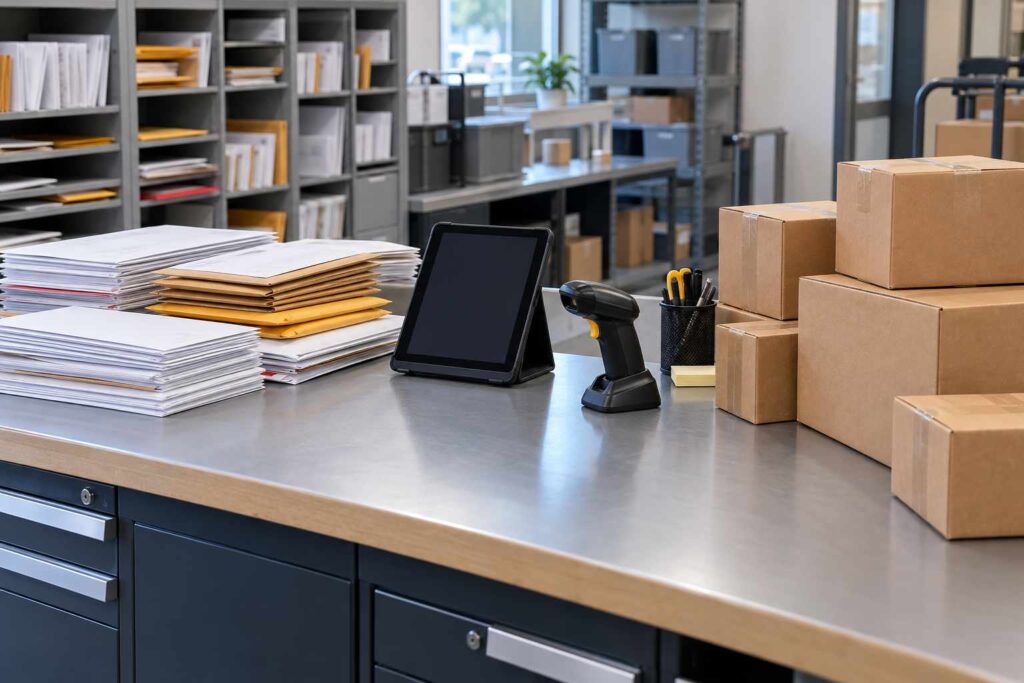
Tracking Mail and Packages Together: One System or Two for Your Mailroom
Most organizations are better served by one system that tracks both mail and packages, because staff, recipients, and reports all benefit from a single workflow. Running two separate tools, or a software tool for packages and a paper log for letters, doubles the training, splits the records, and makes it hard to answer a simple question like “what arrived for this person today?” The exception is a mailroom that handles very little of one type, or one that must keep regulated mail in a separate controlled process. This guide explains how mail and package tracking differ, when a single system works best, and how to choose.
For years, mailrooms treated letters and packages as separate jobs. Letters were sorted into pigeonholes, and packages were signed for at the dock. Today the line is blurry. Packages arrive from many carriers, letters still come from the postal service, and a growing share of mail is scanned and delivered digitally. A mailroom manager now has to ask whether one tool can handle all of it, and what is lost if it cannot.
How Mail and Package Tracking Differ
The two types of items behave differently, and that is why separate tools exist. Packages usually have a carrier tracking number, a size and weight, and a clear recipient. They are large, they need shelf space, and they often need a signature at pickup. Each one is an individual item with a record of its own.
Letters and standard mail are usually untracked. They arrive in bulk trays, are sorted by name or department, and are delivered to a mailbox or cart. Most are low-value, and logging each letter would take more time than the letter is worth. Still, some mail is high-value: certified mail, registered mail, legal notices, checks, and government letters. These items need the same chain of custody as a package.
Digital mail adds a third kind. Some organizations scan the outside or contents of incoming letters and send them to recipients electronically. That is a different workflow from handing over a physical item, though it still needs a record of who received the scan and when.
So the question is not “mail or packages.” It is “which items need an individual record, and which can be handled in bulk.” A good system lets you track the first group closely and treat the second group with a lighter touch.
The Case for One Combined System
A single system has clear advantages. The first is simplicity for staff. Mailroom clerks learn one screen, one scanner, and one set of steps. Training takes less time, and temporary staff become productive faster. When a clerk is out, anyone can cover because the process is the same.
The second is a single record per person. When a recipient asks what they have waiting, the answer is in one place: two packages, one certified letter, and a scanned item. With two systems, the recipient has to check both, or the clerk has to look in both.
The third is better reporting. Leaders often want totals for everything the mailroom handles, such as volume by day, by department, and by type. Combined data shows the true workload, which supports staffing and budget decisions. Split data makes the mailroom look smaller than it is.
The fourth is cleaner notification. One alert system can tell recipients that something has arrived, whether it is a box or a certified letter. Recipients are not confused by two different message styles from two different tools.
Consider a university department mailroom that receives 400 packages and 1,200 letters a week. With separate tools, the clerk logs packages on a scanner and writes certified letters in a binder. A professor says a legal notice never arrived. The binder has the entry, but nobody notified the professor because the notification only exists in the package tool. A combined system would have sent the alert automatically.
When Separate Tools Make Sense
One system is not always the best answer. There are a few cases where separate processes are justified. The first is very small volume of one type. If you handle three hundred packages a week and a handful of letters, a tool built for packages is enough, and you may track the few certified letters by hand.
The second is regulation. Some organizations must keep certain mail, such as classified, legal, or health records, in a separate controlled process with its own access rules. The mailroom may log packages in one tool and keep sensitive mail under a different policy. In that case, the key is to make the boundary clear and documented.
The third is a decentralized setup, where different buildings or business units already use their own tools. Moving everyone to one system takes time and agreement. A phased approach works best: start by connecting the busiest sites, then add the rest.
Whichever route you choose, make sure the separate pieces do not leave a gap. High-value mail needs the same level of tracking as a package, wherever you record it.
What to Track for Mail
You do not need to log every envelope, and you should not try. Focus on the items where a record has value. Certified and registered mail, return-receipt items, overnight letters, legal documents, checks, and any mail that requires a signature belong in the system. So do items addressed to executives or regulated departments, if your policy says so.
For bulk mail, a lighter process is fine. Sort by department, count the trays, and note the date. Some organizations use a daily batch count so they can spot a missing tray. The goal is to protect what matters without burying staff in data entry.
A mail tracking software tool can handle the tracked pieces with the same scan-and-notify flow that works for packages. This keeps the process consistent while leaving ordinary mail alone.
Features to Look For in a Combined System
If you decide on a single tool, check that it handles both types well. Use this short list during your evaluation.
- Flexible item types. The system should let you set up packages, certified mail, letters, and other categories, each with its own fields.
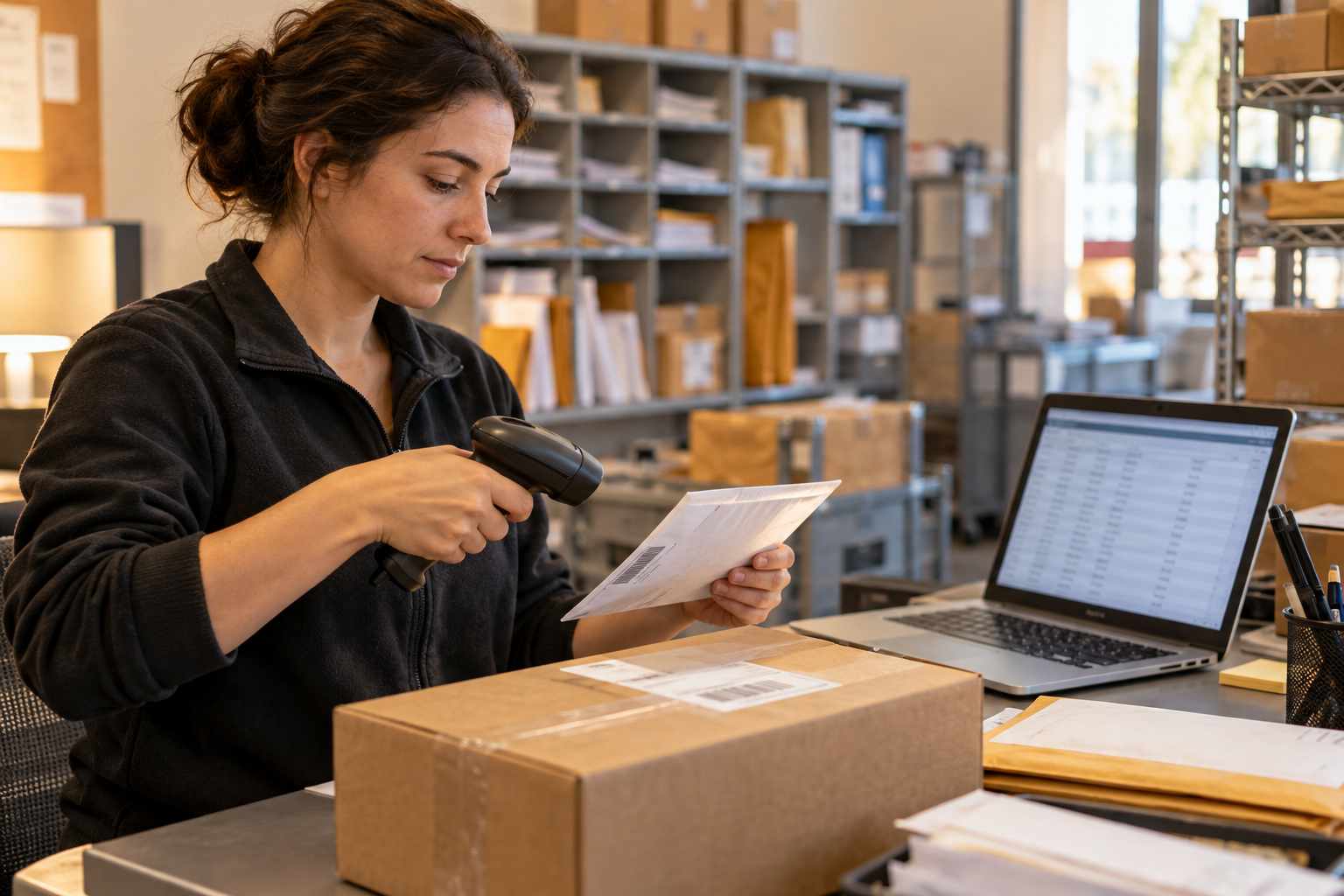
- Fast scanning. Barcode and label scanning for both packages and tracked mail, with manual entry when there is no barcode.
- Unified recipient record. One view of everything waiting for a person or department.
- Notifications. Automatic alerts and reminders for every tracked item.
- Signature and pickup proof. The same capture method for any item that needs a signature.
- Reporting. Volume by type, carrier, department, and time period.
- Digital mail support. A way to record scanned items or connect to a digital mailroom process if you use one.
Ask vendors to show a certified letter and a package going through the same workflow, from intake to pickup. If the demo only shows packages, ask why.
How to Move From Two Systems to One
If you already run separate tools, you can combine them in stages. First, list every type of item your mailroom handles, with monthly counts. This shows which items deserve tracking and which can stay in bulk. Second, map your current steps for each type. You will probably find that most steps are the same: receive, sort, notify, store, hand off.
Third, pick a pilot. Start with one site or one team for two to four weeks. Track both mail and packages in the new tool, and compare the results against your old process. Fourth, train staff in short sessions, and keep a written one-page guide at the scanning station. Fifth, retire the old tools only after the pilot succeeds, and archive their records so you can still search them.
Keep the move low-risk by running both processes for a short time. Once staff trust the new system, the old logbook will fade on its own.
Cost and Return
The cost of combining is usually lower than people expect, because most of the work is process, not software. You may pay for added item types or a larger license, but you save on training time, duplicate data entry, and the hours spent searching two records. Time saved on lookups and recipient questions adds up quickly in a busy room.
If you are planning a budget, request a quote that covers both mail and packages, so you can compare the real total against what you spend today.
Frequently Asked Questions
Can package tracking software also track mail?
Many systems can. Look for the ability to set up item types such as certified mail, registered mail, and letters, with signature capture and notifications.
Should I log every letter that arrives?
Usually not. Log high-value or signature-required items, and handle ordinary mail in bulk by department.
Is it better to use one tool or two?
One tool is usually simpler to train and report on. Two tools can make sense if your volume of one type is tiny or if regulated mail needs a separate process.
How does digital mail fit in?
Scanned mail needs its own record of who received the scan and when. A combined system can store both the physical and digital handoffs for a full history.
How long does it take to combine two systems?
A small mailroom can often finish a pilot in a few weeks. Larger, multi-site operations may take a few months to roll out in stages.
