
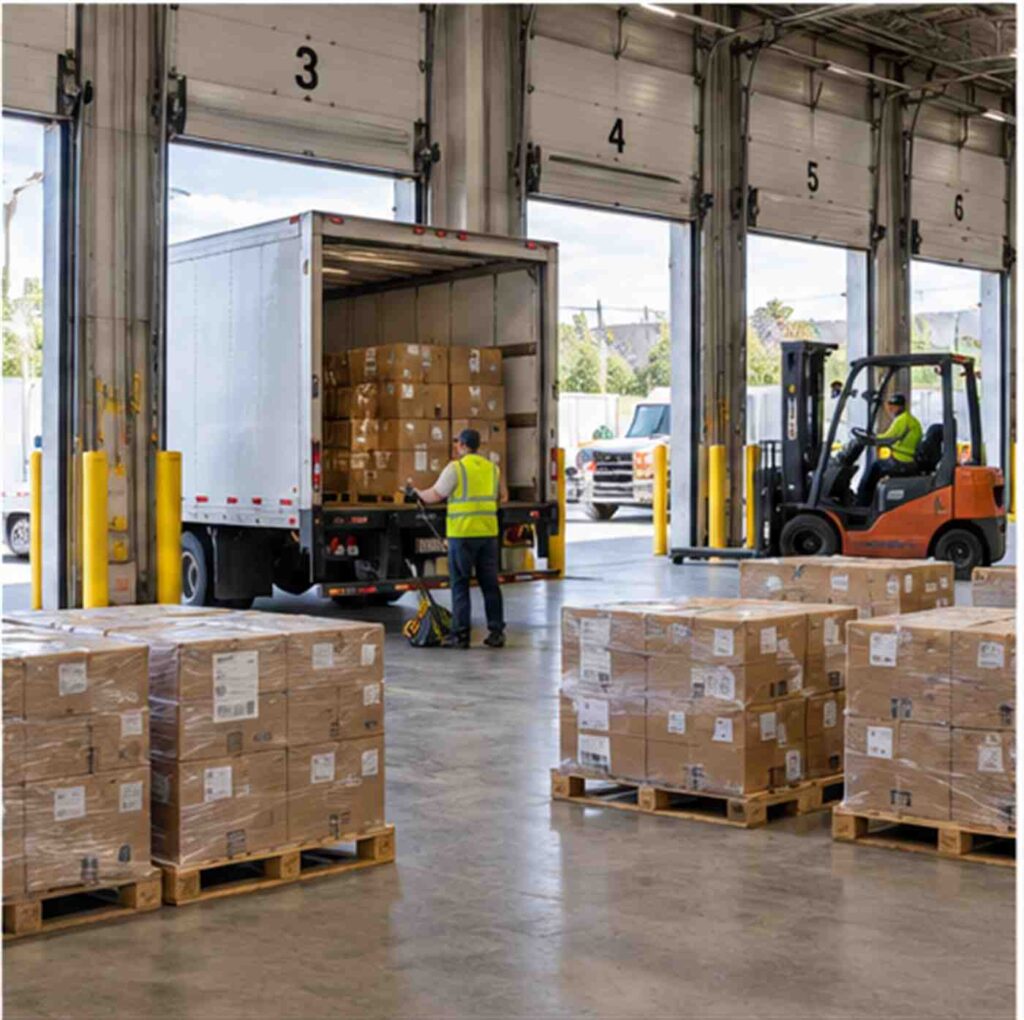
Package Tracking Software Built for Manufacturing and Warehouse Receiving Docks
Package tracking software for manufacturing plants and warehouses works the same way it does in an office mailroom in one respect: every inbound item gets scanned, logged, and matched to the person or department that needs it. What is different is the scale and the stakes. A warehouse dock might process hundreds of pallets, parts shipments, and small parcels in a single shift, often against a tight production schedule, and a missed or misrouted delivery can stall an assembly line rather than just annoy an employee waiting on a package. The right software for this environment needs to handle high volume, match deliveries against what was actually ordered, and log everything with enough detail to support both inventory accuracy and dock safety.
How Manufacturing and Warehouse Receiving Differs From Office Mailrooms
An office mailroom mostly deals with parcels: envelopes, small boxes, the occasional pallet of office supplies. A manufacturing or warehouse dock deals with a much wider mix, including raw materials, bulk components, packaged finished goods, and standard parcel deliveries from vendors, often arriving on multiple trucks at the same time across several dock doors. Receiving staff are not just logging that something arrived; they are checking it against a purchase order, verifying quantities and condition, and routing it either to a production line, a storage location, or a specific internal department, sometimes within minutes if the plant is running just-in-time inventory.
Consider a realistic scenario: a mid-sized parts manufacturer runs three shifts and receives components from a dozen suppliers throughout the day. Without a system tying deliveries to purchase orders automatically, a receiving clerk has to manually cross-reference paper packing slips against open orders, a process that gets slower and more error-prone as volume increases. If a shipment gets logged against the wrong order, or sits unscanned for a shift while staff catch up, a production line can end up waiting on parts that technically already arrived.
The Real Cost of Manual Receiving and Dock Congestion
Warehouse and dock environments are also physically demanding, and safety data backs that up. According to OSHA’s warehousing safety guidance, loading dock areas are consistently identified as one of the higher-risk zones within a warehouse, with hazards ranging from forklift traffic to trip hazards created by staged pallets and congestion around dock doors. A receiving process that relies on paper logs and manual sorting tends to create exactly that kind of congestion, since unscanned or unsorted freight has nowhere defined to go and often gets staged wherever there is open floor space near the dock, which is the same area forklifts and foot traffic need to move through safely.
There is a data-quality cost too. When receiving depends on someone remembering to update a spreadsheet or a paper log, inventory systems drift out of sync with what is physically on site, and that gap tends to surface at the worst possible time, such as a production line stopping because a part is not “in the system” even though it is sitting on a pallet ten feet away.
Matching Deliveries to Purchase Orders and ASNs Automatically
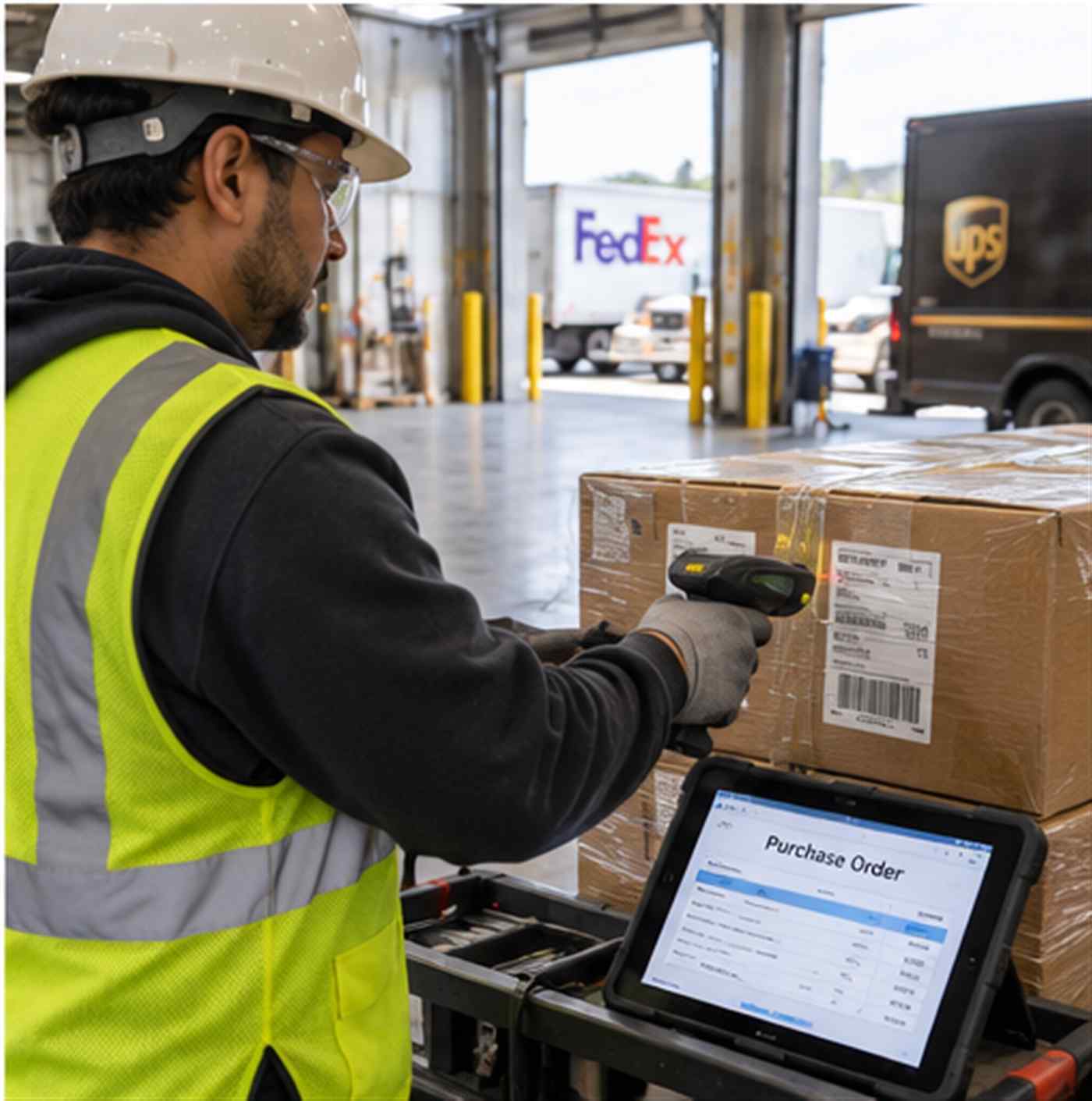
Many suppliers to manufacturers and distribution centers send an advance shipping notice, commonly called an ASN, ahead of a shipment’s arrival. An ASN is an electronic notice that describes what is on the way and roughly when it will arrive, and warehouses that put that information to use gain a real planning advantage, since dock schedules, labor assignments, and storage space can all be prepared before the truck ever shows up. Package tracking software built for this environment should be able to receive that ASN data, or at minimum let staff scan a barcode on arrival and immediately see whether it matches an expected order, flagging any mismatch in quantity or item right at the dock door rather than days later during a cycle count.
Automatic matching saves the most time on high-volume days. A system that checks each scanned item against an expected order in real time removes the manual cross-referencing step entirely, which matters most precisely when dock traffic is heaviest and staff have the least time to double-check paperwork by hand.
Chain of Custody From the Dock to the Production Floor or Storage
Logging the moment something arrives is only the first step. Manufacturing operations also need to know where an item went after it cleared the dock, whether that is a specific production line, a quality-control hold area, or a bin in general storage. Good inbound package tracking software keeps that full chain visible, recording each handoff so that if a component goes missing or a shipment needs to be traced back for a quality issue, staff can see exactly who received it, when, and where it was routed next, rather than relying on memory or a scrawled note on a packing slip.
This matters for audits and supplier disputes as much as it does for day-to-day operations. If a supplier claims a shipment was delivered complete and the plant disputes that, a time-stamped scan record with a photo or signature capture at intake is far more useful than a verbal recollection weeks later.
Notifications That Actually Reach the Right Person
In an office setting, a delayed pickup notification is a minor inconvenience. In a plant, a component sitting unclaimed at the dock because nobody told the production supervisor it arrived can mean idle machine time. Automated package tracking notifications tied directly to the department or person expecting a delivery close that gap, sending an alert the moment an item is scanned in rather than depending on the receiving clerk to remember to call around. For plants running multiple shifts, that also means a delivery received near a shift change is not simply left waiting for the next crew to notice it.
Safety and Compliance Benefits at the Dock
Because dock areas carry a documented injury risk, anything that reduces how long freight sits unsorted near dock doors, or how often staff need to search for missing paperwork instead of clearing the floor, has a safety benefit as well as an efficiency one. A digital receiving log also supports compliance recordkeeping, since it creates a permanent, searchable record of what arrived, when, and who handled it, which is useful during safety audits, supplier quality reviews, or insurance claims tied to a specific dock incident.
Every manufacturing vertical has its own version of these benefits, whether that is a food or pharmaceutical plant needing strict lot-level traceability, or a general parts manufacturer mainly focused on production uptime. The industry-specific benefits of package tracking software tend to follow the same underlying pattern: less time spent searching for things, and a much clearer record of custody from the moment freight crosses the dock door.
What to Look for When Evaluating Software for a High-Volume Dock
Not every package tracking product built for a corporate office mailroom will hold up under warehouse-scale volume, so it helps to evaluate a few things specifically. First, confirm the system can handle bulk and pallet-level scanning alongside standard small-parcel tracking, since a plant rarely receives only parcels the way an office does. Second, check how the software handles exceptions, meaning a shipment that arrives short, damaged, or against a purchase order that has since changed, since exception handling at the dock is where a lot of manual work still tends to hide even after scanning is introduced. Third, ask whether the system can integrate with an existing warehouse management system or ERP platform, since receiving data that stays isolated in a separate tracking tool creates its own reconciliation problem instead of solving one.
It is also worth asking a vendor directly how their system performs during a peak receiving window, such as the first hour of a shift when several trucks may arrive at once. A tool that works well with light, steady volume can behave very differently once five dock doors are active at the same time, and that is exactly the condition under which a manual or paper-based process tends to break down first.
Getting Started: A Realistic Rollout for Multi-Dock Facilities
Facilities with several dock doors or multiple shifts generally get the best results by piloting on one dock or one shift first, confirming that scanning and order-matching work reliably against real purchase order data, then expanding once staff are comfortable with the workflow. Good package receiving software should fit into how a dock already operates rather than forcing an entirely new process on day one; the goal is replacing a paper log and a manual cross-check with a scan that takes seconds, not adding a new administrative burden on top of an already busy shift.
Facilities managers evaluating options for a plant or distribution center can request a free trial to see how order matching and dock-level notifications work against their own receiving volume before committing to a facility-wide rollout.
Training matters as much as the software itself. Dock staff are often managing physical freight movement, safety protocols, and paperwork all at once, so a scanning workflow that adds steps instead of removing them will get bypassed under pressure, no matter how good the underlying system is. The rollout tends to go smoothest when receiving staff are involved early, before the software is finalized, so the workflow gets built around how the dock actually operates during a busy shift rather than around an idealized version of the process.
Frequently Asked Questions
- Can package tracking software handle both pallet freight and small parcels on the same dock? Yes, a system built for manufacturing and warehouse environments should support both, since most docks receive a mix of bulk shipments and standard small-parcel deliveries from vendors on any given day.
- Does this kind of software replace a warehouse management system? No. Package tracking software for a dock is generally meant to work alongside a WMS or ERP platform, feeding receiving and chain-of-custody data into those systems rather than replacing inventory or production planning functions.
- How long does a rollout typically take for a multi-dock facility? Most facilities see the smoothest results by piloting on a single dock or shift first, then expanding once staff are comfortable, which is generally faster and lower-risk than attempting a facility-wide rollout all at once.
