
How School Districts Manage Package and Mail Deliveries Across Multiple Campuses
School districts manage package and mail deliveries across multiple campuses by routing everything through a central receiving point, or a small set of building-level receiving points, that logs each item, verifies who it is for, and confirms it reaches the right classroom, office, or department without a delivery driver having uncontrolled access to a building full of children. This sounds simple until a district actually tries to do it at scale. A mid-sized district with fifteen or twenty schools is really running fifteen or twenty separate small mailrooms, each with its own front office staff, its own delivery windows, and its own mix of curriculum shipments, classroom supply orders, food service deliveries, IT equipment, and the occasional package addressed to a teacher personally rather than the school.
Why School Receiving Is Different From a Typical Mailroom
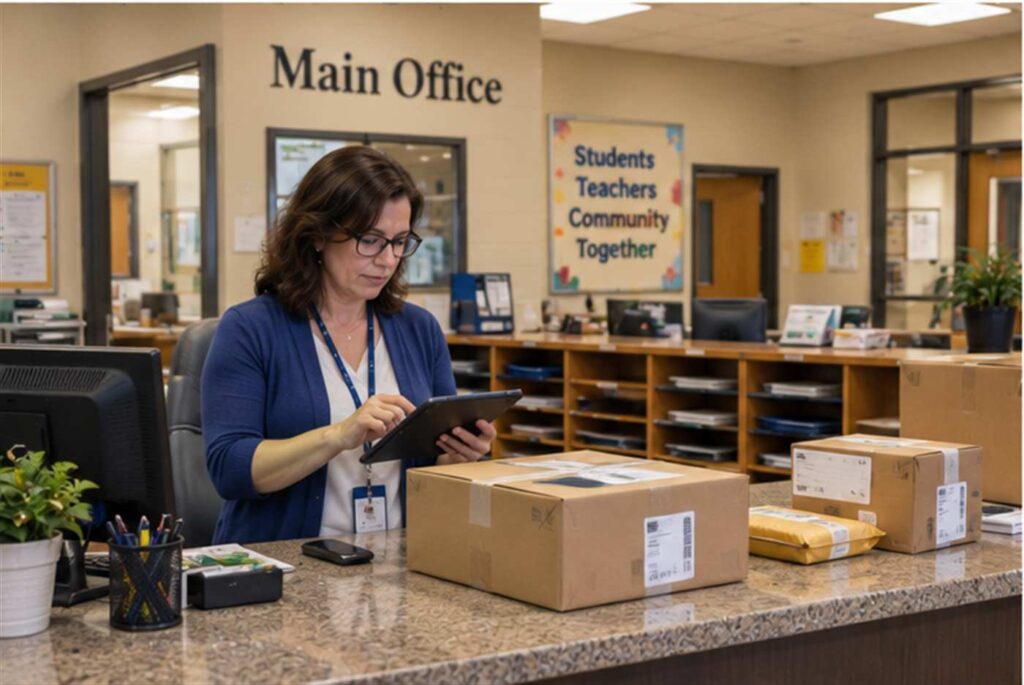
Most package tracking discussions assume a single building with a dedicated receiving dock and staff whose job is receiving. School districts rarely have that luxury. The front office is usually the receiving point by default, staffed by an office manager or administrative assistant who is also answering phones, checking in visitors, handling student attendance issues, and managing the intercom, all at the same time a delivery driver is standing at the counter with a stack of boxes. Under those conditions, packages get set aside “for later,” and later sometimes means the item sits in a hallway or storage closet for days before anyone confirms it reached the teacher or department that ordered it.
The stakes are also different from a typical office building. According to the Cybersecurity and Infrastructure Security Agency’s K-12 School Security Guide Product Suite, districts are expected to apply a “layered physical security” approach that accounts for every point where an outside person or item enters a campus, and a receiving door propped open for a delivery, or a driver waved past the front desk because staff recognize the truck, is exactly the kind of gap that framework is designed to close. A package tracking system that logs who delivered what, when, and to whom gives a district a documented answer to “who had access to this building and why” rather than relying on a staff member’s memory of a normal Tuesday.
The Multi-Campus Routing Problem
A district-level curriculum order, a bulk supply purchase, or a grant-funded equipment shipment often arrives at a central office or warehouse and then has to be broken up and distributed to individual schools, sometimes by district courier, sometimes by a second shipment leg through the original carrier. Without a shared tracking system, the central office has no reliable way to confirm that the twelve boxes of classroom sets that left the warehouse on Monday actually reached all twelve schools by Friday, only that the warehouse logged them as “sent.” A missing box discovered three weeks later, when a teacher finally asks where their materials are, is much harder to trace back to a specific step in that chain than a box that was scanned in and signed for at each stop.
Consider a district that centrally purchases science lab kits for fourth grade classrooms at twenty-two elementary schools. If each school’s front office logs the kit into a shared system the moment it arrives, and again confirms it was handed to the requesting teacher, the district curriculum office can see in real time which of the twenty-two schools are still waiting, without twenty-two separate phone calls. That same log becomes the record a district can point to if a vendor or grant auditor later asks for proof that materials purchased with restricted funds actually reached the classrooms they were intended for.
Keeping Deliveries Away From Student Areas
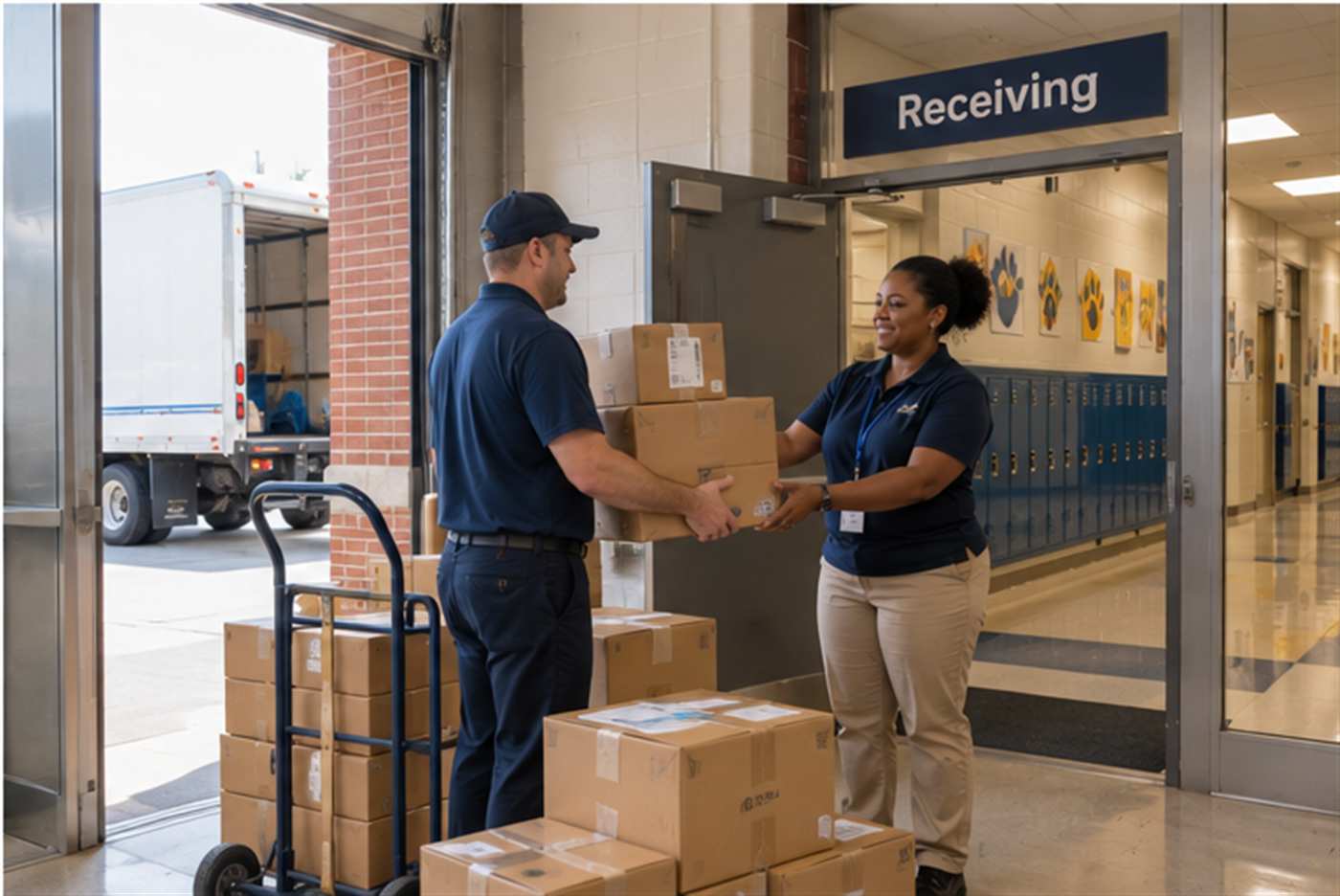
A second concern unique to schools is that a package left unattended, even briefly, in a hallway or near a classroom door raises a safety question that a typical office building does not have to think about as seriously. Front office staff are trained to be cautious about unattended items on campus, and an unlabeled or unexpected box sitting near an entrance can trigger a real security response, pulling staff attention away from actual instructional support. A tracking system that flags exactly which packages are expected that day, for which recipient, reduces the number of “what is this box and why is it here” moments office staff have to work through, since staff can check the log rather than guess.
It also matters for the reverse situation: a package genuinely does not belong on campus, was misdelivered, or was addressed to a former employee. Logging every delivery with recipient information attached makes it far easier to catch an item that should not have been accepted in the first place, rather than discovering it weeks later still sitting in a closet with no record of why it arrived or who was supposed to get it.
Handling the Mix of Delivery Types Schools Actually Receive
A school’s receiving load is unusually mixed compared to a corporate office. On a given day the same front desk might sign for a food service delivery that needs to go straight to the cafeteria refrigerator, an IT shipment of replacement Chromebooks that needs to go to the technology coordinator under a stricter chain of custody because it is district asset-tagged equipment, a personal package addressed to a teacher through an online order, and a state testing materials shipment that has its own separate security and handling requirements entirely. Treating all of these the same way, a pile of boxes behind the front counter, makes it easy for something time-sensitive, like the cafeteria delivery, or something sensitive, like testing materials, to get mixed in with routine mail and handled with the wrong urgency.
A shared mailroom management software platform that lets front office staff tag a delivery by type at intake, food service, IT asset, testing materials, personal, general supply, gives a district a way to apply different handling rules automatically. IT assets can be routed to require a second signature from the building technology coordinator. Testing materials can trigger an immediate notification to the building principal rather than sitting in a general queue. None of this requires additional staff, it requires the existing intake step to capture a category along with the recipient.
Building an Auditable Chain of Custody for Sensitive Shipments
Districts increasingly deal with shipments that carry real compliance weight: state assessment materials that must be tracked under strict security protocols, special education records and evaluation materials that are protected under federal privacy law, and grant-funded equipment that a funding agency may audit years later. A documented chain of custody that records exactly when a sensitive shipment arrived, who signed for it, and when it was handed to the responsible staff member is the difference between a district that can answer an auditor’s question in minutes and one that has to reconstruct events from memory and email threads.
This matters even more when a shipment moves between locations inside the district, from a central receiving warehouse to individual schools, or between a school and the district office for testing material collection after an assessment window closes. Each leg of that internal movement is a place where a paper-based or memory-based system loses the thread. A system that requires a scan or logged confirmation at every handoff keeps the chain intact end to end, not just at the first point of arrival.
Notifying Staff and Reducing Front Office Interruptions
Front office staff already field a high volume of walk-in and phone interruptions during the school day. Every teacher who has to stop by the office to ask “did my order come in yet” is another interruption competing with attendance calls, visitor check-ins, and student needs. Automated package tracking notifications, an email or text the moment an item is logged in under a staff member’s name, remove that back-and-forth entirely. The teacher finds out their delivery arrived without walking to the office, and the office is not fielding the same “has it come in yet” question multiple times a week from the same handful of staff members who are still waiting on a supply order.
Frequently Asked Questions
- Does every school in a district need its own receiving system, or can it be centralized? Most districts get the best results from a shared platform used consistently at every building, rather than centralizing all physical receiving at one location, since deliveries still arrive directly at individual schools. The system itself can be centrally managed and reported on even though intake happens locally at each front office.
- How does this help with grant or state audit requirements? A logged, timestamped record of when a purchase arrived and who received it gives a district documentation it can produce quickly if a grant funder or state auditor asks for proof that purchased items reached their intended recipients, rather than relying on staff recollection or reconstructing paper receipts after the fact.
- Can the system flag high-priority shipments like testing materials automatically? Yes, when packages are tagged by category at intake, rules can trigger an immediate notification to the appropriate administrator for sensitive categories like state testing materials, rather than treating every delivery the same way.
- Does this add extra work for already-busy front office staff? The intake step itself typically takes only a few seconds longer than simply setting a box aside, since it replaces an informal “note it somewhere” habit with a quick logged entry, and it eliminates the repeated interruptions of staff asking whether their delivery has arrived.
If your district is looking to bring consistent, auditable receiving practices to every school without adding staff, TekCore’s get a quote page is a good starting point for seeing what a district-wide rollout could look like for your schools.
