
How Package Tracking Software Handles Outbound Shipments and Employee Return Requests in Corporate Mailrooms
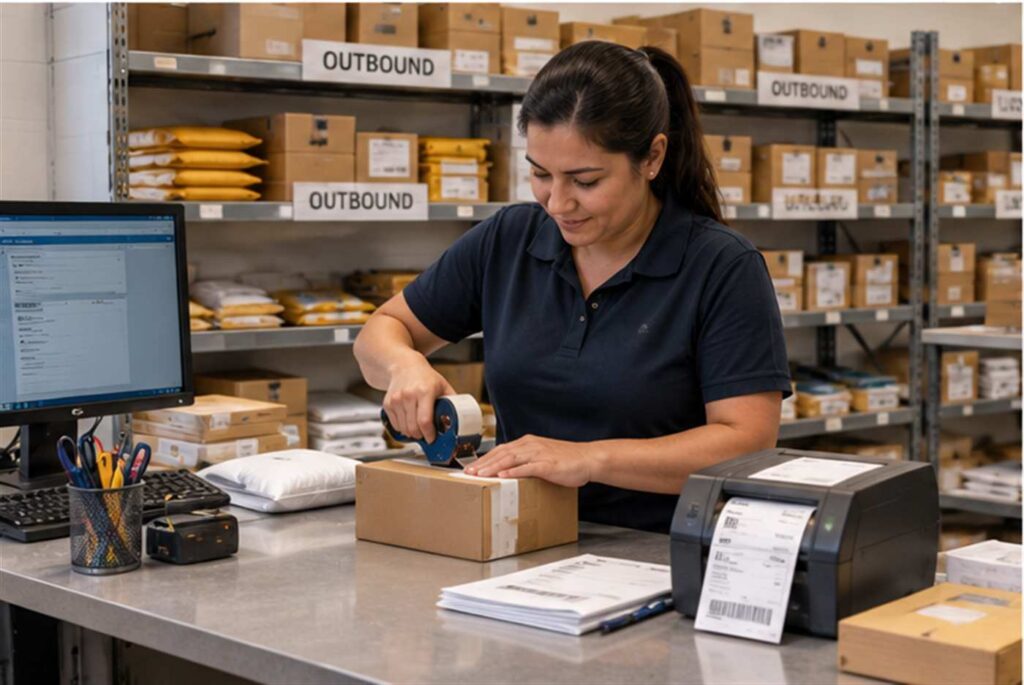
Package tracking software handles outbound shipments and employee return requests by logging each outbound item the same way it logs an inbound one, capturing who requested the shipment, what carrier and tracking number were assigned, and where the package is headed, so mailroom staff have one consistent record instead of a separate manual process for anything leaving the building. Most mailroom conversations focus entirely on inbound receiving, but a facility of any real size is also shipping things out constantly: employee equipment returns, vendor RMAs for broken hardware, signed documents going back to a client, or supplies being redistributed to another office. Without a system built to track that side of the operation too, outbound shipping quietly turns into the least visible, least accountable part of the mailroom.
Why Outbound and Returns Get Overlooked in Most Mailroom Tools
Most package tracking discussions, and most of the software built to support them, are designed around a single workflow: a carrier drops something off, someone logs it, and someone else picks it up. That inbound-only design works fine for regular deliveries, but it leaves a real gap for anything moving in the opposite direction. When an employee needs to ship a broken laptop back to IT’s vendor, or a department needs to return unused supplies to a central office, that outbound package often gets handled informally, a sticky note on a desk, an email to whoever happens to be near the shipping label printer, or a courier pickup that nobody logged at all. If that shipment goes missing or is disputed later, there is frequently no record that it ever left the building in the first place.
What an Employee Return or Outbound Request Actually Involves
A typical corporate outbound request starts with someone identifying that something needs to go out, a piece of equipment, a signed contract, a sample, or a return to a vendor, and ends with that item physically leaving the building in the hands of a carrier. In between, several things need to happen reliably: the request needs to be logged somewhere the mailroom can see it, the correct shipping label and carrier account need to be applied, the item needs a documented handoff so there is a clear chain of custody, and the requester ideally gets a tracking number so they can confirm the item actually arrived at its destination. When this process lives only in email threads and verbal requests, any one of those steps can silently fail, and the first anyone finds out is when the recipient calls asking where their return is.
The RMA Problem: High-Value IT and Equipment Returns
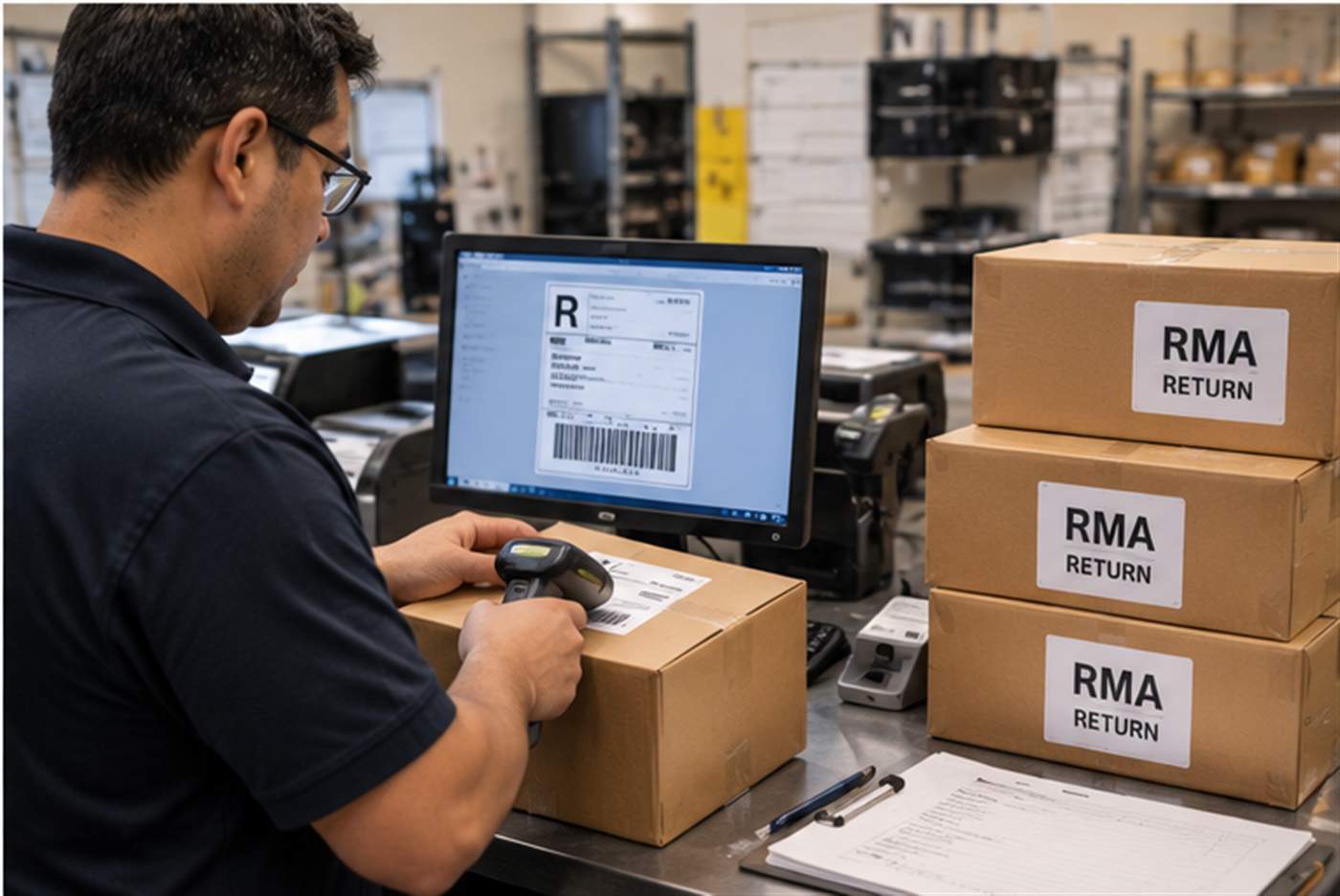
Return Merchandise Authorization, or RMA, shipments are a particularly high-stakes version of this problem. A well-structured RMA process matters most for organizations dealing with high-value, sensitive items such as IT infrastructure, telecom hardware, and data-center equipment, since a lost or misrouted RMA shipment can mean a company pays twice for the same piece of equipment, once for the original purchase and again when the vendor never receives the defective unit back and bills for a non-return. The RMA process typically requires the RMA number to be written on the outside of the box, correct routing to the vendor’s designated return address, and confirmation of receipt, all details that are easy to get right individually but easy to lose track of when a mailroom is juggling dozens of these requests alongside its normal inbound volume with no dedicated system to manage them.
Consider a realistic scenario. An IT department orders a temporary replacement switch after a hardware failure, with a strict requirement from the vendor to return the failed unit within thirty days or be billed the full replacement cost. If that return request gets logged the same informal way as everything else, on a sticky note, in an email that gets buried, there is a real risk the thirty-day window passes before anyone realizes the defective unit was never actually shipped back.
How Package Tracking Software Closes the Gap
Purpose-built tracking software addresses this by treating outbound shipments as a first-class part of the system rather than an afterthought. An employee or department can submit an outbound request directly in the system, specifying what is being shipped, why, and to whom, which creates a timestamped record the moment the request is made rather than relying on someone remembering to write it down later. Once mailroom staff process the shipment and assign a carrier and tracking number, that information attaches to the same record, giving both the requester and the mailroom a single place to check status instead of a scattered email thread. For RMA-specific shipments, the system can flag a due date tied to the vendor’s return window, so a shipment that has not gone out yet does not silently slip past a billing deadline.
This also closes a chain-of-custody gap that inbound-only systems leave wide open. According to research on RMA best practices, automating approvals, return labels, status updates, and customer notifications reduces processing time while letting staff focus on the exceptions that genuinely need manual review, rather than manually tracking every routine outbound shipment by hand. The same automation principle that helps a customer-facing returns department scale applies just as directly inside a corporate mailroom handling internal outbound requests and vendor returns.
A Realistic Workflow Example
Picture a mid-sized company’s IT department processing a routine equipment return. An employee’s laptop is replaced under warranty, and the old unit needs to go back to the manufacturer within a set window. With outbound tracking built into the mailroom’s software, the IT technician logs the return request the moment the replacement arrives, attaching the RMA number and the due date from the vendor. Mailroom staff see the request queued, print the correct label using the RMA number, and mark the item as picked up by the carrier, which timestamps the handoff and generates a tracking number automatically tied back to the original request. If the return deadline approaches and the item has not yet shipped, the system can surface that as an alert rather than relying on someone remembering a thirty-day countdown started weeks earlier. The technician can check the same record at any point to confirm the unit was picked up, is in transit, or has already been received by the vendor.
Why This Matters When a Vendor Disputes a Return
The value of tracking outbound shipments becomes most obvious the first time a vendor claims a return was never sent. Without a documented record, that dispute usually comes down to one person’s memory against another’s, and the company on the losing end of that argument is often the one that gets billed for equipment it actually did return. With outbound tracking built into the mailroom’s system, the record already exists: who requested the shipment, when it was picked up by the carrier, the tracking number assigned, and confirmation that the vendor’s own tracking shows it as received. That record turns a dispute that could take days of searching through email into something that can be resolved by pulling up a single entry.
The same documentation matters for internal audits, particularly in industries where equipment carries sensitive data, such as decommissioned laptops or storage devices being returned for disposal or recycling. A facilities or compliance team asked to prove that a specific device left the building on a specific date, in the custody of a specific carrier, can answer that question immediately if outbound shipments are logged the same way inbound ones are. Treating outbound tracking as optional leaves that kind of question unanswerable exactly when it matters most.
What to Look for When Evaluating Software for Outbound Handling
Not every package tracking platform treats outbound and returns as seriously as inbound receiving, so it is worth checking specifically for a few capabilities before assuming a system covers this. Look for the ability to log an outbound request independently of an inbound delivery, rather than only being able to track things that arrived through the front door. Confirm the system supports attaching a due date or reminder to a shipment, which matters most for RMA and warranty-return scenarios with a hard deadline. Check whether the platform maintains the same chain of custody documentation for outbound items that it does for inbound ones, since an outbound shipment that goes missing is just as costly to a business as a missing inbound delivery, sometimes more so when a vendor bill is on the line. Finally, look for reporting that covers outbound volume and status the same way it covers inbound, since a mailroom that can only report on what came in has an incomplete picture of everything it actually handles.
Corporate mailrooms that adopt mailroom automation built to handle both directions of package movement end up with a genuinely complete operational record, not just half of one. That matters for day-to-day accountability, and it matters even more the first time a vendor disputes whether a return was ever sent. If your team is ready to see how this looks in practice, you can schedule a demo to walk through outbound and RMA tracking alongside your existing inbound workflow.
