
How Package Tracking Software Gets Deliveries to the Right Department Without Manual Routing
Package tracking software solves internal misrouting by matching each incoming package to a specific employee or department the moment it is scanned at intake, rather than relying on a staff member to read a label, cross-reference a directory, and guess where it belongs when the two do not immediately line up. In any office receiving more than a handful of deliveries a day, that single automated match is what prevents packages from sitting in the wrong pile, getting handed to the wrong floor, or disappearing into a general “unclaimed” shelf until someone happens to notice it and starts asking around to figure out where it actually belongs.
Why Internal Routing Breaks Down in Larger Organizations
Carrier-level misrouting, a package physically delivered to the wrong address, is actually fairly rare. USPS’s own Office of Inspector General found that around 73 million First-Class letters were misrouted within the postal network over a seven month period in 2020, which sounds large in isolation but works out to just 0.15 percent of total volume processed. The much more common failure point in a large office, university, or multi-tenant building is not the carrier delivering to the wrong building, it is what happens after the package physically arrives: getting it from the loading dock or front desk to the correct department, floor, or individual once it is already inside.
That internal leg is where things go wrong in ordinary, explainable ways. A name on a label does not always match how a company’s directory is structured, especially after a job change, a department reorganization, or simple turnover. A courier hands off a package with a rushed or partial label. A staff member sorting a large batch during a busy morning misreads a name or grabs the wrong bin. None of these require anything unusual to happen, they are just the natural failure modes of a manual process handling enough volume, enough of the time. The end result is the same regardless of the specific cause: a package that technically arrived at the right building on time still ends up delayed, misplaced, or requiring extra staff time to track down and correct.
How Automated Routing Actually Works
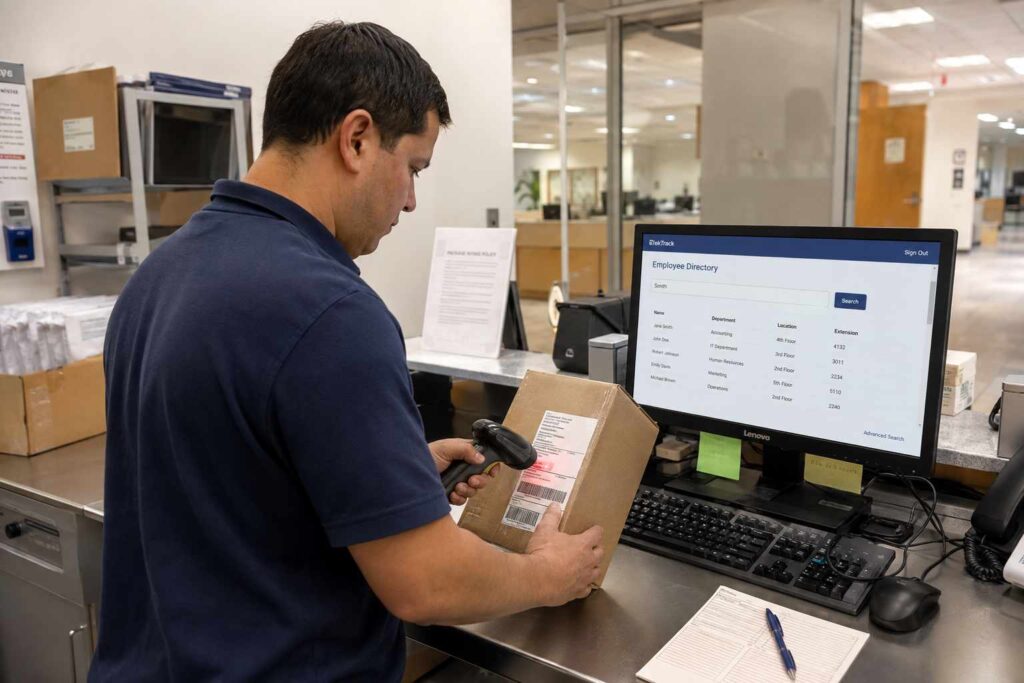
The mechanics mirror the same scan-and-match logic used for resident or employee notifications, just applied to routing instead of alerting. When a package is scanned at intake, either the label is read automatically or a staff member enters the recipient’s name, and the system checks that name against a directory that is already kept current, an HR system, an employee database, or a property management system depending on the setting. Once matched, the system can display the correct department, floor, or mail stop directly on the intake screen, removing the guesswork a staff member would otherwise apply based on memory or a printed directory that may be out of date by the time it is actually consulted.
A few additional pieces make this reliable at scale rather than just theoretically useful:
- Automatic directory sync. When the underlying HR or property system adds a new employee or resident, or processes a department transfer, the routing data updates without anyone needing to manually re-enter it into a separate mailroom system.
- Ambiguous-match flagging. If a name partially matches more than one record, similar names across departments, for example, the system flags it for a staff member to confirm rather than silently guessing and routing it incorrectly.
- Department-level, not just individual, routing. Larger organizations often route by department or mail stop first, then to the individual, which matters for packages addressed generically to a team or role rather than a specific person.
A Realistic Example
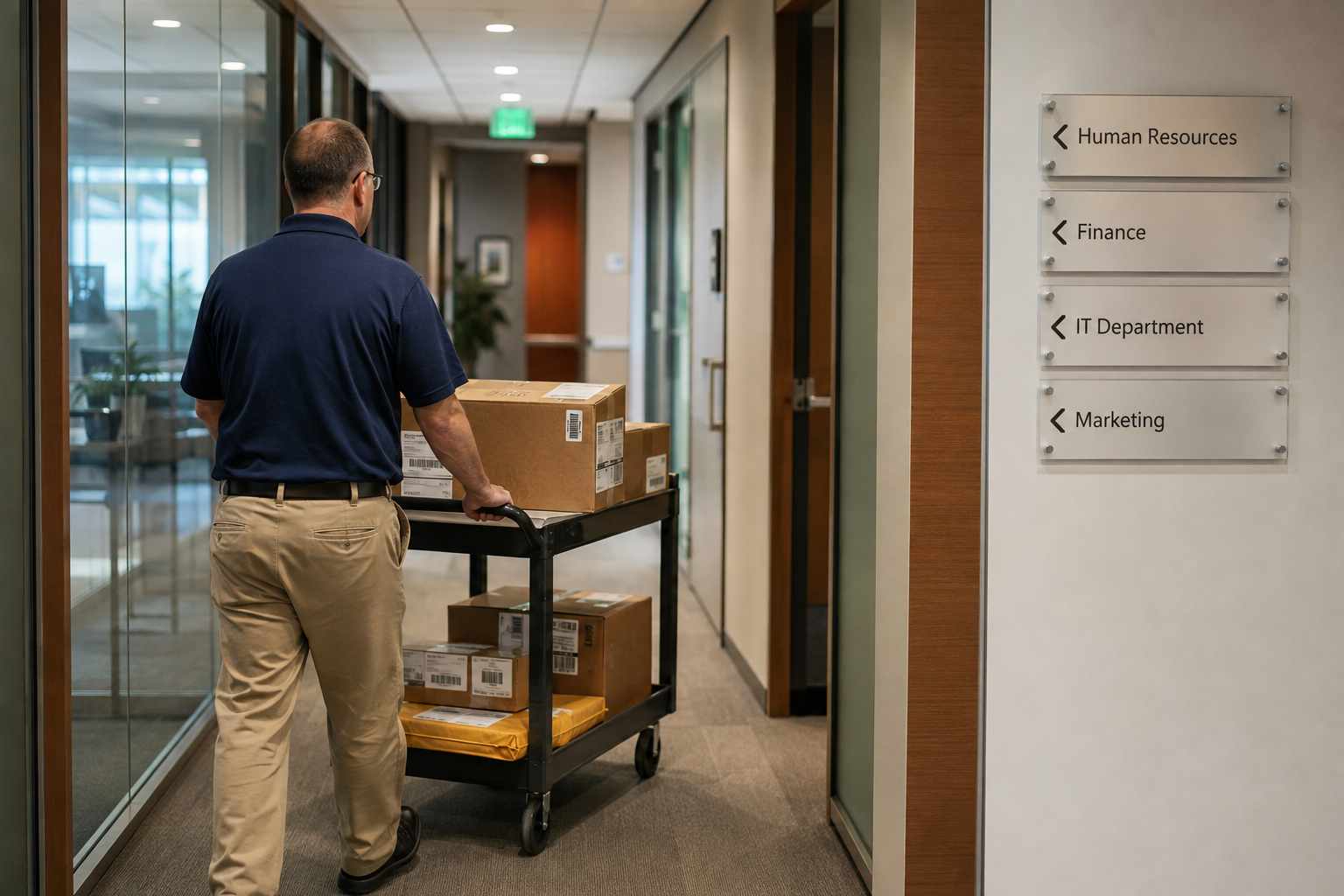
Picture a mid-size company occupying four floors of an office building, receiving 60 to 80 packages a day across a dozen departments. Under a manual process, a mailroom staff member sorts each package by reading the label and matching it against memory or a printed employee list that may be a few months out of date. A package addressed to someone who transferred departments two weeks earlier gets routed to their old floor, where it sits until someone notices and redirects it, adding a day or more of unnecessary delay. With automated routing tied to the company directory, that same package is matched to the employee’s current department the moment it is scanned, regardless of when the transfer happened, since the routing data pulls directly from the same directory HR already keeps updated.
Why This Matters More at Certain Types of Organizations
The stakes of internal misrouting scale with how often people move between departments, floors, or units, and how large the directory being matched against actually is. A university with a rotating student population and multiple residence halls faces this constantly, a student who moved rooms between semesters, or a package addressed with a maiden name or a nickname rather than the name on file, both create the kind of ambiguous match that manual sorting handles inconsistently. A hospital or research institution with departments that reorganize periodically faces a similar problem, where a package addressed to a lab or unit that has since been renamed or relocated within the building can sit unrouted until someone manually tracks down where it actually needs to go. In both cases, automated matching against a directory that updates in near real time closes a gap that a printed or infrequently updated list cannot keep up with.
Smaller organizations with a stable staff and low turnover feel this less acutely, since a staff member’s own familiarity with who works where can substitute reasonably well for a formal system. The benefit of automated routing grows directly with organizational size and how often people or departments change, which is part of why it matters most for exactly the kinds of receiving operations that also handle the highest package volumes.
Where This Fits Into the Broader Receiving Process
Routing accuracy is really a specific piece of the larger package receiving workflow, sitting right between intake and final notification. Getting it right the first time avoids a cascade of downstream problems: a misrouted package usually also means a delayed notification, since the system or staff member notifying the recipient is working from the wrong department assumption in the first place. For organizations managing receiving across multiple buildings or a large campus, pairing accurate routing with broader inbound package tracking extends the same directory-matching logic across every intake point rather than just one central mailroom.
What to Look For in a Routing System
A few practical questions separate a system that meaningfully reduces misrouting from one that just adds another manual step. Does it integrate directly with the organization’s existing directory, or does it require maintaining a separate, easily outdated list. Does it flag ambiguous matches for a human to confirm rather than silently guessing. Can it route by department or mail stop in addition to an individual name, for packages that are not addressed to a specific person. And does the system log which department a package was actually routed to, so a routing error can be traced and corrected quickly rather than becoming an untraceable one-off mistake.
It is also worth asking how the system handles a package that genuinely cannot be matched, whether due to a damaged label, an illegible name, or a recipient who is no longer with the organization. A workflow that clearly flags these exceptions for manual review, rather than either guessing silently or getting stuck with no path forward, keeps the small percentage of genuinely ambiguous cases from becoming the same kind of untracked, easy-to-lose situation that automated routing is meant to solve in the first place.
Getting Started
For an organization currently relying on a staff member’s memory or a printed directory to route incoming packages, connecting intake scanning directly to the existing employee or resident directory is usually the single highest-impact change available, since it removes the most common source of routing errors without requiring a change to how packages physically arrive. You can schedule a demo to see how directory-based routing would work with your specific setup.
Frequently Asked Questions
How is internal misrouting different from a carrier delivering to the wrong address? Carrier-level misdelivery to a completely wrong address is comparatively rare. Internal misrouting happens after a package has already correctly arrived at a building, when it gets sent to the wrong department, floor, or person during the final handoff inside the facility.
Does automated routing require replacing our existing HR or property management system? No. Routing software is generally designed to integrate with and read from the directory system already in place, rather than requiring a separate directory to be built and maintained from scratch.
What happens if a package is addressed ambiguously, like to a team name instead of a person? A well-configured system routes by department or mail stop as a first step for packages that are not addressed to a specific individual, rather than failing to match at all.
