
How Package Tracking Software Creates an Audit-Ready Chain of Custody for Corporate Mailrooms
Package tracking software creates an audit-ready chain of custody by recording a timestamped, photo-verified handoff at every point a package touches a person, from the loading dock to the recipient’s desk, so a mailroom manager can prove exactly who had a package and when instead of relying on memory or a paper log. For any organization that receives more than a handful of packages a day, that record is the difference between a five-minute answer to “where is my package” and a week of guessing, and between a documented process and a liability exposure nobody can defend.
Why Chain of Custody Breaks Down in Corporate Mailrooms
Most mailrooms did not set out to have a chain of custody problem. It happened gradually, as package volume grew faster than the process built to handle it. A facility that received thirty packages a day five years ago may now receive two hundred, and the sign-in sheet or spreadsheet that worked at the smaller volume simply cannot keep up. Once a mailroom clerk is juggling dozens of deliveries an hour, informal habits fill the gap, a package gets set on a shelf “just for a minute,” a name gets misheard at pickup, or a courier hands a box to whoever happens to be at the front desk instead of the person on the log.
The scale of the underlying problem is not small. The USPS Office of Inspector General reported at least 58 million packages stolen in 2024 across the United States, and separate research from Security.org found that people living in apartments and condominiums, the same shared-building environment as most corporate mailrooms and receiving docks, are more than three times as likely to have a package go missing than someone at a single-family home. Fewer than one in four theft victims ever file a police report, which means the paper trail a mailroom keeps internally is often the only record that will ever exist of what happened to a missing item. When that internal record is a handwritten log or a shared spreadsheet, it rarely holds up to scrutiny.
What Chain of Custody Actually Means Inside a Mailroom
Chain of custody is a term borrowed from legal and evidentiary contexts, but the concept translates directly to a mailroom. It means every person who physically possessed a package can be identified, along with the exact time the possession changed hands. A complete chain has no gaps: courier to receiving clerk, receiving clerk to storage shelf, storage shelf to the employee or resident who picked it up. If any one of those handoffs is undocumented, the chain is broken, and a broken chain is exactly where disputes happen. An employee claims they never received a package that the mailroom insists was delivered to their desk. A resident says a package was stolen from a locker that records show was never actually placed there. Without a documented handoff at each step, both sides are left arguing from memory.
Consider a realistic scenario. A courier drops off fifteen packages at a corporate receiving dock at 9 a.m., signs a single manifest for the batch, and leaves. A receiving clerk scans each package into an internal tracking system, photographs any that arrived visibly damaged, and shelves them by department. Throughout the day, employees stop by to pick up their items, each one signing or scanning to confirm receipt. By 5 p.m., every package on that morning’s manifest has either a confirmed pickup record or a documented reason it is still on the shelf. That is a complete chain of custody, and it is what package tracking software is built to produce automatically, rather than depending on a clerk remembering to write down fifteen separate handoffs by hand.

The Real Cost of a Broken Chain of Custody
A missing package is rarely just the cost of the item itself. When a mailroom cannot produce a record of what happened, the organization absorbs a mix of direct and indirect costs that add up quickly. There is the reimbursement cost when the company decides to replace an item rather than fight about it. There is the labor cost of a manager pulling security footage, calling the courier, and interviewing staff to reconstruct what happened, often for an hour or more per incident. There is the reputational cost inside the building, since employees and residents who hear about a colleague’s missing package start to distrust the mailroom process entirely, which increases the volume of “where is my package” inquiries even for items that were delivered correctly. And in regulated environments, healthcare records, financial documents, or controlled substances moving through an internal mail system, an undocumented handoff is not just an inconvenience, it is a compliance finding waiting to happen.
These costs are cumulative rather than occasional. A facility handling a few hundred packages a week that loses even one percent of them to undocumented gaps is dealing with the labor cost of reconstructing several incidents every month, on top of whatever direct losses occur. Organizations evaluating whether a tracking system is worth the investment can work through this math in detail on TekCore’s return on investment page, which breaks down labor and liability savings by mailroom size, and the industry-specific benefits page, which covers how the calculation shifts for healthcare, education, and corporate environments specifically.
How Package Tracking Software Builds the Record Automatically
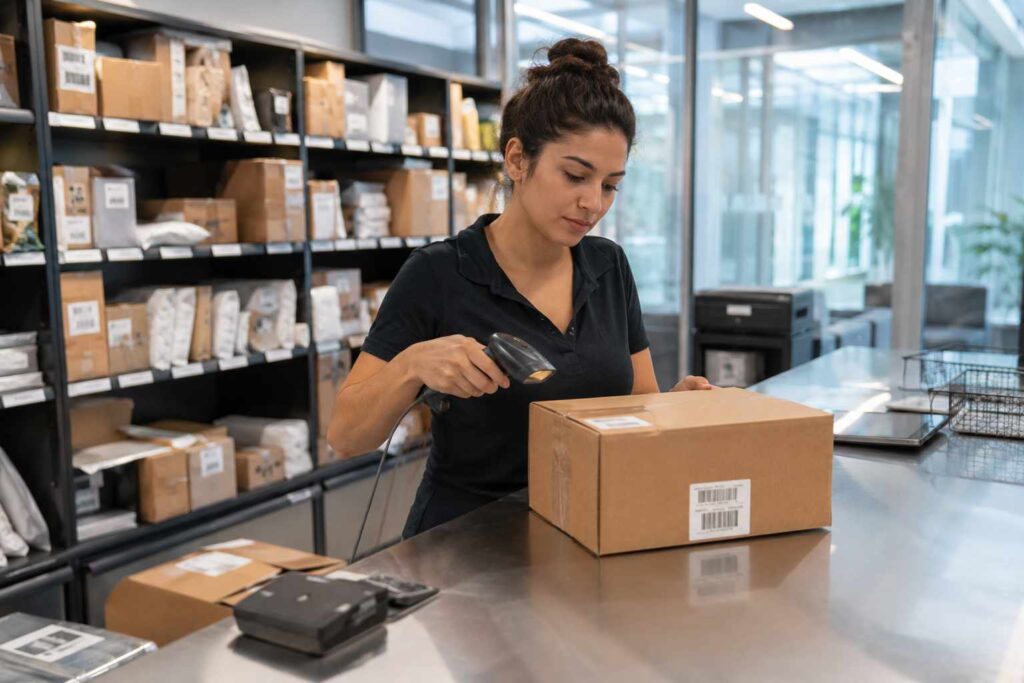
The core function of package chain of custody software is to make documentation the automatic byproduct of doing the job, not a separate task a busy clerk has to remember. When a package arrives, a receiving clerk scans a barcode or takes a photo through package receiving software, which logs the sender, arrival time, and condition of the item in a single action that takes a few seconds. From that point forward, every subsequent step, moving it to a storage location, notifying the recipient, and confirming pickup, gets logged the same way through package logging software built for exactly this workflow.
Photo capture matters more than most mailroom managers expect until they need it. A digital signature can be disputed; someone can claim they signed for a different item, or that the signature pad malfunctioned. A timestamped photo of the package’s condition at intake, and again at pickup showing who accepted it, is much harder to argue with. Proof of delivery software that captures this kind of visual record turns a “he said, she said” dispute into a five-minute review of the actual evidence. Combined with automated pickup notifications through the mailroom’s mailroom automation tools, most recipients collect their packages faster too, since they are told immediately rather than discovering an item during their next walk past the mail room.

What to Evaluate When Choosing a System
Not every package tracking platform documents chain of custody with the same rigor, and the differences matter more than a feature checklist might suggest. A facilities or mailroom manager comparing options should look closely at how a candidate system handles a few specific situations rather than judging purely on a general demo.
Batch intake speed. A system that requires a full data entry form for each of fifteen packages arriving at once will slow the receiving process down enough that staff start skipping steps. Look for one-scan intake that captures sender, timestamp, and photo together, the way digital mailroom software designed for high-volume receiving does.
Handoff documentation, not just delivery confirmation. Some systems only log the final pickup, leaving the intermediate handoffs, dock to storage, storage to department, undocumented. A defensible chain of custody needs every step recorded, which is the specific gap corporate package tracking software built around chain-of-custody principles is meant to close.
Reporting that holds up under scrutiny. When a dispute does happen, a manager needs to pull a clean, timestamped report in minutes, not reconstruct events from several different logs. Before selecting a platform, it is worth reviewing how package tracking software actually works end to end, including what the audit report looks like when a manager needs to produce one.
Fit for the specific environment. A university mailroom handling thousands of student deliveries has different peak-volume and identity-verification needs than a hospital handling controlled pharmaceutical shipments, which in turn differs from a general mailroom management software deployment in a standard corporate office. Confirming that a system was actually designed for the environment it will run in, rather than adapted after the fact, avoids a costly re-implementation later.
A Realistic Walkthrough: Dock to Desk
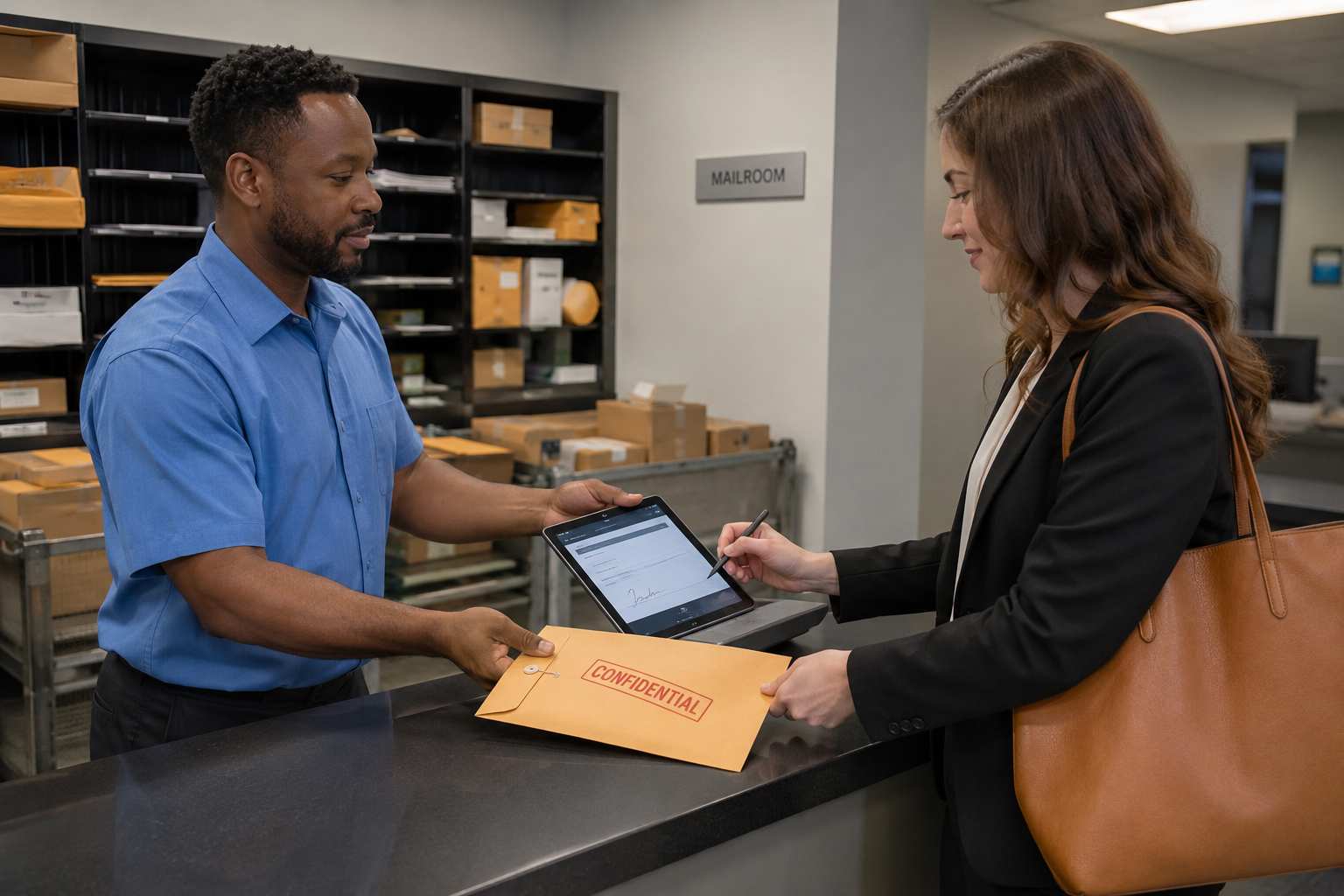
To see how these pieces fit together, it helps to walk through a single package rather than the process in the abstract. A courier arrives at 10:14 a.m. and hands over a box addressed to an employee in accounting. The receiving clerk scans the label, and the system automatically logs the courier, the timestamp, and a photo of the package as delivered, undamaged. The clerk places it on the accounting department’s shelf, which the system also logs as a location change. At 10:47, an automated notification reaches the recipient letting them know a package is waiting. At 1:20 p.m., the recipient stops by the mailroom, scans an ID badge or signs on a tablet, and the system captures a second photo along with the pickup timestamp and the recipient’s confirmation.
If that package is later reported missing by a manager who never saw it arrive on the recipient’s desk, the mailroom has a complete answer within seconds: courier delivery photo at 10:14, shelf placement at 10:15, pickup confirmation with a second photo and signature at 1:20 p.m. The question shifts from “what happened to this package” to “what happened after the employee picked it up,” which is now clearly outside the mailroom’s chain of custody and the employee’s own responsibility. That reframing, from an open-ended mystery to a documented handoff with a clear endpoint, is the entire value of the system in a single incident, and it is the reason organizations that adopt this kind of tracking see the volume of unresolved “where is my package” disputes drop sharply within the first few months.
Which Regulatory Frameworks Actually Reference Chain of Custody
The compliance language used earlier in this article is not abstract. Several concrete regulatory and industry expectations specifically assume an organization can account for custody of physical items, and mailroom handoffs fall squarely inside that expectation even though they rarely get named directly.
Sarbanes-Oxley compliance for public companies requires documented internal controls over financial reporting, and any mailroom handling signed contracts, board materials, or financial statements sits inside that control environment, since an auditor reviewing internal controls can reasonably ask how the organization proves those documents were received and routed to the right person. Law firms and corporate legal departments face a related expectation around privileged and time-sensitive legal mail, where an undocumented gap in custody can complicate an otherwise straightforward chain-of-evidence argument. Healthcare-adjacent mailrooms handling patient records, lab specimens headed to a review, or billing correspondence operate under similar expectations tied to protecting sensitive personal information, even when the mailroom itself sits outside the clinical environment covered directly by federal privacy rules.
None of this means every mailroom needs a compliance officer dedicated to package handling. It means that for organizations already subject to one of these frameworks elsewhere in the business, mailroom chain of custody is not a nice-to-have operational upgrade, it is closing a gap that already exists inside a control environment the organization is accountable for regardless of whether package handling was ever explicitly called out by name.
Frequently Asked Questions
Does chain of custody tracking work for mail as well as packages? Yes. The same scan-in, photo-capture, and confirmed-handoff workflow applies to interoffice mail, legal documents, and other sensitive items moving through a facility’s mail tracking software, not only carrier packages.
How long should chain of custody records be retained? This depends on the organization’s own compliance requirements, but most regulated environments retain records for a minimum of one to seven years. A cloud-based system should let a manager set and adjust a retention policy rather than manually archiving records.
Is this only useful for large facilities? No. Smaller mailrooms benefit just as much, since a single missing package dispute at a fifty-person office consumes the same hour of a manager’s time reconstructing events as it would at a five-hundred-person facility, just spread across fewer total incidents.
A documented chain of custody is not a nice-to-have for a modern mailroom, it is the record that protects the organization the one time a dispute actually happens. If your team is still relying on a sign-in sheet or a spreadsheet to track packages through your building, it is worth seeing what a purpose-built system looks like in practice; you can schedule a demo to walk through how the intake-to-pickup record works for a mailroom your size.
