
How Do Package Lockers and Pickup Points Work, and What Can I Do When My Code Will Not Open the Door?
Package lockers and pickup points are secure places where a carrier or retailer leaves your package so you can collect it on your own schedule. You get a notice with a pickup code or a QR code, go to the locker or store, scan or type the code, and the door opens or a clerk hands you the package. If your code does not work, the usual fixes are to check that you are at the right locker, confirm the code has not expired, refresh the email or app, and contact the carrier or retailer for a new one.
Lockers and pickup points are growing fast because they solve two of the biggest delivery problems: missed deliveries and porch theft. They are also a place where small problems feel big. A code that will not scan, a locker that shows an error, or a package marked “delivered” to a locker you cannot find can leave you stuck at a metal wall at night. This guide explains how each major option works, how long packages stay, and how to fix the most common pickup problems.
What Package Lockers and Pickup Points Are
A package locker is a bank of compartments that you open with a code. Some are run by a retailer, like Amazon. Others are run by a carrier or a third party that serves several brands. A pickup point, sometimes called an access point, is a staffed location such as a convenience store, pharmacy, or shipping store that holds packages behind the counter.
The two share the same goal, but they work a little differently. Lockers are open when the host location is open, and often much longer, since no clerk needs to be present. Pickup points depend on store staff, so you need to visit during store hours and show ID. If you want a package at a time that suits you, a locker is usually the more flexible choice. If you want help with a heavy or oversized item, a staffed point is usually better.
Lockers are common in apartment complexes, grocery store parking lots, transit stations, and office buildings. Pickup points are found in thousands of neighborhood stores. The retailer or carrier usually lets you pick the one closest to home or work during checkout or in your account settings.
How Amazon Hub Lockers Work
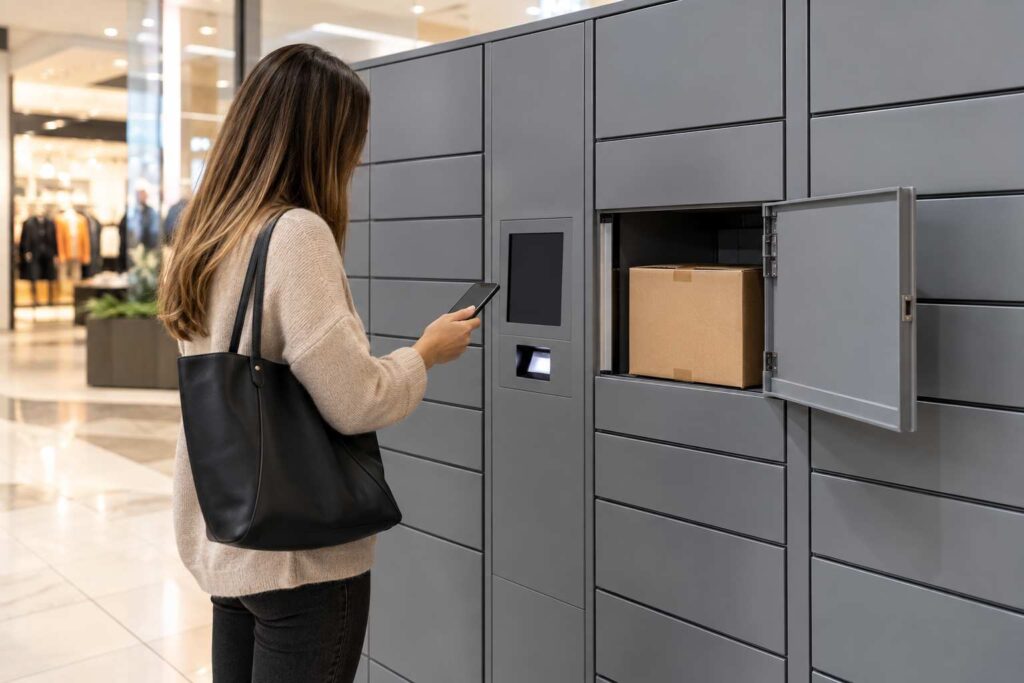
Amazon Hub Locker is a self-service locker you can select as a delivery address. During checkout, you choose a locker location from a list, and Amazon delivers the order there. When the package arrives, Amazon sends an email or app notice with a pickup code.
At the locker, you use the touch screen to enter the code or scan the QR code in your app. A door opens, you take your package, and you close the door. The whole visit takes less than a minute. Amazon generally holds a package for a few days, often three, before it returns to Amazon, so pick it up promptly. The notice shows the exact deadline.
Not every item fits. Large boxes, heavy items, and some restricted goods may be ineligible, and Amazon shows a message at checkout if a locker cannot take your order. If you often order bulky items, choose a staffed pickup location instead.
Here is a short example. Priya lives in an apartment building where packages are often left in the lobby. She picks a locker at a grocery store she passes every day. Her order arrives, she gets a code at 2 p.m., and she collects the package on her way home. She never worries about a package sitting in a hallway.
How UPS and FedEx Pickup Points Work
UPS Access Points are partner stores and lockers where UPS can deliver. You can choose one as your delivery address, or you can redirect a package that is on its way by using UPS My Choice. When the package arrives, you get a notice. At the location, you show a photo ID and your tracking number or pickup code. UPS Access Points often hold packages for around a week, but check your notice because the time can differ.
FedEx offers “Hold at FedEx Location,” which lets you collect a package from a FedEx Office store, a FedEx Ship Center, or a partner location. FedEx also uses self-service lockers at some sites. You choose the location through FedEx Delivery Manager or when the sender prints the label. FedEx generally holds packages for around five business days. Staff verify your ID, find the package, and hand it over.
USPS has its own versions. Many Post Offices have self-service kiosks and parcel lockers, called Parcel Lockers, where a notice with a code tells you where to pick up. These are typically available at any hour that the lobby is open. If you receive a code from USPS, follow the location listed in the message, because it may not be your usual Post Office.
Third-party lockers add more choices. Property managers can install lockers in a building lobby, and delivery drivers load them with packages for all residents. The resident then gets a code for their own compartment. The steps are the same: notice, code, open, take, close.
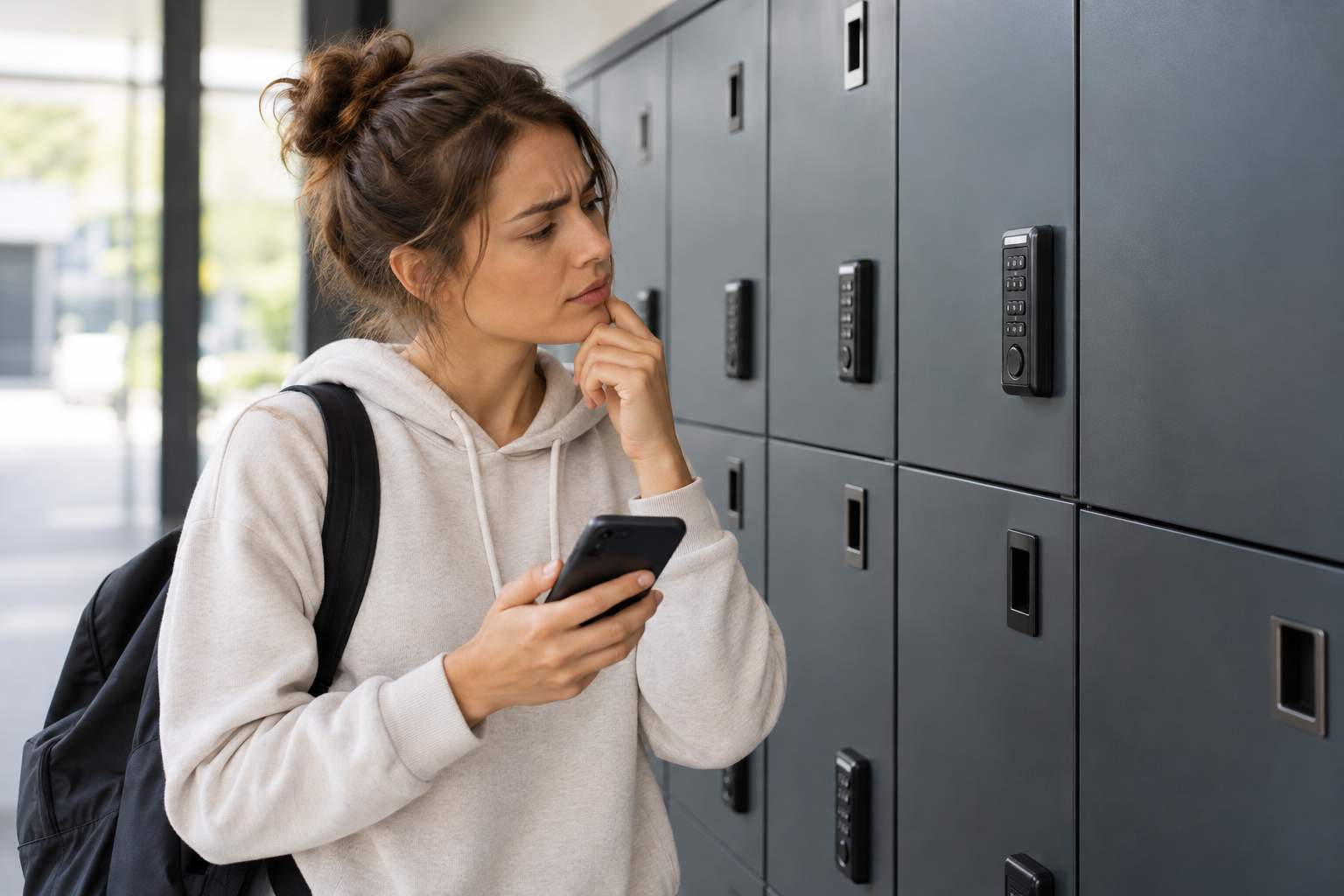
Why Your Locker Code May Not Work
Most failures come from a handful of causes, so work through them in order.
- Wrong locker. Many sites have several locker banks, or several nearby sites with similar names. Check the address in the notice against where you are standing.
- Expired code. Codes often last only for the hold period. After that, the package may be removed and returned to the sender.
- Typing mistakes. Codes can mix letters and numbers. Look carefully at zero and the letter O, or at one and the letter I.
- QR code problems. A cracked screen, low brightness, or a bad angle can stop a scan. Turn the brightness up and hold the phone steady, or type the code instead.
- Old message. If you received more than one notice, you may be using a code for a different package.
- Locker offline. Power or network problems can lock out an entire bank. A sign or on-screen message will usually say so.
If you have checked each item and the door still will not open, contact the host through the number on the locker or in your notice. Most lockers have a help line printed on the front. The agent can often open a door from a distance, issue a new code, or send someone to help.
What If the Tracking Says Delivered to a Locker but You Cannot Find It
This happens more than you might think. The tracking page says “Delivered to locker,” but you do not have a code. Start by checking all email folders, including spam and promotions, and the retailer’s app. A notice may have been sent to a different email than the one you normally use.
Next, confirm the location. A delivery can be routed to a locker you did not choose if an address was auto-filled or the retailer changed it. Check the order details for the pickup address, not just the tracking page. If you do not find a code and the location is correct, contact the retailer or carrier and ask them to resend the code or confirm which compartment holds the package.
Give them a day or two before escalating. Delivery scans and notification emails sometimes arrive out of order. If the package is still missing after the hold period, ask for a trace and request a refund or replacement from the seller.
Safety and Privacy Tips
Lockers are safer than a doorstep, but you should still be careful. Pick up your package soon after you receive the code. Do not share your code with anyone you do not trust, since the code is the key to the compartment. Use well-lit locations where other people are nearby, and be alert while you stand at the screen. Scammers sometimes send fake notices that look like locker codes with a link to a fake website. If a message asks for payment or personal details before you can collect a package, treat it as suspicious and go to the carrier’s real site instead. For more about this, see our guide on package tracking notifications and how real alerts are meant to look.
Finally, keep a photo of your pickup. A quick picture of the empty compartment or the package in your hands helps if you ever need to show that you collected it.
Frequently Asked Questions
How long does a package stay in a locker?
It varies. Amazon Hub Locker often holds a package for around three days, UPS Access Points often hold about a week, and FedEx locations often hold about five business days. Your notice shows the deadline for your package.
What if I lose my locker pickup code?
Search your email and app for the original notice. If you cannot find it, ask the retailer or carrier to resend it, or call the number on the locker.
Can someone else pick up my locker package?
Yes, if you share the code or QR code with them. Only do this with someone you trust, because the code opens the compartment.
What happens if I do not pick up my package in time?
The package is usually returned to the sender, and you may have to wait for a refund. Act before the deadline whenever you can.
Do lockers take large packages?
Not always. Locker compartments have size and weight limits. If your order is large, choose a staffed pickup point or home delivery.
If you manage deliveries for a building or business, such as a mailroom, apartment complex, or receiving area, residential package tracking software from TekCore can help you log packages and notify residents when they arrive.
