
How Do I Give Delivery Instructions to UPS, FedEx, USPS, or Amazon So My Package Lands in the Right Spot?
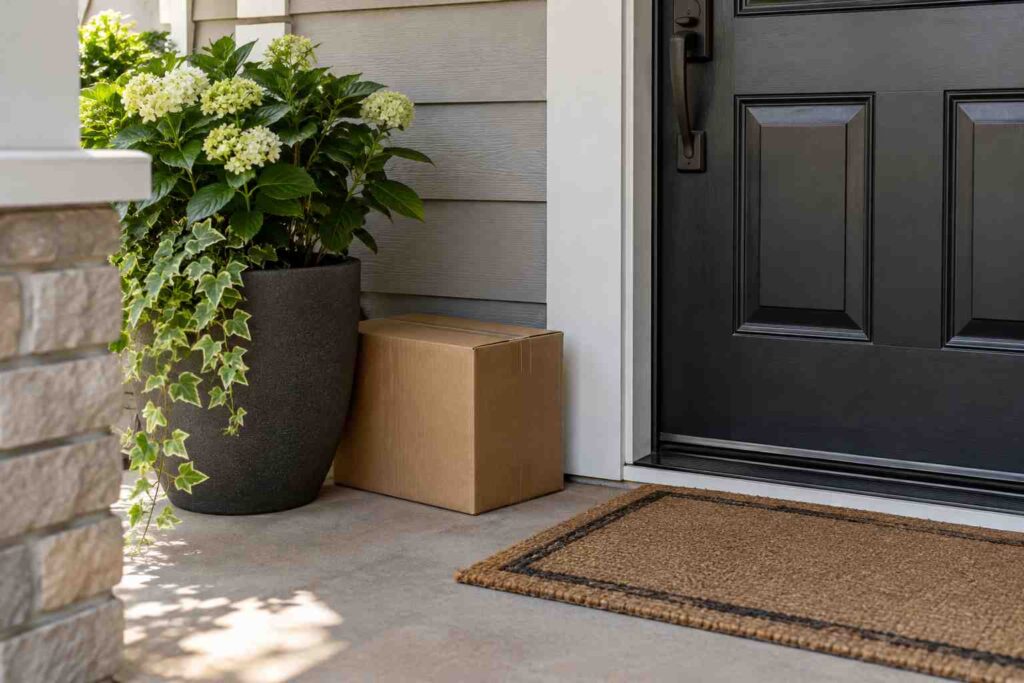
You can give delivery instructions to a carrier in three ways: add them at checkout with the retailer, set them in your carrier account (such as UPS My Choice, FedEx Delivery Manager, or a USPS account), or leave a note at your door or with your building. Instructions work best when they are short, specific, and tied to a real place, such as “Leave behind the black planter by the side door.” Carriers try to follow reasonable requests, but they are not required to, so treat instructions as a strong hint rather than a guarantee.
Most people only think about delivery instructions after something goes wrong. A package is left at the front steps where anyone can see it, or a driver walks past a gate and leaves it in the street. A few clear lines in the right place can prevent many of these problems. This guide shows where to enter instructions, how to word them, what carriers will and will not do, and how to handle repeat problems.
Where You Can Add Delivery Instructions
There are several places to add instructions, and they do not all share information. A note you add at a retailer may or may not reach the driver. A note you add with the carrier usually does.
The first place is at checkout. Many retailers, including Amazon, have a field for delivery notes, gate codes, and a preferred spot. These notes travel with the order, and the retailer may pass them to the carrier electronically. Amazon, for example, lets you save instructions to an address in your account so they apply to future orders.
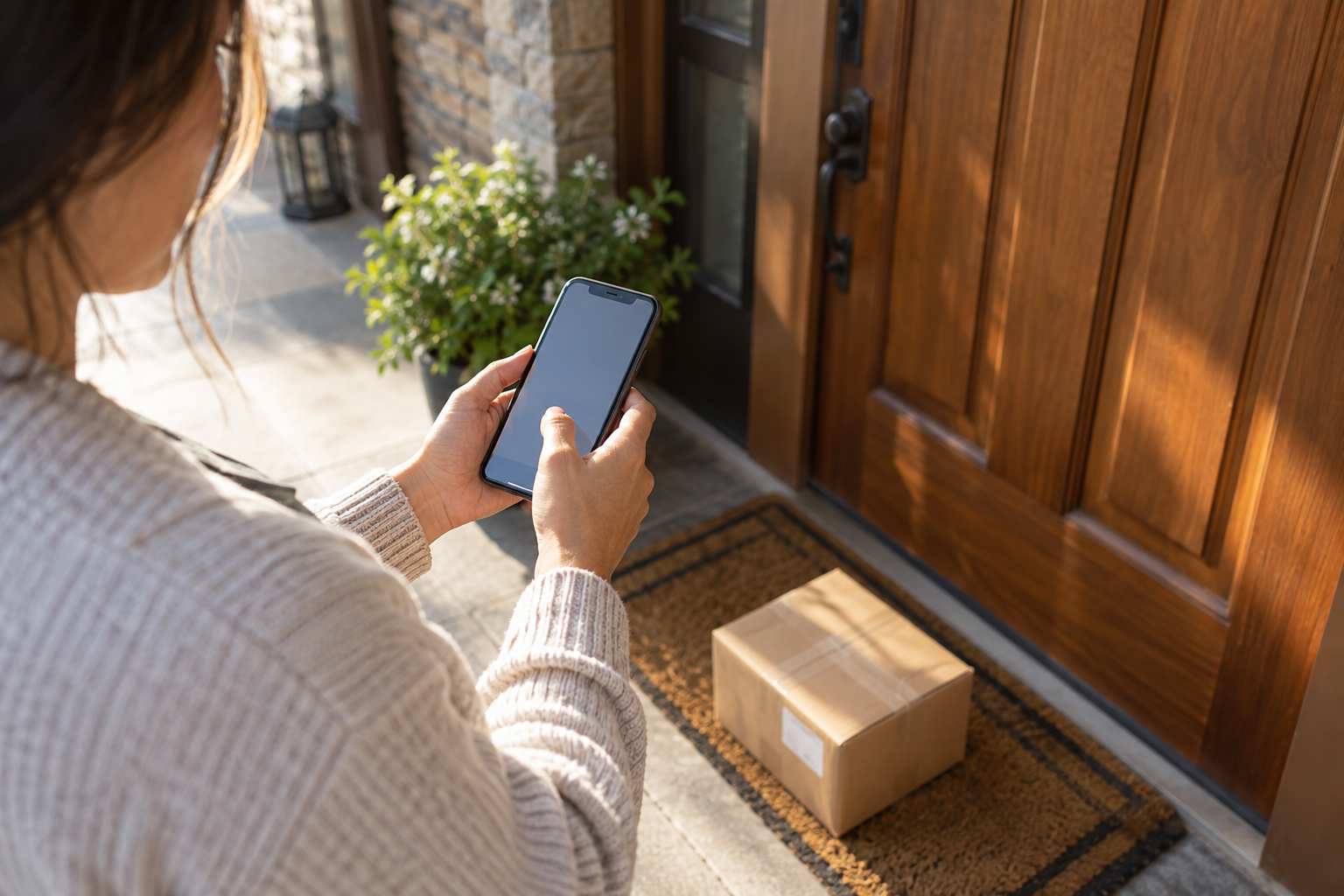
The second place is your carrier account. UPS My Choice, FedEx Delivery Manager, and a USPS account let you track incoming packages and, for many shipments, add delivery preferences. These tools may let you choose a different delivery date, redirect a package to an access point, or authorize a driver to release without a signature. Options differ by service and by shipment, so what you see for one package may not appear for another.
The third place is physical. A sign near your door, a note taped inside your mailbox, or a message to your building manager reaches the driver on the day. This is the last line of defense when your digital note is not shown to the driver. Keep the sign short, clear, and weather-proof.
How to Write Instructions Drivers Can Follow
Drivers deliver hundreds of packages a day. They have seconds at each stop. A long story will not help, but a clear, short note will. Write for a person who has never been to your home.
A good instruction has three parts: where to go, what to do, and what to avoid. For example: “Use the side gate on the left. Code 4521. Leave the package behind the green bin. Please do not leave anything at the front steps.” Notice how the note names a landmark, includes the code, and says what to avoid.
Compare that with a weak instruction like “Leave it somewhere safe.” The word “safe” means something different to every person. A driver may think the front porch is safe, while you think it is not. If you want to learn what can go wrong with vague notes, read our guide on why a clear delivery log matters, which shows how a precise record helps settle disputes.
Keep these writing habits in mind.
- Name a landmark. Use a fixed object like a planter, bench, or gate, not something that may move.
- Add access details. Gate codes, buzzer numbers, and unit numbers belong in the note.
- Mention hazards. A dog in the yard or a broken step helps the driver and protects the package.
- Be polite. Short, friendly language gets better results than a list of demands.
- Avoid private details. Do not write that you are away, or when you will be home.
That last point is worth a pause. A note that says “I am on vacation until the 20th” tells anyone who reads it that your home is empty. Keep your schedule private and give only the delivery details.
What Carriers Will and Will Not Do
Carriers will often follow simple requests about placement, such as leaving a package at the back door, in a garage, or behind a gate, as long as the driver can reach the spot safely. They may follow a request for a signature, a delivery to a neighbor, or a hold at a pickup location when you set it up through their tools.
There are limits, though. Drivers usually will not enter your home, climb steep or unsafe steps, or go through a locked gate without a code. They will not usually guarantee a time window, except on special services. Rules about no-signature releases, adult signatures, and delivery photos also depend on the service and the shipper. FedEx, UPS, and USPS each have their own limits, and the sender can set restrictions that override your wishes. If a package shipped with “signature required,” a note to leave it at the door will not change that.
Here is a short example. Dana asked a carrier to leave her package behind the garage door, but the shipper had chosen adult signature. The driver could not leave it, and tried three times while Dana was at work. In the end she redirected it to a pickup location. The lesson is to check the service level on the tracking page before you rely on a note.
Setting Preferences With Each Major Carrier
With UPS, create a free UPS My Choice account. From there, you can view incoming packages, change the delivery date for many shipments, redirect to an Access Point, and add delivery instructions for some deliveries. UPS also lets you authorize release of a package in some cases, so a driver can leave it without a signature.
With FedEx, use FedEx Delivery Manager. You can see incoming shipments, schedule a delivery date, hold at a location, and add delivery instructions for eligible packages. FedEx may limit certain options for specific services or senders.
With USPS, use a free USPS account and Informed Delivery, which gives you a preview of what is headed to you. For package delivery, you may be able to request redelivery, schedule a pickup, or set a hold. For letter carriers, a note near the mailbox or door still helps.
With Amazon Logistics, delivery instructions live in your address book. Add instructions to each address, choose the property type, and update them when anything changes. Drivers see the notes in their app.
What to Do When Instructions Are Ignored
Sometimes a driver ignores a clear note. Start by checking whether the note was visible. Did you add it with the retailer, or with the carrier? Did you add it before the package was out for delivery? A note added after dispatch may not reach the truck.
Next, contact the carrier. Give the tracking number, the date, the instruction you set, and what happened. Ask them to attach a note to your address in their system. Carriers do track repeat problems at an address, and a record of complaints can help route the next delivery correctly.
If the problem repeats, change the delivery method. Move deliveries to a locker or pickup point, ask a trusted neighbor to take packages, or use a locking parcel box. A fixed solution is often better than relying on a note that different drivers see each week.
Frequently Asked Questions
Do drivers actually read delivery instructions?
Many do, especially when the notes show up in their handheld scanner or app. Short and specific notes work best, and a physical sign can help when digital notes do not reach the driver.
Can I tell UPS or FedEx to leave a package in a specific spot?
Often yes, for eligible shipments, through your carrier account. The sender may restrict options, such as adult signature, which a note cannot override.
Is it safe to put my gate code in a delivery note?
It is a risk to weigh. Only share a code that you can change, and avoid posting it where strangers can read it. Many people use a temporary delivery code.
What if I will not be home to sign?
Redirect the package to a pickup location or reschedule delivery to a day you will be home.
Can I change instructions after the package ships?
Often yes, through the carrier’s tracking tools, but not always. Changes made late on delivery day may not reach the driver.
If you handle deliveries for other people, such as in a mailroom, apartment complex, or business receiving area, inbound package tracking software from TekCore can help you record where every package goes after it arrives.
