
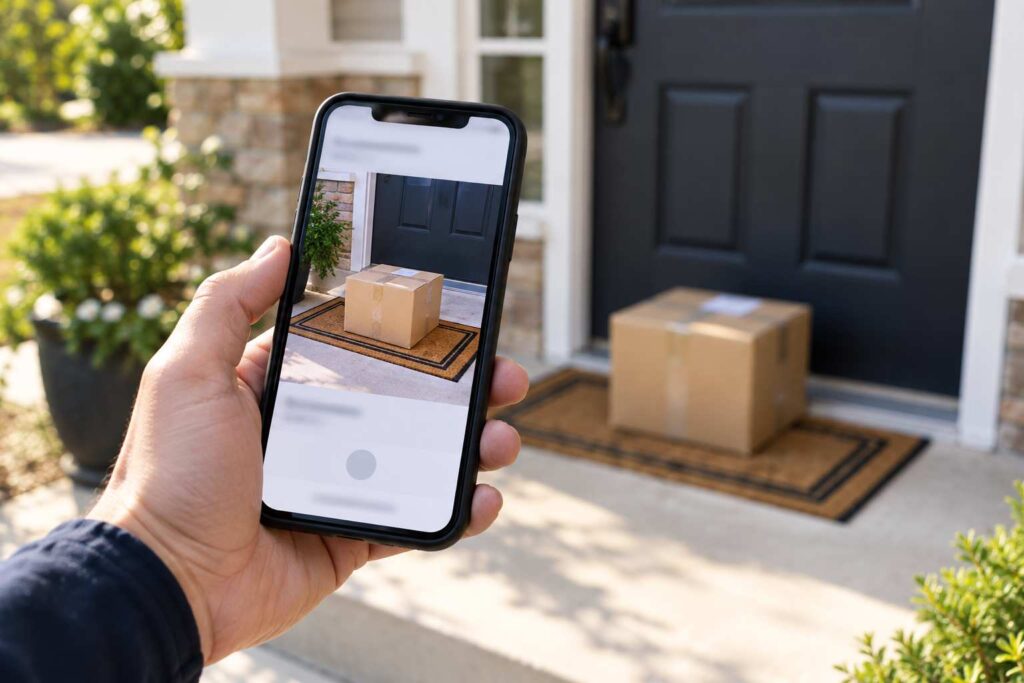
How Can I Get Proof of Delivery or a Delivery Photo for My Package?
You can get proof of delivery by looking up your tracking number on the carrier’s website or app. FedEx shows a delivery photo and a signature copy when one exists. USPS offers a proof of delivery letter, mostly for items that came with signature service, and shows delivery details on its tracking page. UPS shows delivery information and a signature or photo on many shipments. Retailers like Amazon also keep their own delivery photos in your order history. Act quickly, because photos are not kept forever.
Proof of delivery matters most when a tracking page says “Delivered” and your doorstep is empty. It also helps in a dispute with a seller, a credit card company, or an insurance provider. This guide shows you where to find a delivery photo or signature with each major carrier, how long the records last, how to read what you find, and what to do if no proof exists.
What Proof of Delivery Actually Is
Proof of delivery, often shortened to POD, is a record that shows a package reached its destination. It can take a few forms. The simplest is the tracking entry that says “Delivered” with a date, time, and city. A stronger form is a photo that the driver takes at the door. The strongest is a signature from the person who accepted the package, with a printed name.
Each form answers a different question. A tracking entry tells you when the carrier says it finished the job. A photo shows where the package was left. A signature shows who took it. If your package is missing, the photo and the signature are the details you want.
FedEx: Photo and Signature Proof
FedEx has two main options. According to FedEx, you can get a picture proof of delivery just by tracking your package, if an image is available. You can also get a signature proof of delivery, which you can print or have sent by email or fax. Both are found through the FedEx tracking tools.
The steps are simple. Go to the FedEx tracking page, enter your tracking number, and open the delivery details. If a photo exists, you will see an option to view it. If the shipment needed a signature, look for a “Get proof of delivery” or “Signature proof of delivery” link and follow the prompts. FedEx may ask you to enter the tracking number again and to give an email address to receive the letter.
Here is a short example. Elena sees “Delivered, Front Door” on her FedEx tracking page. She walks outside and finds nothing. She opens the tracking page again and taps the photo. The picture shows a box on a doormat, but the door in the picture is blue. Her door is white. That photo is strong proof that the driver left the package at the wrong house, and she can use it when she contacts FedEx and the seller. For next steps in this situation, see our article on a package delivered to the wrong address.
USPS: Proof of Delivery Letters and Signature Records
USPS describes a Proof of Delivery as an emailed response letter with delivery details, the recipient’s name, the tracking number, and an image of the signature along with the printed name and address when available. This kind of proof is mainly available for items that have signature service, such as Signature Confirmation, certified mail, or some Priority Mail Express shipments. For a regular package with no signature, you will usually see only the tracking entry and any note about where it was left.
To ask for one, go to the USPS tracking page, enter your tracking number, and look for the Proof of Delivery option. USPS will ask where to send the letter. You can find more details on the official USPS help page about what proof of delivery is.
USPS has also tested ways to take a picture of packages at delivery, but a photo is not something you can count on for every package today. If a USPS carrier leaves a package without a photo and without a signature, the tracking page may still say “Delivered, Left with Individual” or “Delivered, In/At Mailbox.” Those lines are the proof you have, and they can help you ask for a search. See our article on “Left in a safe place” for what to do when the note is not helpful.
UPS: Delivery Information and Signature Copies
UPS shows delivery information on its tracking page, including the date, time, and a note about where the package was left, such as “Front Door” or “Left at Office.” For many shipments, UPS also provides a signature record, and for some it provides a photo. If a signature was needed, you can usually request a copy through the UPS tracking page by choosing the proof of delivery option.
One thing to know is that signature records for UPS and FedEx can take several days after delivery to appear. Some shipping tools state that the files may be available around a week to ten days after delivery for those carriers, and sooner for USPS. If you do not see a signature right away, check again in a few days. If you need it for a claim and time is short, call the carrier and ask for the record.
Amazon and Other Retailers
If you ordered from Amazon, many deliveries include a photo that the driver takes at the door. You can often find it by opening Your Orders, selecting the order, and tapping the tracking details. Some retailers show a similar photo in their app or in the delivery email. These photos are handy, because they come from the seller’s own system, and they are a good thing to point to when you ask for a refund or a replacement.
If you do not see a photo, look for notes like “Left at front door” or “Handed to resident.” Amazon also lets drivers add a note if they left the box at a side door or with a neighbor. If your order says delivered but you cannot find it, our article on a package that says delivered but never received walks you through the steps, and our article on a stolen package covers filing a claim or a police report.
How Long Do Delivery Photos Last?
This is the part people often miss. Carriers do not keep delivery photos forever. The exact time varies by carrier and can change, and carriers do not always publish one number. Shipping industry sources say that FedEx customers often have full access to photos for about 14 days after delivery, with access becoming less certain after that, and many photos are deleted after about a month. Treat that as a rough guide and plan to act within the first two weeks.
The simple habit is this: if a package is missing, take a screenshot of the delivery photo and the tracking page on the same day. Save the screenshot to your phone and email it to yourself. If the carrier later removes the photo, you will still have your copy. A screenshot with the date and time is useful when you write to the seller or the carrier.
How to Read a Delivery Photo
A delivery photo can tell you much more than “it was delivered.” Look closely at these details.
The Door and the Surroundings
Compare the door, the mat, the railing, and the house number to your own. A wrong door color, a different step, or a house number you do not recognize points to a wrong address delivery.
The Package Itself
Check the label if you can see it. A label with your name and address in the photo proves it was your package. If the label is facing down or too small to read, you may not be able to tell, but the size and shape of the box can still help you decide if it matches what you ordered.
The Time Stamp
Photos usually have a time and date. Compare that time with your doorbell camera, your own movements, or your neighbors’ reports. If a doorbell camera shows no one at your door at that time, you have strong evidence that the delivery happened somewhere else.
What to Do If There Is No Proof
Sometimes there is no photo and no signature. This happens with regular packages, with carriers that do not take photos, and with older shipments. A lack of proof does not mean you did anything wrong, and it does not stop you from filing a claim. It does mean you need to build your case from other pieces.
First, check the tracking history for the delivery scan location. Many carriers record a GPS point where the package was scanned as delivered. If that location is far from your home, say so in your claim. Second, ask neighbors if they saw the package. Third, look at doorbell camera footage. Fourth, contact the seller, because many sellers have their own policies for packages marked delivered, and many will help even without a photo. Finally, if the carrier cannot show where the package went, file a claim. Our guide on filing a lost package claim with USPS, UPS, or FedEx explains the steps and the time limits.
Here is an example. Marcus sees a USPS package marked “Delivered, In/At Mailbox,” but he has no mailbox. There is no photo and no signature. He writes down the time of the scan, takes a picture of the empty spot where a mailbox would have been, and files a missing mail request on the USPS site. He also tells the seller. The seller sends a replacement after seeing the dates and the photo. The lack of proof from the carrier was not the end of the road.
How to Create Your Own Proof for Next Time
You can set yourself up for easy proof in the future. Turn on delivery photos and alerts in the carrier apps. Use a doorbell camera that records motion at the front door. Choose signature required for valuable items. And pick a secure option, such as a locker or a pickup point, for high value orders. If you receive many packages, see our guide on keeping packages safe from porch thieves for more ideas.
Frequently Asked Questions
How do I get a photo of my package being delivered?
Track the package on the carrier’s website or app. FedEx shows a photo when one is available. Amazon shows a delivery photo in Your Orders for many deliveries. Not every package has a photo.
Can I get proof of delivery from USPS?
Yes, for items with signature service. USPS emails a proof of delivery letter that includes delivery details and a signature image when available. Regular packages without a signature usually show only tracking details.
How long do delivery photos stay available?
It varies and carriers do not always publish a fixed time. Plan to save a screenshot within the first two weeks after delivery.
What if my package says delivered and there is no photo?
Check the scan location and time, ask your neighbors, look at doorbell camera footage, contact the seller, and file a claim with the carrier if needed.
Is a signature copy the same as a delivery photo?
No. A signature shows who accepted the package, and a photo shows where it was left. Some deliveries have one, both, or neither.
If you track packages for other people, such as in a mailroom, apartment complex, or business receiving area, TekCore’s parcel management software can help you keep a record of who received each package and when.
