
How Barcode and QR Code Scanning Improve Package Intake Accuracy and Speed
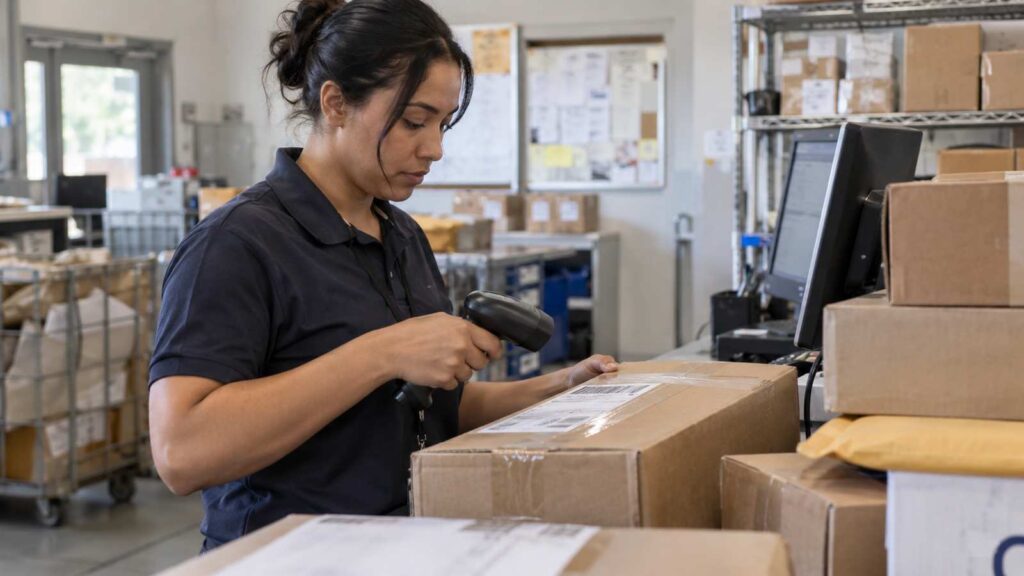
Barcode and QR code scanning improve package intake accuracy because a scanner reads a code correctly almost every time, while a person typing or handwriting the same information makes far more mistakes, and it improves speed because scanning a label takes a couple of seconds compared to the half a minute or more it takes to write out a sender, recipient, and shelf location by hand. For a mailroom or receiving desk logging dozens or hundreds of packages a day, that combination of fewer errors and faster processing is often the single biggest operational improvement available without adding staff.
Why Manual Entry Breaks Down as Volume Grows
Every mailroom that still relies on a paper log or a spreadsheet for intake is really relying on the accuracy of whoever is typing or writing at that moment. Industry data on manual data entry puts the typical keying error rate at roughly one mistake for every 300 keystrokes, which sounds small until you consider how many keystrokes go into logging a sender name, recipient name, department, and tracking number for a single package, multiplied across a full day of deliveries. Warehouse and receiving operations that depend mainly on manual entry, or on scanning equipment that is poorly maintained, typically land somewhere between 63 and 85 percent accuracy, while operations with well-implemented barcode scanning routinely reach 95 to 99.9 percent accuracy on the same tasks.
Picture a receiving desk on a Monday morning after a weekend of no deliveries, now facing 180 packages that arrived overnight. A staff member working from a clipboard, rushing to keep the line of pickup requests moving, transposes two digits in a suite number or misspells a recipient’s last name closely enough that the notification never reaches the right person. That single error can mean a package sits unclaimed for days, generates a frustrated phone call, and costs staff time to track down and correct, all from a mistake that a scan would have prevented in the first place.
What Actually Happens When You Scan a Code
A barcode or QR code scan pulls structured data directly from the carrier’s own label, the same tracking number, sender, and often recipient information the carrier already generated, instead of asking a staff member to read that information off a label and retype it into a separate system. That single step removes the two most common sources of intake error: misreading small or smudged print on a label, and simple typing mistakes when re-entering what was read. Package logging software built around scanning turns intake into confirming and categorizing data that is already accurate, rather than creating that data from scratch by hand.
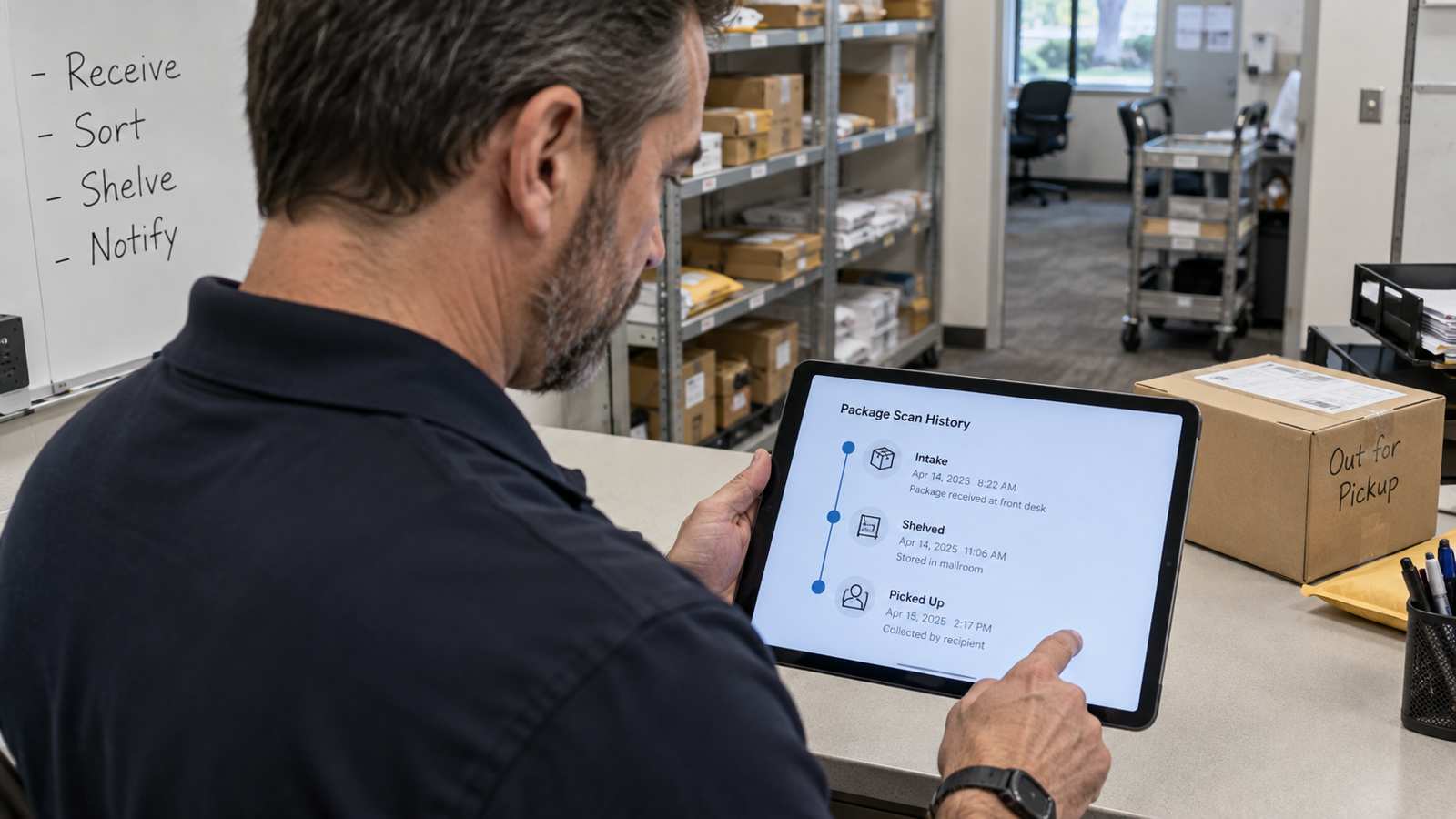
This matters just as much for QR codes generated internally, such as a code printed on an internal routing slip for interoffice mail or a code assigned to a resident locker in an apartment community. Once a code is tied to a specific recipient or location in the system, scanning it at each step, intake, shelving, and pickup, creates a consistent chain of scans that shows exactly where a package has been, without anyone re-keying that history by hand at each stage.
The Speed Difference Adds Up Fast
Beyond accuracy, the time savings from scanning compound quickly at any meaningful volume. Handwriting a sender, recipient, and location for a single package commonly takes 45 seconds to a minute, once you account for legible writing and double-checking a spelling. Scanning the same package’s label and confirming the recipient on screen typically takes five to ten seconds. On a desk processing 150 packages a day, that difference is the gap between roughly two hours of intake work and about twenty minutes, freeing well over an hour of staff time for tasks that still need a person’s judgment, such as verifying an oversized freight delivery or handling a damaged package.
That reclaimed time matters even more during a seasonal surge. A university mailroom during move-in week, or a corporate office during the holiday shipping season, can see package volume triple or quadruple for a short stretch. A scan-based intake process is one of the few changes that lets the same staff absorb that spike without a backlog forming by the second or third day, since the per-package processing time barely changes even as volume climbs.
Scanning Also Strengthens Chain of Custody
Every scan creates a timestamped record: when a package arrived, who logged it, where it was shelved, and eventually who picked it up and when. That automatic timeline is far more reliable than a handwritten log, both because it cannot be misread later and because it captures the exact time of each step rather than an approximate time someone remembers or writes down after the fact. When a resident, employee, or tenant disputes whether they ever received a package, a scan history with timestamps settles the question in seconds instead of relying on staff memory.
This record-keeping benefit is especially valuable for facilities handling sensitive or high-value deliveries, such as pharmacy shipments in a hospital receiving dock or legal documents in a corporate mailroom, where being able to show exactly who handled a package and when is not just convenient but sometimes a compliance requirement. Mail tracking software that logs every scan automatically removes the burden of maintaining that documentation by hand, which is easy to fall behind on during a busy week.
Getting Scanning Adopted Without Staff Pushback
Introducing a scan-based process sometimes meets resistance from staff who have run a paper or spreadsheet system for years and worry that new technology will slow them down or replace their judgment. In practice, the opposite tends to happen once the transition is handled well. Involve staff in testing the scanning hardware before rollout, since a scanner that is awkward to hold or slow to read damaged labels will create real frustration and undermine confidence in the whole system.
Consider a mailroom where the most experienced clerk initially resisted switching from her handwritten log, worried that scanning would make her job feel less skilled. After two weeks using a scan-based system, she became one of its strongest advocates, largely because it eliminated the recurring frustration of recipients calling to dispute whether they had been notified, disputes the scan timestamps resolved instantly. Giving staff that kind of early, hands-on experience, rather than simply announcing a new system, is usually what determines whether adoption goes smoothly.
Choosing Scanning Equipment That Fits Your Volume
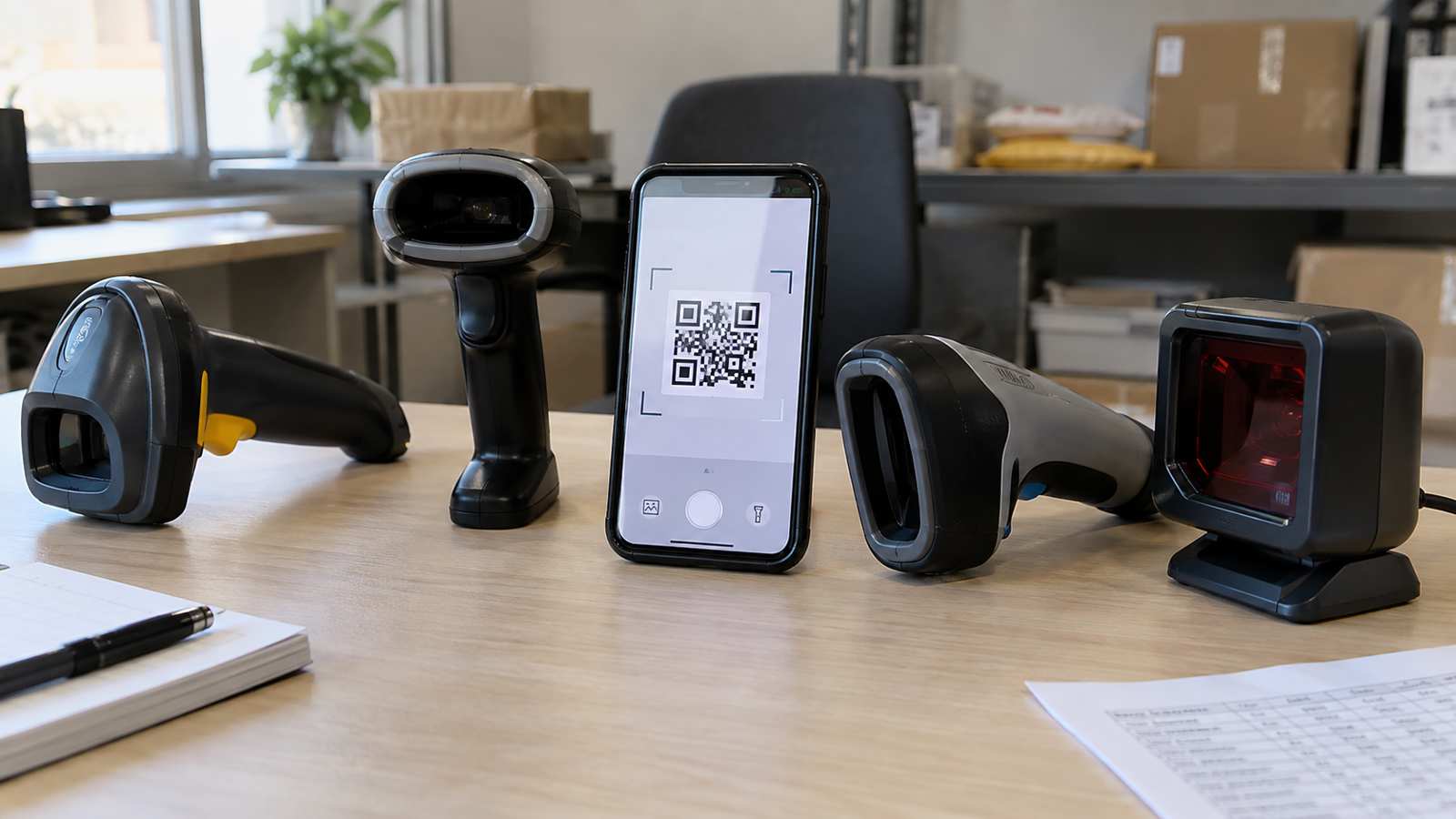
Not every facility needs the same scanning setup. A small office receiving a few dozen packages a day may do fine with a smartphone camera reading QR codes through a mobile app, while a busy loading dock handling hundreds of packages, including oversized freight, benefits from a dedicated handheld scanner built for speed and durability. A few factors are worth weighing before choosing equipment.
- Scan speed and read range. A scanner that struggles with damaged, angled, or partially obscured labels will slow down intake instead of speeding it up.
- Durability for the environment. A loading dock scanner needs to survive drops, dust, and temperature swings that an office device does not.
- Battery life across a full shift. A device that needs recharging midway through a busy day creates gaps in coverage.
- Compatibility with your software. Confirm the scanner works directly with your parcel management software rather than requiring a separate manual export step that reintroduces the errors scanning was supposed to eliminate.
Common Scanning Mistakes That Undercut the Benefits
Switching to scanning does not automatically guarantee better accuracy if a few common mistakes creep into daily practice. One frequent problem is staff scanning a package but skipping the confirmation step on screen, assuming the scan alone is enough, when the software may need a manual match if the recipient name on file does not exactly match the label. Skipping that confirmation step can leave a package logged under the wrong name even though the scan itself worked correctly.
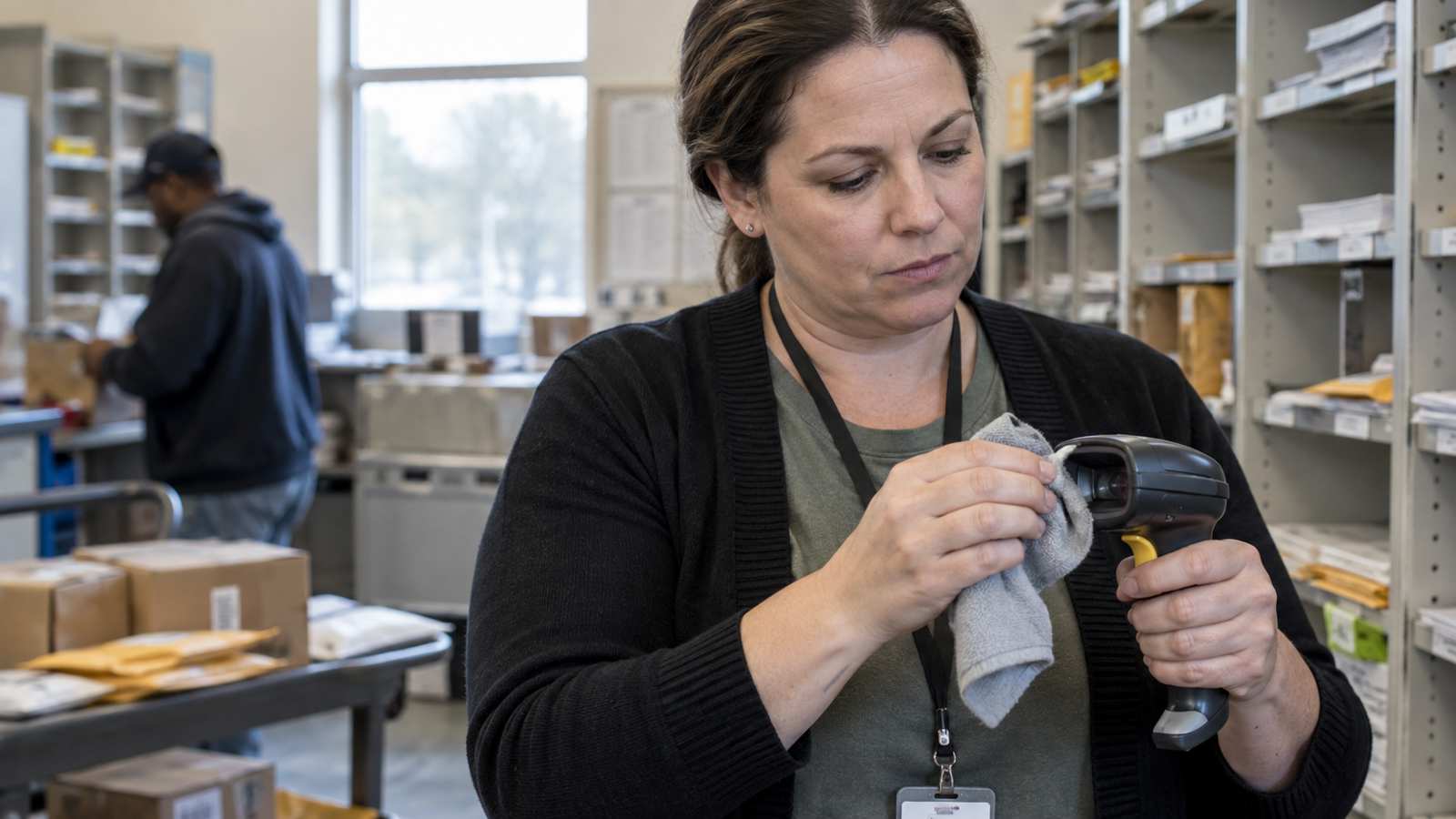
Another common mistake is letting scanning equipment fall into disrepair. A scanner with a scratched or dirty lens, or a printer producing faded labels for internally generated codes, gradually pushes first-scan success rates down, forcing staff to fall back on manual entry more often without anyone noticing the trend until complaints start rising. Building a simple monthly check of equipment condition into a supervisor’s routine catches this kind of slow degradation before it erases the accuracy gains scanning was supposed to deliver.
A third mistake is treating scanning as useful only at intake. A facility that scans a package in but still relies on a handwritten sign-out sheet at pickup loses half the chain-of-custody benefit scanning offers, since the most disputed moment, whether a package was actually picked up and by whom, ends up back on paper. Scanning at both intake and pickup, not just one end of the process, is what produces a complete and defensible record.
Measuring Whether Scanning Is Actually Working
After rolling out scan-based intake, track a few simple numbers to confirm it is delivering the improvement you expected: average time per package at intake, the number of misdelivery or lost-package complaints per month, and how often staff have to manually correct a record because a scan failed to read properly. A steady decline in complaints alongside a steady or improving intake time is a clear sign the change is working, while a high rate of failed scans usually points to a hardware or label quality problem rather than a flaw in scanning as an approach.
Reviewing these numbers monthly for the first quarter after rollout also gives you concrete evidence to bring to leadership if you need to justify additional scanning hardware for a second location or a busier season, rather than relying on a general sense that things feel better.
It also helps to compare intake accuracy before and after rollout using a small sample rather than guessing. Pull twenty packages logged the week before scanning went live and twenty logged a month after, and check each one against the recipient’s actual name and department on file. Facilities that run this kind of before-and-after comparison typically see the error count drop from several mistakes in the manual sample to zero or one in the scanned sample, which turns an abstract improvement into a specific number you can point to when a director or budget committee asks whether the change was worth it.
Frequently Asked Questions
Do QR codes work as well as traditional barcodes for package tracking.
Yes. QR codes can hold more information than a standard barcode and scan just as quickly with a phone camera or dedicated scanner, which is why many internal routing slips and locker systems use them alongside the carrier’s original barcode.
How much training does staff need to switch to a scan-based intake process.
Most staff can run a well-designed scan-and-confirm workflow independently after a single shift of hands-on practice, since the process mainly involves aiming a scanner and confirming a name on screen rather than learning a complex new system.
What happens if a label is damaged and will not scan.
A good package tracking platform allows a quick manual lookup or entry as a fallback for damaged labels, so a torn or smudged label does not stop intake entirely, it just requires the extra step scanning normally skips.
Is scanning worth it for a small mailroom with low package volume.
Even a low-volume mailroom benefits from the accuracy and automatic timestamp record scanning provides, since a single misdelivered package or an unresolved dispute over a missing item can cost more staff time than years of faster intake would save.
Scanning is not a one-time fix you install and forget. As call volume, staff, and building layouts change over time, it is worth revisiting equipment placement, confirming new hires were trained on the confirmation step and not just the scan itself, and checking whether labels generated internally are still printing clearly. A short quarterly review of these details keeps accuracy rates from slowly drifting back toward the manual-entry range they were meant to replace.
If manual intake errors and slow processing are costing your team time, schedule a demo to see how TekCore’s scan-based workflow handles real package volume.
