
Digital Mailroom Transformation

Digital Mailroom Software for Automated Mail Processing

Digital mailroom software replaces clipboards, paper logs, and manual phone calls with a fully automated system that scans every package, notifies every recipient, and closes every delivery with a confirmed signature — without your staff lifting a finger beyond the first scan.

90%
Reduction in mailroom processing time when paper logs give way to digital workflows

42%
Operational cost savings realized in year one of going digital

60%
Drop in errors the moment automated scanning replaces handwritten logs

Definition

What Is Digital Mailroom Software?

A digital mailroom is a package and mail management system that replaces every manual step in your receiving operation with an automated workflow. Instead of writing package details into a clipboard log and calling or emailing recipients one by one, staff scan a barcode and the system handles everything else automatically.

The moment a package is scanned, the digital mailroom records it, identifies the recipient from your organizational directory, sends a notification through email and text, and starts a searchable chain of custody that stays open until the recipient signs for the package or picks it up.

Nothing falls through the cracks. No package sits unclaimed because someone forgot to call. No dispute goes unresolved because there is no record. The entire operation runs on data, not memory.
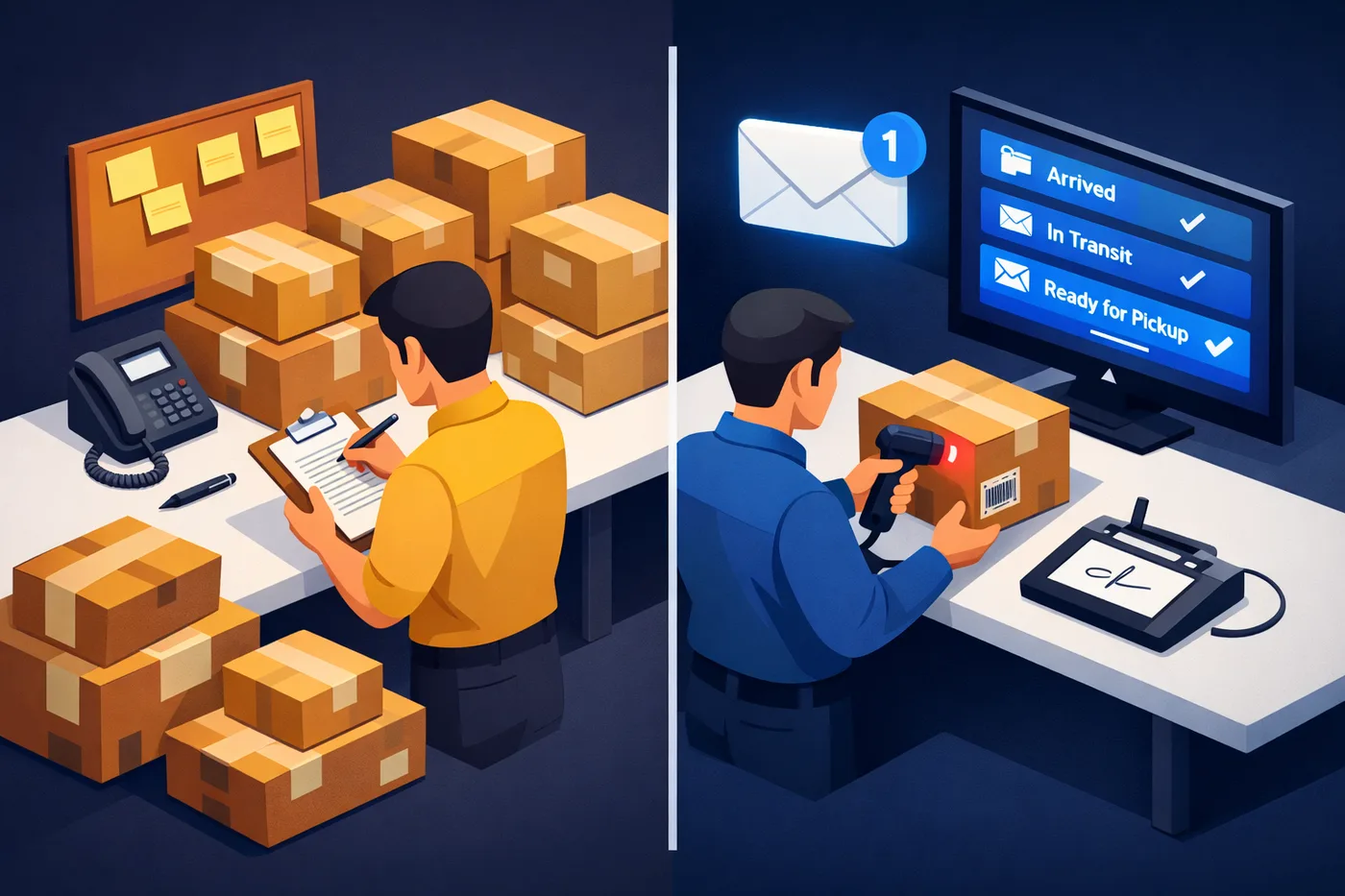
Digital mailroom software — automated workflow showing package scan, recipient notification, and digital delivery confirmation

The Real Comparison

Paper Mailroom vs Digital Mailroom

Most organizations underestimate what manual mailroom operations actually cost. Here is what the two approaches look like side by side across the tasks that matter most.

Task📋 Paper Mailroom⚡ Digital Mailroom
Package intakeStaff writes carrier, recipient, and arrival time by hand into a log bookStaff scans the barcode. The system records carrier, recipient, arrival time, and storage location automatically
Notifying recipientsStaff calls, emails, or walks to recipient desks one by one, often delayed by hoursNotification fires automatically the moment the package is scanned, via email and text simultaneously
Proof of deliveryA name scrawled in a log, often illegible, unverified, and easy to disputeElectronic signature or ID card swipe captured at the moment of pickup, stored permanently in the package record
Dispute resolution“There is nothing in the log” is the most common and most damaging response to a package disputeFull history pulled in seconds: arrival time, notification sent, who picked it up, and signature on file
Staff trainingDays to learn the paper system, then days more when that person leaves and someone new startsNew staff processing packages on their first shift, guided through the correct workflow by the software itself

Mailroom Automation

The 6 Manual Steps Digital Mailroom Software Eliminates

Mailroom automation software does not just speed up what you already do. It removes entire categories of manual work that your staff should never have been doing in the first place.

Automation 01
📋

Package Intake Logging

Manual entry into paper log or spreadsheet, with errors, omissions, and illegible handwriting
One scan creates a complete digital record with carrier, tracking number, recipient, timestamp, and storage location

Automation 02
📱

Recipient Notification

Staff calls, emails, or walks to recipients individually after each batch of packages arrives
Notification fires automatically the moment the package is logged, via email and text simultaneously

Automation 03

Unclaimed Package Reminders

Someone manually reviews the log, identifies overdue packages, and chases recipients, if they remember to follow up at all
Reminders send automatically after a configurable hold period and stop the moment the package is collected

Automation 04
🔍

Recipient Identification

Staff reads the label, searches a directory manually, and looks up the correct contact information for each package
SmartScan™ reads the label and matches the recipient from your existing directory automatically

Automation 05

Proof of Delivery Capture

Recipients sign a paper log, which is easily disputed, frequently skipped, and impossible to retrieve quickly
Electronic signature or ID card swipe captured at delivery, stored in the package record, and retrievable in seconds

Automation 06
📈

Operational Reporting

Volume counts pulled by hand from paper logs, assembled into spreadsheets, often weeks behind and inaccurate
Reports generated on demand by carrier, building, department, date, or delivery time, with no spreadsheet assembly required

The Business Case

Why Organizations Switch to Digital Mailroom Management

The cost of manual mailroom operations is rarely visible on a single line of a budget. It shows up in staff hours spent on administrative tasks that could be automated, in the legal costs of package disputes that could have been resolved with a digital record, and in the IT resources spent maintaining systems that do not integrate with the rest of the organization.

When organizations add up those costs against the subscription price of digital mailroom software, the math almost always favors switching.

  • A single resolved package dispute avoids legal and operational costs that typically exceed an entire year of software subscription fees
  • Staff time spent on manual package-related tasks drops dramatically once intake, notification, reminders, and reporting are fully automated
  • New staff onboarding time drops from days to a single shift when guided digital workflows replace verbal instruction and tribal knowledge
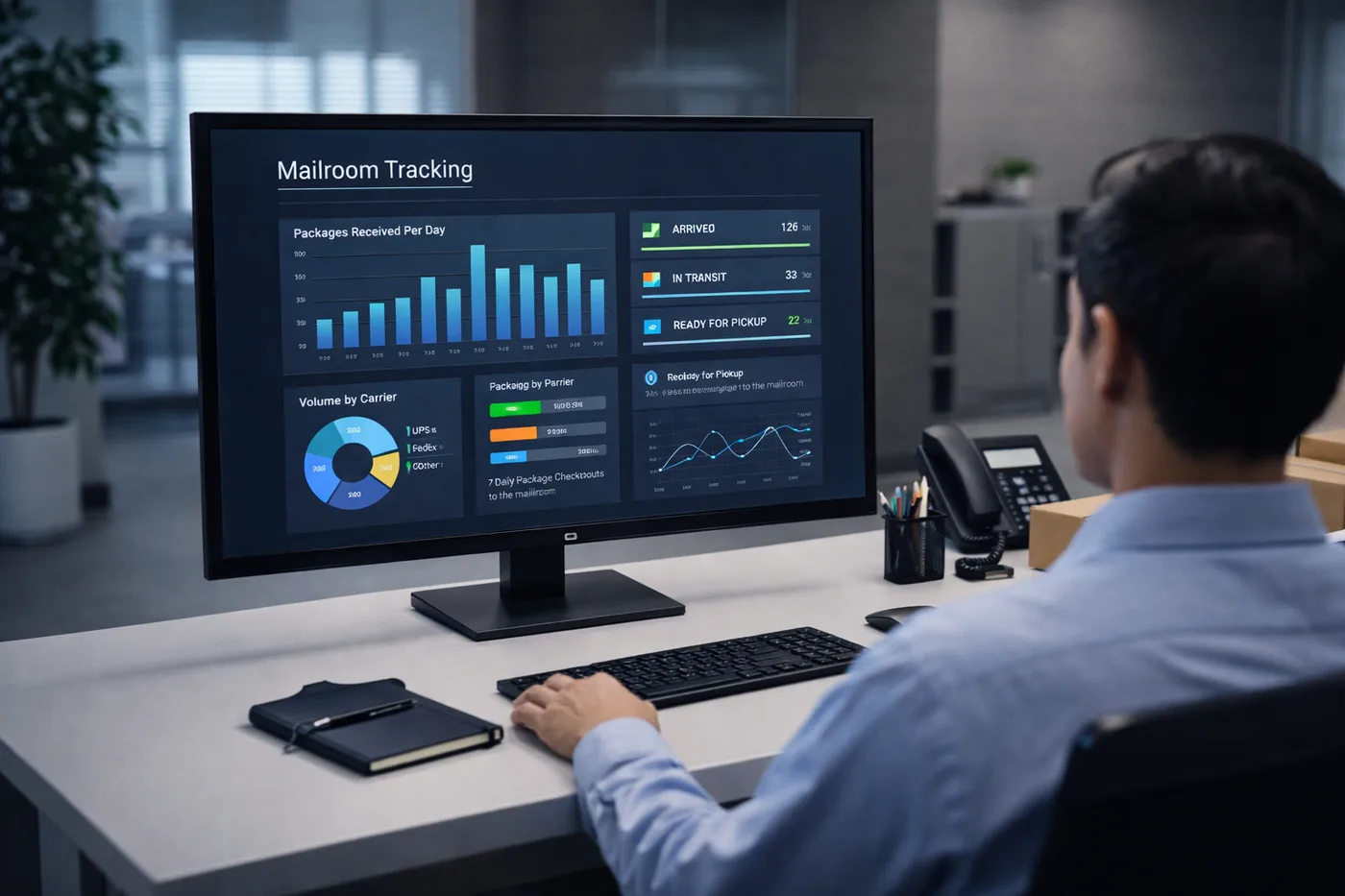
Operations manager reviewing digital mailroom software dashboard showing package analytics and delivery metrics

Going Digital

How Organizations Transition from Paper to Digital

Moving to digital mailroom management does not require a long IT project or a hardware overhaul. Most organizations are fully operational within a day or two of setup.

👤

Import Your Directory

Connect TekTrack® to your existing Active Directory, HR system, or import recipients from a spreadsheet. Your recipient list is ready before staff touch a single package.

📱

Configure Your Workflows

Set up notification templates, hold thresholds for reminders, storage locations, and any custom fields your operation requires. Done in minutes, not days.

Train in One Shift

Staff learn the scan-and-go process in minutes. The software guides them through your configured workflow on screen, so training does not depend on anyone remembering verbal instructions.

📈

Measure and Optimize

Within weeks, your dashboard shows volume trends, peak delivery days, average pickup times, and unclaimed package rates — data most operations have never had access to before.

Common Questions

Digital Mailroom Software FAQs

What is the difference between digital mailroom software and mailroom management software?

They describe the same category from different angles. “Digital mailroom software” emphasizes the transformation from manual paper-based processes to an automated digital system. Mailroom management software describes the operational functions the software manages. TekTrack does both — it digitizes your mailroom and manages every step of the package workflow from arrival to delivery.

What is mailroom automation, exactly?

Mailroom automation is the replacement of manual, staff-dependent steps in a package operation with software-triggered processes that run automatically. This includes intake logging, recipient notification, unclaimed package reminders, proof of delivery capture, and reporting. Fully automated mailroom operations require staff to perform only one action — scanning the package label. Everything else runs without additional input.

How long does it take to go from a paper mailroom to a fully digital one?

Most organizations using TekTrack are fully operational within one to two days of setup. Cloud edition requires no software installation. Your recipient directory can be imported from a spreadsheet or synced from an existing system. Staff can be processing packages on their first shift with minimal training, guided by the software’s on-screen workflow prompts.

Do we need new hardware to run digital mailroom software?

No. TekTrack works with most standard USB barcode scanners, as well as phones and tablets on Windows, iOS, and Android. If your team already has compatible devices, TekTrack can use them on day one. If you need to source hardware, TekCore can recommend the right equipment for your environment and volume.

What are the benefits of a digital mailroom over a manual one?

The primary benefits are time savings through automation, legal protection through chain-of-custody records, faster dispute resolution through searchable delivery history, and operational visibility through real-time reporting. Organizations that switch from paper to digital mailroom software consistently report reductions in staff time spent on administrative tasks, faster package pickup rates among recipients, and dramatically faster resolution of delivery disputes.

Can digital mailroom software handle multiple locations or buildings?

Yes. TekTrack manages packages across multiple receiving locations, buildings, floors, and campuses from a single platform. Each location can operate independently with its own workflows and access controls, while all package data rolls up into a single searchable record visible to your operations and facilities teams.

Is digital mailroom software cloud-based or on-premise?

TekTrack is available both ways. The Cloud edition requires no server installation, includes automatic updates, and can be accessed from any device on or off site. The On-Premise edition runs on your own infrastructure, keeping all data on your network — preferred by organizations with strict data governance requirements or those that need the system to operate without internet access.

What industries use digital mailroom software?

Any organization that receives packages on behalf of others benefits from a digital mailroom. The most common environments are corporate offices, universities and colleges, hospitals and healthcare facilities, residential apartment communities, and government agencies. Each has different requirements around chain of custody, compliance, and scale, all of which a configurable digital mailroom system can address.

Ready to Replace Your Paper Log with a Digital Mailroom?

Schedule a free demo and we will walk you through exactly how TekTrack automates your mailroom from first scan to final delivery.