
Choosing between cloud vs. on-premise package tracking software is one of the most important decisions an organization makes when upgrading its mailroom operations. Both deployment models solve the same core problem; they replace paper logs, spreadsheets, and guesswork with a digital system that scans, tracks, and delivers inbound packages with full accountability. But how your data is stored, who manages it, and where it lives can affect everything from your IT budget to your compliance posture.
If you are evaluating package tracking software for the first time, or if your current system no longer fits the way your organization operates, understanding the tradeoffs between cloud and on-premise deployment will help you make a confident decision. In this guide, we break down both models, compare their strengths and limitations, and explain why some organizations choose one over the other.

What Is Cloud Package Tracking Software?
Cloud-based package tracking software runs on servers managed by the software vendor. Your organization accesses the system through a web browser or mobile app, and all data, including package logs, recipient records, delivery signatures, and notification history, is stored in the vendor’s data center. Updates, backups, and security patches happen automatically without any action from your IT team.
For most organizations, cloud deployment is the fastest path from purchase to daily use. There is no hardware to install, no server to configure, and no software to download onto local machines. A staff member opens a browser, signs in, and starts scanning packages. That simplicity is a big part of why cloud-based inbound package tracking software has become the default choice for offices, universities, apartment communities, and hospitality properties over the past decade.
Cloud systems also make it easy to support multiple locations. A university with three campus mailrooms or a corporation with regional offices can manage everything from a single account. Staff at each site log packages locally, and administrators can view reports and activity across all locations from anywhere with an internet connection.
What Is On-Premise Package Tracking Software?
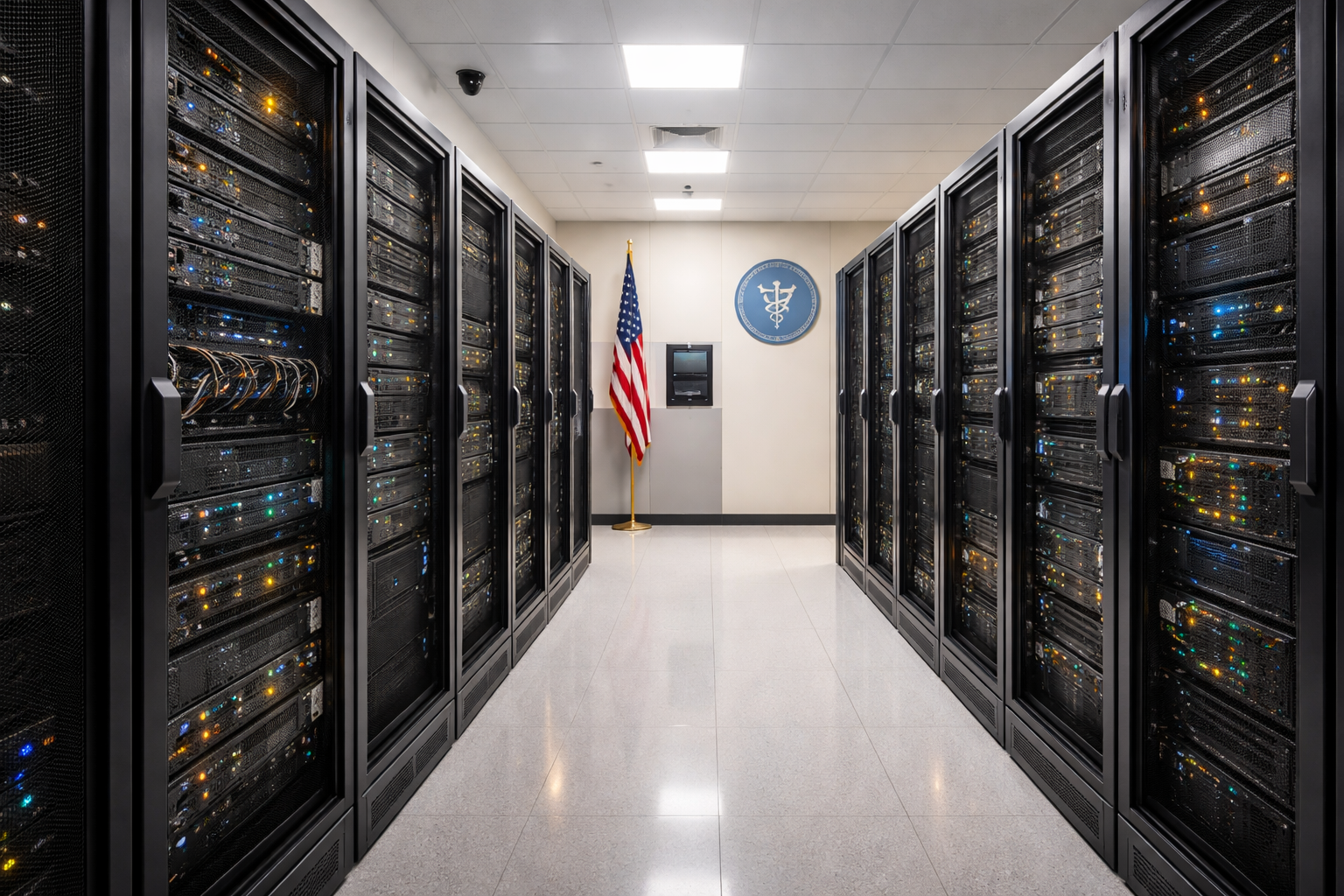
On-premise package tracking software is installed directly on your organization’s own servers or local hardware. Your data never leaves your network. Your IT team controls the server environment, manages backups, applies updates on your schedule, and decides exactly who has access to the system and from where.
This model has been the standard in industries where data residency, network isolation, or regulatory compliance are non-negotiable. Government agencies, military installations, healthcare systems, financial institutions, and correctional facilities often require that sensitive operational data remain behind their own firewall. For these organizations, on-premise deployment is not a preference; it is a policy requirement.
On-premise systems also operate independently of your internet connection. If your building loses connectivity for an hour, a cloud system may become inaccessible, but an on-premise system keeps working as long as the local network is up. For high-volume mailrooms that process hundreds of packages daily, that reliability can be the deciding factor.
Key Differences Between Cloud and On-Premise Deployment
The practical differences between cloud and on-premise parcel tracking software show up in five areas that matter most to the people making the decision.
Data Control and Residency
With a cloud system, your package data lives on the vendor’s servers. Reputable vendors encrypt data in transit and at rest, maintain compliance certifications, and provide uptime guarantees. But the data physically resides outside your network. With an on-premise system, every scan, signature, notification log, and recipient record stays on hardware you own and control. Nothing is transmitted to an external server unless you configure it that way.
Setup and Maintenance
Cloud deployment requires almost no IT involvement. Sign up, connect your employee or resident directory, and start scanning. The vendor handles server maintenance, software updates, and data backups. On-premise deployment requires your team to provision a server, install the software, configure network access, and manage ongoing updates. The tradeoff is complete control over the environment, including when updates are applied and how the system integrates with your internal infrastructure.
Cost Structure
Cloud software typically uses a subscription model; you pay monthly or annually and the price includes hosting, support, and updates. On-premise software is often a one-time purchase. You own the license outright and pay nothing ongoing beyond optional support contracts. Over a multi-year period, on-premise can be significantly less expensive for organizations that already have server infrastructure in place.
Accessibility
Cloud systems are accessible from any device with a browser and an internet connection. This is ideal for organizations with distributed teams, multiple campuses, or remote administrators who need to pull reports from home. On-premise systems are accessible within your local network by default. Remote access is possible but requires VPN or other secure connectivity that your IT team configures.
Internet Dependency
Cloud systems require an active internet connection to function. If connectivity drops, scanning and logging may be interrupted until the connection is restored. On-premise systems run on your local network and continue operating regardless of internet status. Some digital mailroom software solutions offer offline modes for cloud deployments, but the experience is typically limited compared to a fully local installation.
Which Organizations Choose Cloud?
Cloud deployment tends to be the right fit for organizations that want to move quickly, keep IT overhead low, and do not have strict data residency requirements. Common examples include the following.
- Corporate offices. A mid-size company with 200 employees receiving 30 to 50 packages a day needs a system that is easy to deploy and requires no dedicated server hardware. Cloud-based package logging software gets the mailroom running in hours, not weeks.
- Universities and colleges. Campus mailrooms serve thousands of students across multiple buildings. Cloud systems let mailroom staff at different locations work from the same platform, and administrators can monitor volume and performance from a central dashboard.
- Apartment and condominium communities. Property managers handling packages for hundreds of residents benefit from cloud systems that send automatic text and email notifications without any IT setup. Residents check their package status from their phones, and management never has to maintain a server.
- Hotels and resorts. Front desk teams need a lightweight solution that integrates with their existing workflow. Cloud-based mailroom management software fits naturally into hospitality operations without adding technical complexity.
Which Organizations Choose On-Premise?
On-premise deployment is the right choice when your organization’s policies, regulations, or operational environment demand it. Common examples include the following.
- Government and military. Federal agencies, state governments, and military installations often operate under strict data handling policies that prohibit storing operational data on third-party servers. On-premise package tracking software keeps every record within the agency’s own secure network.
- Healthcare systems. Hospitals and medical centers handle packages that may include medications, lab specimens, or patient-related materials. Keeping package chain-of-custody data on local servers simplifies compliance with internal security policies and reduces the surface area for data exposure.
- Financial institutions. Banks, insurance companies, and other financial organizations often have IT policies that restrict cloud-based tools for any system that touches operational data. On-premise deployment satisfies those requirements without sacrificing functionality.
- Correctional facilities. Package tracking in correctional environments requires strict chain-of-custody documentation and operates within networks that are intentionally isolated from the public internet. On-premise is the only viable model in these settings.
- Organizations in low-connectivity environments. Facilities in rural areas, industrial sites, or buildings with unreliable internet benefit from on-premise systems that function entirely on the local network.
Why Some Organizations Want Both Options
The cloud-vs-on-premise question is not always either/or. Some organizations start with one model and switch to the other as their needs evolve. A growing company might begin with a cloud subscription to avoid upfront costs, then move to on-premise once they have the IT infrastructure and want to eliminate recurring fees. A government agency might run on-premise at its headquarters but use cloud deployment for satellite offices that process lower volumes.
Having the flexibility to choose, and to change, matters more than most buyers realize during their initial evaluation. If the software you select only offers cloud deployment, you are locked in. If your compliance requirements change, if your organization merges with one that has different IT policies, or if your internet reliability becomes a problem, you have no fallback. Choosing inbound package tracking software that supports both deployment models protects you from having to start over with a new vendor down the road.
How TekCore Gives You Both Options
At TekCore, we have been building package tracking software for over 25 years, and we learned early on that no single deployment model works for every organization. That is why TekTrack® is available in both cloud and on-premise editions, with the same full feature set in both.
TekTrack Cloud starts at $99 per month, billed monthly or annually. There is no software to install, data is encrypted in transit and at rest, and you get unlimited users and recipients. Updates are automatic, and your team can access the system from any device with a browser.
TekTrack On-Premise starts at a one-time purchase of $1,295. You install it on your own hardware, your data never leaves your network, and you get unlimited users and recipients. You control the update schedule, the backup process, and the network configuration.
Both editions include SmartScan™ barcode technology for automatic recipient identification, customizable email, text, and phone notifications, digital signature and photo capture for proof of delivery, mobile support for Windows, iOS, and Android, directory integration with Active Directory and organizational databases, and a self-service recipient portal. Whether you choose cloud or on-premise, you get the same powerful package tracking system trusted by universities, hospitals, military installations, Fortune 500 companies, and government agencies worldwide.
A Simple Decision Framework
If you are still weighing the options, ask yourself these five questions.
- Does your organization have policies that require data to stay on local servers? If yes, on-premise is your answer.
- Do you need the system running within days, with zero IT involvement? If yes, cloud is your fastest path.
- Is your internet connection reliable enough to support daily operations? If not, on-premise removes that dependency.
- Do you want to avoid recurring subscription costs? If yes, the on-premise one-time purchase model may be more cost-effective over time.
- Do you operate multiple locations that need centralized visibility? If yes, cloud makes multi-site management seamless.
There is no wrong answer. The right deployment is the one that fits your organization’s policies, infrastructure, and operational priorities. The important thing is to choose a vendor that gives you the flexibility to go either way.
Take the Next Step
Whether you are leaning toward cloud, on-premise, or still deciding, we are happy to walk you through both options and help you find the right fit. Schedule a free demo to see TekTrack in action, start a free trial of TekTrack Cloud, or request a quote tailored to your organization. You can also reach our team directly at 877-536-0123. We are here Monday through Friday, 9 AM to 7 PM Eastern.
