
Handheld Scanners vs. Smartphone Apps for Mailroom Package Scanning: Which Fits Your Operation
Dedicated handheld scanners are the better choice for high-volume mailrooms that scan hundreds of packages a day, while smartphone or tablet scanning apps work well for smaller mailrooms, front desks, and sites that need low cost and flexibility. Many operations use both: a rugged scanner at the dock and a phone or tablet for pickup and exceptions. This guide compares the two options on speed, durability, cost, and workflow so you can choose the right tools for your package tracking software.
Scanning is the first step in good package tracking. A label scan captures the carrier and tracking number without typing, which avoids the mistakes that creep into manual entry. But the device in the clerk’s hand shapes how fast and how reliably that scan happens. Choosing the wrong one can slow your team down or lead to broken equipment and frustrated staff.
Why the Scanning Device Matters
Package volume keeps climbing. According to Supply Chain Dive’s report on ShipMatrix data, Amazon delivered 6.7 billion packages in 2025, the U.S. Postal Service delivered 6.6 billion, UPS delivered 4.4 billion, and FedEx delivered 3.6 billion. Your dock likely receives parcels from all of them, often within the same hour, each with a different label layout.
Each package needs a scan, and each scan takes a few seconds. A small difference per scan becomes a big one over a day. If one device needs two seconds longer per package than another, then over 300 packages that is ten extra minutes. Across a year, that becomes dozens of hours. A device that misses a scan and needs a retry is worse, because retries break the rhythm of the whole intake process.
The device also affects accuracy. A scanner that reads damaged or glare-covered labels well reduces the need to type, and typing is where errors enter the log. For a deeper look at why scanning improves accuracy, see our article on how barcode and QR code scanning improve package intake accuracy and speed.
Dedicated Handheld Scanners
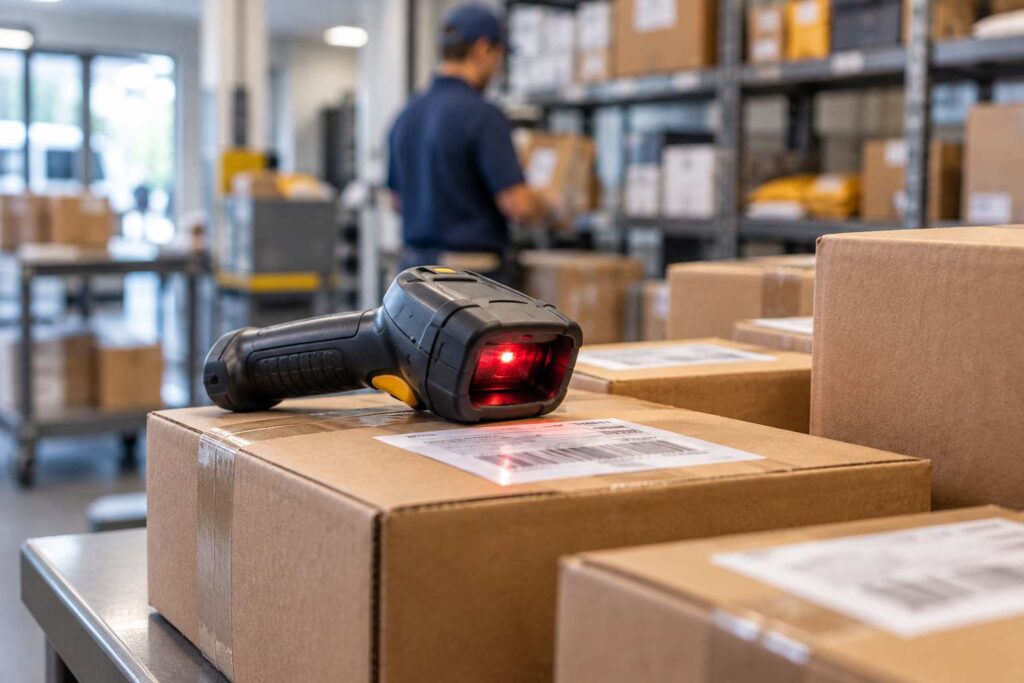
A dedicated scanner is a device built for one job: reading barcodes quickly. It may be a corded unit that plugs into a computer, a wireless unit that pairs by Bluetooth, or a mobile computer with a built-in scan engine and screen.
Strengths
Speed is the main advantage. A purpose-built scan engine reads barcodes almost instantly, at different angles and distances, including on curved or shiny labels. A clerk can point, press, and move on to the next package without aiming carefully.
Durability is the second. These devices are designed for daily drops, dust, and heavy use. Many can survive a fall to a concrete floor. In a busy receiving dock, that toughness saves money on repairs and downtime.
Battery life is the third. Industrial scanners are built for full shifts and often have swappable batteries, so a clerk does not run out of power in the middle of a delivery rush.
Finally, they keep the device dedicated to work. There are no personal notifications or phone calls interrupting the scan flow, and the device is easy to lock down for security.
Limitations
Cost is the clear downside. Rugged scanners cost more than a basic phone app, and mobile computers with screens cost the most. A mailroom with several stations or staff on multiple shifts needs several units, plus chargers and spares.
They also add equipment to manage. Someone must track who has which device, keep them charged, and replace them when they fail. Corded and Bluetooth models need a paired computer or tablet, which adds another piece to maintain. Compatibility is another point to check: confirm that the scanner works with your software before you buy.
Smartphone and Tablet Scanning Apps
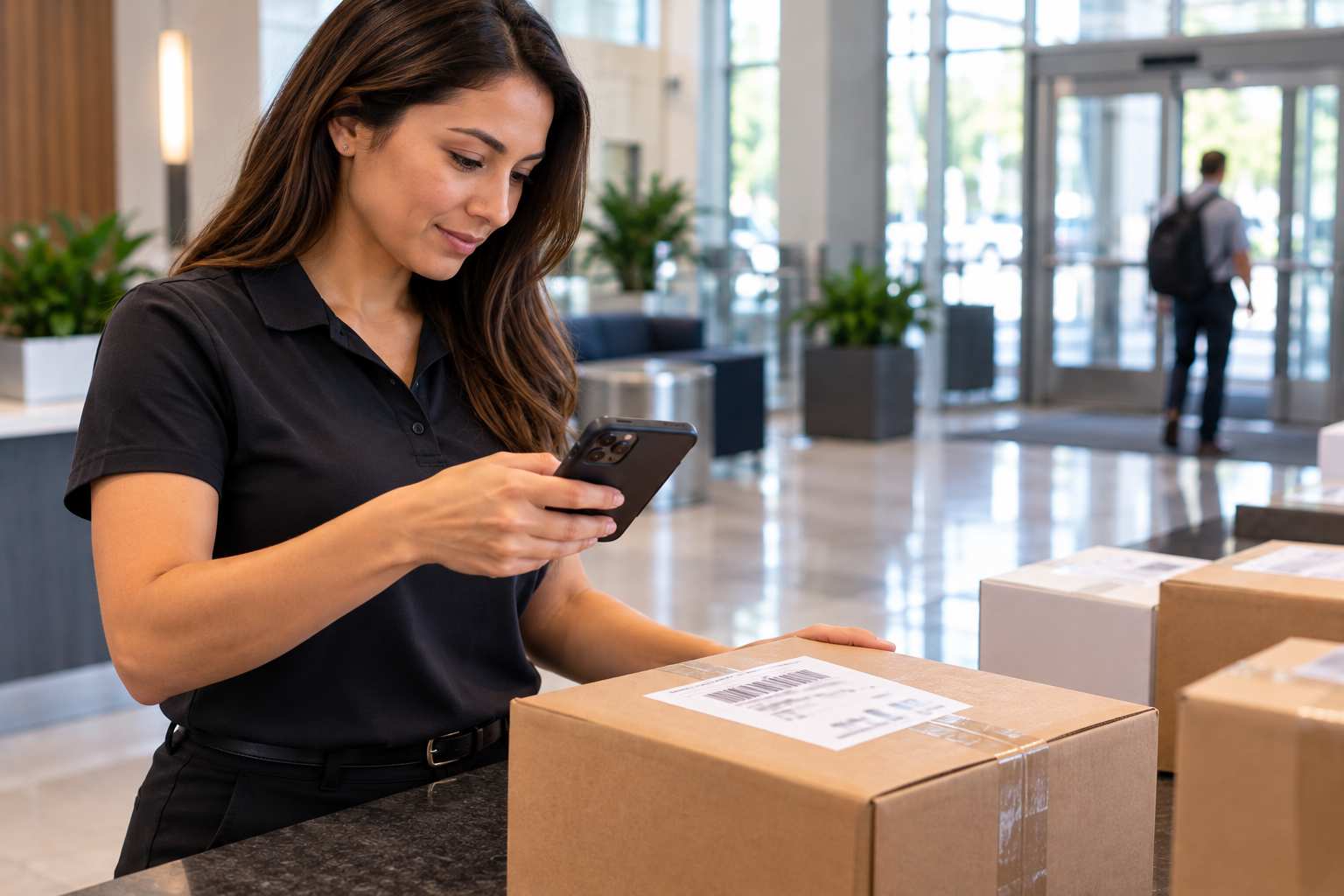
Many package tracking systems let staff scan labels using the camera on a phone or tablet. The camera reads the barcode, and the app records it.
Strengths
The biggest benefit is low cost. Most staff already have a phone, or the organization already owns tablets. There is little or nothing to buy for a basic start, and the software update is the only change.
They are flexible too. A phone can scan a package anywhere: at the loading dock, in a lobby, or at a recipient’s desk. A tablet can double as a signature pad for pickup. A single device does the scanning, the signature capture, and the photo of a damaged box.
Staff also tend to be comfortable with them. Everyone knows how to use a phone, so training time is short. Camera quality in modern devices is good enough to read most standard labels in decent light.
Limitations
Speed and reliability fall behind dedicated scanners. A camera has to focus, and it can struggle with glare, low light, wrinkled labels, or very small codes. Each retry adds seconds. At low volume this barely matters, but at high volume it can slow intake.
Durability is another concern. Phones and consumer tablets are not built for repeated drops or dusty docks. Cases help, but a cracked screen in the middle of a shift can stop work. Battery drain is also real, since camera scanning and screen use consume power quickly.
Personal phones raise policy questions. If staff use their own devices, your organization may need rules for security, data access, and who pays for damage. Using company-owned devices avoids most of these issues but adds to the cost.
Fixed and Hybrid Setups
Beyond the two main choices, a few other setups appear in busy mailrooms. A fixed-mount scanner, such as a tabletop unit, lets a clerk pass a package over the reader without holding anything. This is fast for small boxes and envelopes, but it is awkward for large or heavy items.
Some sites use label printers alongside scanning. After intake, the system prints a shelf label or a recipient tag, and the clerk applies it. This speeds up putting packages in the right place and finding them later. It also cuts down on handwriting.
The most common arrangement is a hybrid. A handheld scanner serves the receiving dock, where volume is highest. A tablet or phone serves the pickup counter, where staff need a screen for signatures and recipient lookup. This pairs the right tool with each job. It is also how most mid-sized operations grow: start with phones or tablets, then add scanners at the busiest stations.
A Realistic Comparison
Consider a hypothetical corporate mailroom that handles about 350 packages a day with two clerks. A handheld scanner might read a label in about one second, while a camera app might take two to three seconds with the occasional retry. The difference of one to two seconds per package adds up to roughly six to twelve minutes per day. That is not huge, but across a year it is 25 to 50 hours, and the clerks feel it most during rush times.
Now picture a small property office with 15 packages a day. At that volume, the difference is a few seconds in total. Buying a rugged scanner would not pay off, and a phone or tablet is the sensible choice. The same software works for both; only the scale changes. These figures are illustrations, not measured results, so test with your own labels and your own staff.
How to Decide
Start with volume. If your team scans more than a couple of hundred packages a day, or experiences rushes, a dedicated scanner pays for itself in saved time. If volume is low or uneven, a phone or tablet is probably enough.
Look at the environment. A clean office lobby is kind to consumer devices. A dock with dust, cold, or frequent drops is not. Match the equipment to the conditions.
Consider the label mix. If most of your packages carry clear carrier barcodes, either option works. If you also handle damaged, handwritten, or unusual labels, a better scan engine reduces manual entry.
Think about the staff. Short-term and part-time workers learn phones quickly, but a single-purpose scanner is even simpler: point and press. Our article on how package tracking software reduces onboarding time for seasonal and temporary mailroom staff explains how a simple workflow helps new hires.
Count the total cost. Include chargers, cases, spares, and replacements, as well as staff time. A cheap device that breaks often may cost more than a sturdy one.
Finally, confirm compatibility. Ask your software vendor which devices are supported, and test with your own labels before you buy in bulk. A trial period is the best way to do that.
Getting the Most From Whatever You Choose
Good habits matter as much as the device. Place scanners where packages are unloaded so clerks do not walk back and forth. Keep a charging station nearby and make recharging part of the end-of-shift routine. Clean scanner windows and camera lenses. Train staff on how to handle a label that will not scan, whether by tilting the package, adjusting the light, or using a manual entry fallback.
Pair scanning with automation. Once a label is scanned, the system should match the recipient, assign a shelf location if you use one, and send a notice. That is where the time savings multiply. Our overview of package tracking notifications shows what happens after the scan, and our guide to mailroom automation explains how to remove repeated manual steps across the whole workflow.
If your mailroom handles packages from many carriers at once, inbound package tracking software that recognizes different label formats keeps the scan step consistent. And for organizations comparing how different sectors set up their receiving areas, the industry benefits page shows how needs differ.
Frequently Asked Questions
Do I need a dedicated barcode scanner for package tracking software?
Not always. Many systems support phone or tablet cameras. A dedicated scanner becomes worthwhile when you scan a few hundred packages a day or work in a rugged environment.
Are phone scanning apps accurate enough?
For standard carrier labels in decent light, yes. They can struggle with glare, damage, and small codes, so test with your real labels before relying on them at high volume.
Can I use both scanners and phones?
Yes. A common setup puts handheld scanners at the dock and tablets or phones at the pickup counter for signatures and lookups.
Should staff use their personal phones?
It is possible, but it raises questions about security, data access, and damage. Company-owned devices are usually easier to manage.
How do I know which device works with my software?
Ask your vendor for a list of supported devices and test with your own labels during a trial before you buy in bulk.
Test Scanning With Your Own Packages
The best way to choose is to try both options with your real packages. Start a trial of TekCore’s package tracking software, scan a day’s worth of deliveries with a phone, a tablet, and a handheld scanner, and see which one your team prefers. For a wider look at how scanning, notices, and pickup fit together, explore the full package tracking solution.
