
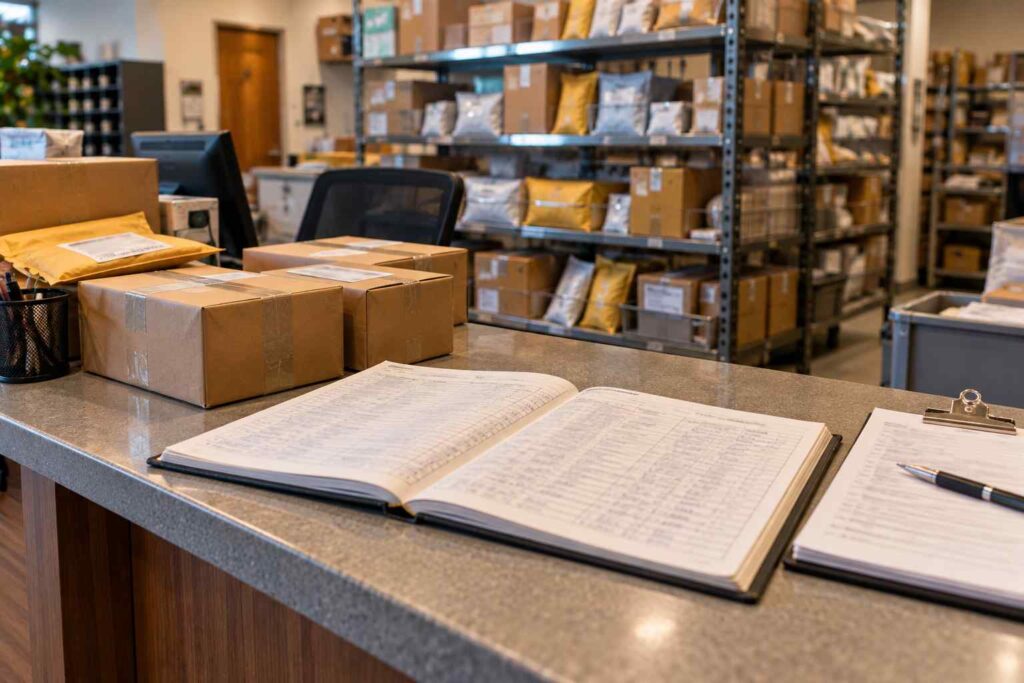
Replacing a Paper Logbook or Spreadsheet With Package Tracking Software: A Step-by-Step Transition Guide
Replacing a paper logbook or spreadsheet with package tracking software takes most mailrooms a few weeks, not months, and it works best when you move in four stages: audit what you log today, choose software that matches that workflow, run old and new systems side by side for a short time, and then retire the paper. This guide walks through each stage so a mailroom manager or facilities lead can make the switch without losing a single package record along the way.
Most mailrooms do not start with software. They start with a clipboard, a three-ring binder, or a shared spreadsheet that one person built years ago. It works, until it does not. Volume grows, staff change shifts, and suddenly nobody can say who picked up a package last Tuesday. The question is no longer whether to switch, but how to switch without disrupting the people who depend on the mailroom every day.
Why Paper Logs and Spreadsheets Stop Working
A manual log is a fine tool for a small operation. At ten packages a day, one careful person can write down a name, a carrier, and a time. The trouble starts when the numbers climb. The carriers your building depends on are moving more parcels than ever. According to Supply Chain Dive’s coverage of ShipMatrix data, Amazon delivered 6.7 billion packages in 2025, the U.S. Postal Service delivered 6.6 billion, UPS delivered 4.4 billion, and FedEx delivered 3.6 billion. Every one of those carriers can drop packages at your dock on the same morning, and each one uses its own label format.
Manual logging has four weak points that show up again and again.
The first is legibility and accuracy. Handwriting gets rushed. A tracking number is typed with a transposed digit. A recipient name is spelled two different ways on two different days, so a search for “Jon Smith” misses the entry for “John Smith.” These small errors add up, and they are hard to spot until someone is looking for a missing package.
The second is searchability. A paper log can only be read in the order it was written. If a manager wants every package for the legal department from last month, someone has to flip through pages and count by hand. A spreadsheet is better, but only if every row was entered the same way.
The third is accountability. A binder can show that a package arrived. It rarely proves who took it. A signature scribble in a column is not a reliable record, and a spreadsheet usually has no signature at all. When a recipient says “I never got that,” the mailroom has little to show.
The fourth is single points of failure. The person who understands the spreadsheet formulas goes on vacation, or a binder goes missing, or two people edit the same file at the same time and one of them overwrites the other. Paper and spreadsheets depend on habits, and habits break when staff turn over.
Here is a realistic example. Picture a mailroom in a 400-person office that handles about 60 packages a day. The clerk logs each one in a shared spreadsheet, which takes roughly 90 seconds per package once you count finding the recipient and typing the tracking number. That adds up to about 90 minutes of data entry every day, before a single notification goes out or a single package is handed over. Over a year, that is roughly 370 hours spent typing. The numbers are illustrative, but most mailroom managers will recognize the pattern.
Signs It Is Time to Switch
You do not need to wait for a crisis. Several signals tell you the manual method has reached its limit. If recipients regularly email or call to ask whether a package arrived, your mailroom is acting as a help desk for information the system should provide automatically. If a clerk spends more than a few minutes reconstructing what came in yesterday, the log is not doing its job. If you have had even one dispute over a missing package that you could not settle with evidence, the cost of the next one will be higher than the cost of fixing the process now.
Other signs are more about people than paper. New hires take a long time to learn the system because the system is really one person’s memory. Shelves fill with packages nobody has been told about. Managers ask for a report and the answer is “give me a few days.” Any of these is a good reason to look at package logging software that records each item the moment it is scanned.
Stage One: Audit Your Current Process
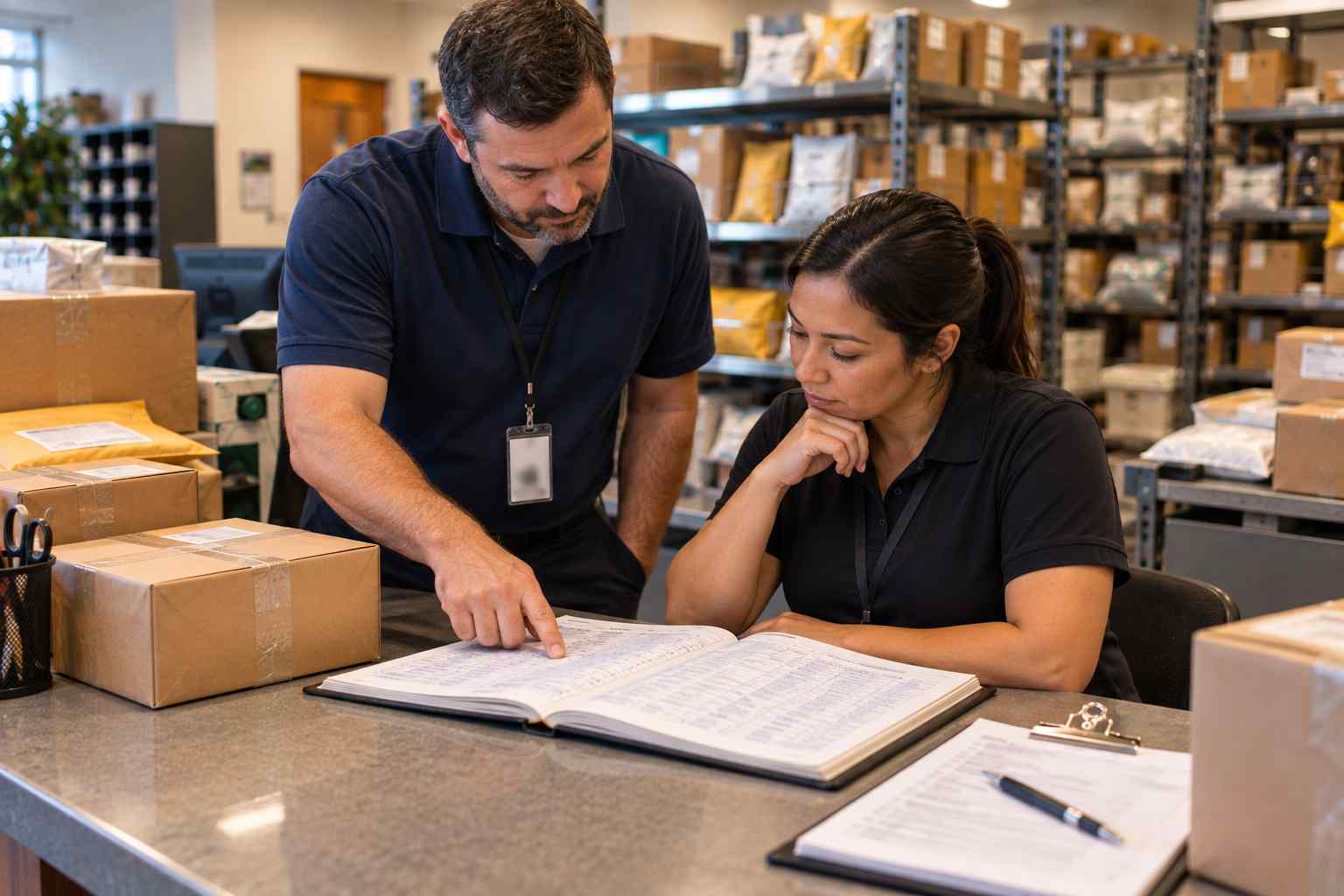
Before you shop for anything, write down what your mailroom does today. This step feels slow, but it saves the most time later. Walk the path of one package from the dock to the recipient’s hands and note every touch. Who signs for it from the driver? Where does it sit? How is the recipient told? How does the recipient prove they picked it up?
Then look at your existing log and list every field you record. Most logs include date, carrier, tracking number, recipient, and pickup signature. Many also contain extras that grew over time, such as shelf location, department, or a note that the package is fragile. These extras are valuable clues. They show what your team actually needs to know, and they become the checklist you hold software against.
Finally, pull a sample. Take one busy week of log data and count packages by day, by carrier, and by recipient group. You will use these counts to size the software, to estimate how much time you can save, and to set a baseline for improvement.
Stage Two: Define What the New System Must Do
With the audit in hand, turn your findings into requirements. Keep the list short and tied to real problems. A mailroom that loses packages on shelves needs location tracking. A mailroom that fields constant “did my package arrive” emails needs automatic recipient notifications. A mailroom that has had disputes needs signature capture and a time-stamped history.
At a minimum, most buyers should expect the following from package receiving software: barcode scanning for intake, a recipient directory so names are never retyped, automatic notifications, electronic signature capture at pickup, and reports that can be filtered by date, carrier, and department. If you want a deeper explanation of how these pieces fit together, our guide to how package tracking software works covers the full flow from the dock to the recipient.
Do not forget the less visible requirements. Ask who needs access and at what level. Ask how the software handles a recipient who changes departments or leaves the company. Ask how data is backed up and how long records are kept. If your organization has security or compliance reviewers, bring them into the conversation now rather than at the end.
Stage Three: Move Your Data and Directory
The biggest worry about switching is the fear of losing history. The good news is that you rarely need to move every old entry. Most mailrooms migrate two things: the recipient directory and, optionally, a recent slice of package history.
The recipient directory is the important one. Your spreadsheet may already hold a list of employees, tenants, or students. Clean it before you import it. Remove people who have left, fix duplicate names, and make sure every person has a valid email address or phone number, since notifications depend on them. If your organization keeps an HR or student system, ask whether the directory can be loaded from there so it stays current without manual edits.
As for old package history, ask whether you need it. For active packages that are still on the shelf, enter them into the new system before go-live so nothing falls through the gap. For closed records from months ago, keep the old spreadsheet or binder in a safe place as a read-only archive. This is simpler and safer than forcing every row into a new format. If you do need long-term access to old data, many teams export the spreadsheet to a PDF or locked file and store it with other records.
Stage Four: Run Both Systems Side by Side
A short overlap period protects you. For one to two weeks, log every package in the new software and also in the old log. It sounds like extra work, and it is, but it gives you a safety net while your team builds confidence. At the end of each day, compare the two. If a package shows up in one and not the other, you have found a gap in training or setup before it can hurt a recipient.
Keep the overlap short on purpose. A parallel run that drags on for months teaches people that the old way is still acceptable, and the switch never finishes. Pick an end date up front and tell everyone what it is.
Use the overlap to check three things. First, speed: is intake faster with a scanner than with a pen? Second, notifications: do recipients actually receive them, and do they stop asking about packages? Third, pickup: does signature capture add friction at the counter, and if so, can the workflow be adjusted? Small fixes at this stage, such as relabeling a field or moving a scanner closer to the dock door, make a large difference in daily use.
Training Your Team
Software only helps if people use it the same way every time. Plan short, hands-on sessions rather than one long lecture. Let each clerk scan real packages from real deliveries. Write a one-page quick reference with the five or six steps they will repeat all day, and post it by the scanner.
Pay special attention to backup staff and part-time workers. The person who covers lunch breaks or sick days should be just as comfortable as the full-time clerk. A mailroom with only one trained person is the same single point of failure you were trying to escape.
Also tell recipients what is changing. A short email explaining that they will now receive a notification when a package arrives, and that they will sign electronically at pickup, prevents confusion on the first day. Recipients tend to welcome the change, because it answers the question they used to ask the mailroom.
What Improves After the Switch
Once the paper is gone, the gains show up in four places. Intake gets faster because a scan replaces typing. Errors drop because the carrier label supplies the tracking number instead of a person copying it. Recipients get timely notices, which cuts the phone calls and emails. And every pickup produces a time-stamped record that can settle disputes in seconds.
Consider the earlier example of a 60-package-a-day mailroom. If scanning cuts the average logging time from 90 seconds to about 30 seconds, daily data entry drops from roughly 90 minutes to roughly 30. That frees an hour a day for the work a clerk actually wants to do, such as sorting, helping recipients, and handling exceptions. These figures are an example, not a guarantee, but they show how small savings per package turn into real hours at scale. If you want to put your own numbers on this, see our guide on the return on investment of package tracking software.
The record also gets stronger. A signature and a timestamp at pickup form the heart of any proof of delivery process. When someone claims a package never arrived, you can show when it was received, who was notified, and who signed for it.
Common Mistakes to Avoid
Teams that stumble during the switch usually make one of a handful of mistakes. They skip the audit and buy software that does not fit their real workflow. They import a messy directory and then wonder why notifications bounce. They never set an end date for the parallel run. They train only one person. Or they customize every field before launch, creating a complicated setup that nobody remembers.
The fix for all of these is the same: start simple. Go live with the core steps of scan, notify, and sign. Add extras such as custom fields, reports, and integrations after the team is comfortable. A working basic process beats an elaborate one that stalls.
Frequently Asked Questions
How long does it take to replace a paper log with package tracking software?
Most mailrooms complete the transition in two to six weeks. The audit and setup usually take one to two weeks, the side-by-side period takes one to two weeks, and the rest goes to training and cleanup. Larger or multi-site operations may take longer.
Do I need to enter all my old package records into the new system?
No. Most teams enter only packages that are still waiting for pickup, then keep the old spreadsheet or binder as a read-only archive. Migrating years of closed records is rarely worth the effort.
What if my staff are not comfortable with technology?
Package tracking software for mailrooms is built around a few repeated steps, mainly scanning a label and tapping a name. Short, hands-on training with real packages and a one-page quick reference sheet are usually enough to get people comfortable within a day or two.
Can I still use a spreadsheet for reports?
Yes. Most systems let you export data to a spreadsheet when you want to do your own analysis. The difference is that the data is now entered consistently by a scanner rather than typed by hand.
How do I know the switch is working?
Track three numbers before and after: minutes spent logging per day, number of “where is my package” requests, and number of unresolved package disputes. If all three move in the right direction within a month, the switch is paying off.
Take the Next Step
Moving from paper to software is one of the simplest upgrades a mailroom can make, and the payoff starts the first week. If you would like to see how a modern system handles intake, notifications, and pickup, you can schedule a demo with the TekCore team. If you have questions first, our package tracking FAQ answers the most common ones.
