

What Is USPS Informed Delivery and How Can I Use It to See My Mail and Packages Before They Arrive?
USPS Informed Delivery is a free service from the United States Postal Service that shows you pictures of the letters coming to your address and gives you status updates on your packages. You sign up once on the USPS website, confirm who you are, and then get a daily email or app view of what is on its way. It does not show what is inside your mail, and it does not promise that a previewed item will arrive that day, but it is one of the easiest ways to stop guessing about what the mail carrier is bringing.
If you have ever wondered whether a check, a new card, or a package is really on its way, this guide is for you. We will explain what USPS Informed Delivery shows, who can use it, how to sign up, how to read the daily email, and what to do when the preview and the real mail do not match. We will also cover the limits, so you know when to look somewhere else.
What USPS Informed Delivery Actually Shows You
As mail moves through USPS sorting machines, the machines take a picture of the front of each letter-sized piece, the side with the address. Informed Delivery turns those pictures into a preview. According to USPS, the service gives you preview images of incoming mail as well as status updates about your incoming and outbound packages. The letter pictures are in grayscale, and they show the outside of the envelope only.
Think of it like looking through the window of your own mailbox, one day early. Say you are waiting on a tax notice from the state. On Tuesday morning you open your email and see a gray picture of an envelope with the state seal in the corner. You now know it is close, and you know to check the mailbox that afternoon instead of wondering for a week.
Packages work a little differently. You do not get a photo of the box. Instead, Informed Delivery lists packages that USPS can track to you and shows their tracking status, such as “In Transit” or “Out for Delivery.” If you want to understand those messages better, our guide on what common tracking statuses mean walks through them one by one.
What You Will Not See
The preview is helpful, but it has gaps. It does not show what is inside any envelope. It does not include every piece of mail, and it does not guarantee that a previewed piece will arrive that day. Some items, such as certain flat mail and mail that was not scanned for any reason, may never show up in your preview. That means a missing preview does not prove that nothing is coming, and a preview does not prove the mail will land in your box that very afternoon.
Is It Really Free, and Who Can Use It?
Yes, it is free. USPS says the service is available at no cost to eligible customers. To use it, you need a residential, business, or PO Box address in a ZIP Code where the service is offered, and the address needs to be one that USPS can tie to a specific mailbox. Some apartment buildings and shared mail setups may not qualify, and USPS lets you check this during signup.
Here is a simple example. Maria lives in a small house with her own mailbox on the porch. She signs up with no trouble. Her friend David lives in a large building where the mail is sorted into a shared bank of boxes by the property staff. David may find that his address is not eligible, or that the preview is less reliable. If that sounds like your building, check the signup screen first before you spend time on it.
How to Sign Up Step by Step
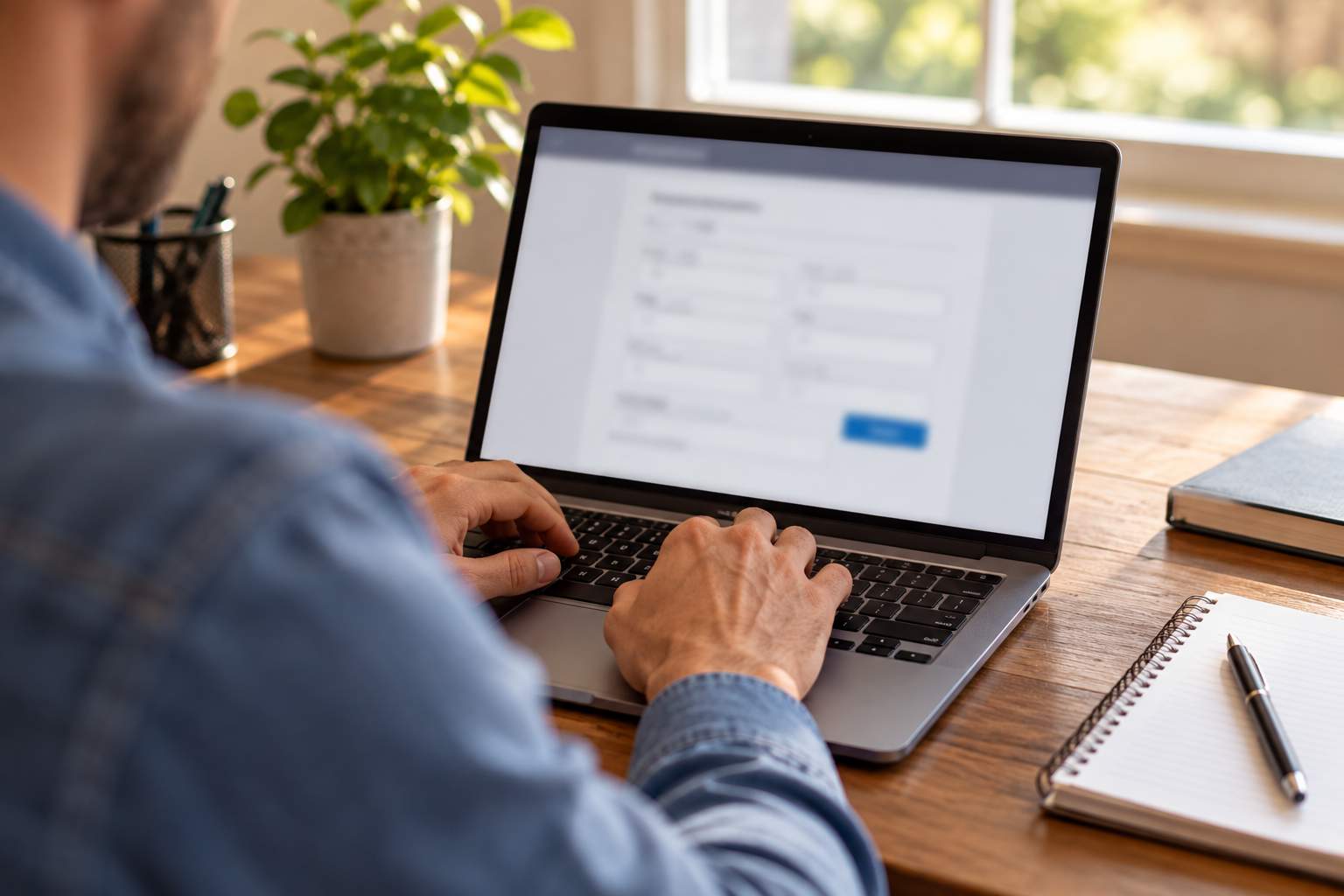
Signing up takes a few minutes, and most of that time is the identity check. Here is how it works in plain steps.
- Create or use a USPS account. Go to the Informed Delivery page on usps.com and sign in with your existing USPS account, or create a new one with an email address and password.
- Enter your address. Type in the address where you get mail. USPS checks whether it is eligible.
- Verify who you are. USPS asks a few questions or sends a code so it can confirm that you really live at that address. This step protects you, because it stops someone else from watching your mail.
- Activate the service. Once you are approved, you pick how you want updates, such as email, text alerts, or the USPS Mobile app.
USPS says the activation time can vary, but you will typically start getting notifications within three business days. So if you sign up on Monday because you are waiting for a package, do not expect to see a full preview by Monday night.
If you have a USPS account already, you may see a prompt to turn on Informed Delivery without any extra account setup. You can use the official page at usps.com/manage/informed-delivery.htm to begin. Always type the web address yourself or use the official USPS site. Do not sign up through a link in a random text or email, because fake sign-up pages exist and they are built to steal your information.
How to Read the Daily Digest Email
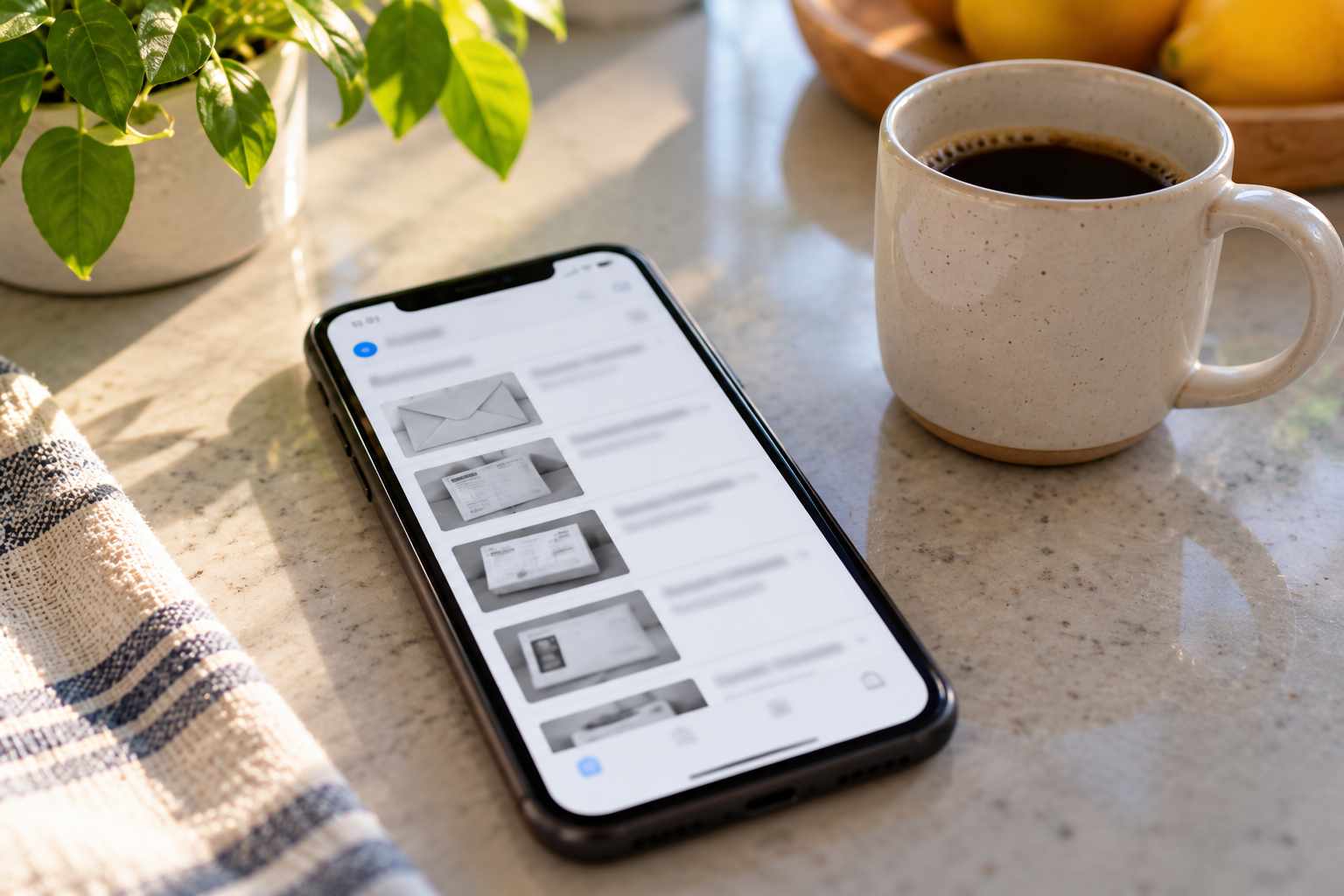
Once you are active, the main way people use Informed Delivery is the Daily Digest. It is an email that arrives in the morning, usually before the mail truck makes its rounds. It shows pictures of the letter-sized mail that USPS expects to bring to you that day, and a list of packages with their status.
The email has room for a limited number of mail pictures. If you get a lot of mail, you may see only the first group in the email and need to open your dashboard to see the rest. The dashboard is the page you see when you sign in to your USPS account, and it also appears in the USPS Mobile app.
Take a look at a sample morning. Jordan opens the digest at 7 a.m. and sees five envelopes and one package. One envelope is from the school district, and one is from a credit card company. The package line says “Out for Delivery.” Jordan now knows two things: the school form is coming today, and someone needs to be home or the porch needs to be clear for the package. That is a small thing, but it is the kind of small thing that saves a missed delivery.
What the Package Section Tells You
The package section lists items that USPS is carrying to your address. It shows the tracking number, the latest status, and often the expected delivery date. If a package shows “Out for Delivery,” it should arrive that day, though delays can still happen. If you want to know how long that stage should take, see our article on what “Out for Delivery” means and how long it should take.
Packages From Other Carriers: What Works and What Does Not
This is where people get confused. Informed Delivery is built by USPS, so it shows USPS mail and packages best. USPS also says you can add other tracking numbers by hand and give them nicknames. That is handy, but you still have to type each number in yourself, and the status you see for a UPS or FedEx package is not the same as a full tracking page from that carrier.
So if you are waiting on a package from UPS, use the UPS site or app for details. If a package is handed from one carrier to USPS for the last mile, which happens often with lighter parcels, Informed Delivery may pick it up once USPS has it. In that case you might see it appear in your dashboard a day or two before it arrives, even though you never typed in a number.
Other Useful Tools Inside Your Dashboard
Informed Delivery is more than a daily picture. USPS lists several extra tools for people who sign in. You can leave delivery instructions for your carrier on eligible packages, schedule a redelivery when you missed a delivery, and in some cases sign for a package digitally. You can also get notifications when mail is delivered.
These tools matter when life gets messy. Imagine you are at work when a package is marked “Delivery Attempted,” and a notice is left on your door. Without Informed Delivery, you might have to call or fill out a separate form. With it, you can often request a new delivery date from the same dashboard where you saw the package. If you have already missed a delivery, our article on what happens when no one is home explains the next steps in more detail.
Is Informed Delivery Safe? Privacy and Scam Tips
Informed Delivery is a real USPS service, and signing up through the official site is safe. The identity check is there to prevent someone else from signing up for your address and watching your mail. Still, there are two things to keep in mind.
First, the preview only shows the front of an envelope. That can still contain your name and address, so if you share a computer or tablet with other people, think about who can open your email. Second, scammers like to copy well-known services. A message that says your Informed Delivery account is locked, with a link to click, should be treated with caution. Go to usps.com on your own and sign in there instead. Our guide on telling whether a package tracking text is a scam gives more tips for spotting these.
If you ever see a mail picture for an envelope you do not recognize, it could be mail for a previous resident, or it could be a sign that someone has changed an address on your account. If it keeps happening, our article on receiving packages for the previous resident can help. If you believe your mail is being misdirected on purpose, contact USPS right away.
Common Problems and How to Fix Them
The Preview Showed Mail That Never Arrived
This happens. Mail can be delayed, set aside for the next day, or misdelivered after it was scanned. Wait one more business day, then check with your neighbors in case it went to the wrong box. If it still does not arrive, contact your local post office with the date and a screenshot of the preview. The screenshot helps show that the item was in the system.
Mail Arrived but Was Not in the Preview
This is also normal. Not every piece is scanned, and not every item is eligible for a preview. Do not worry about it unless you were expecting a specific item and it never showed up at all.
I Stopped Getting Emails
Check your spam folder first, then sign in to the dashboard and confirm that your notification settings are still on. If your address was recently changed, you may need to verify it again.
My Package Shows Delivered but I Do Not Have It
Informed Delivery will mirror what USPS tracking says. If it says delivered and you have nothing, the issue is a tracking problem and not an Informed Delivery problem. Our article on why a package says delivered when you never received it explains what to do, step by step.
Is It Worth Using?
For most households, yes. It is free, it takes a few minutes to set up, and it gives you a small head start every day. It is especially useful if you are expecting checks, legal papers, ballots, medical bills, or anything else you cannot afford to miss. It is also helpful if you travel, because you can see what is piling up in your mailbox while you are away. Pair it with a hold request if you will be gone for a while, as covered in our guide on holding your packages while on vacation.
It is less helpful if you live in a building that does not qualify, or if you mostly receive packages from carriers other than USPS. In that case, a multi-carrier tool or the carrier apps will serve you better.
Frequently Asked Questions
Is USPS Informed Delivery free?
Yes. USPS offers it at no cost to eligible customers.
How long does it take to start getting Informed Delivery emails?
USPS says activation time varies, but you will typically start getting notifications within three business days after you finish signing up.
Does Informed Delivery show what is inside my mail?
No. It shows only a grayscale picture of the address side of letter-sized mail. It does not show the contents.
Can I track UPS or FedEx packages with Informed Delivery?
You can add other tracking numbers by hand and give them a nickname, but for full detail on a UPS or FedEx package you should use that carrier’s own tracking page.
Does every piece of mail show up in the preview?
No. Some mail is not scanned or is not eligible, so a missing preview does not prove that nothing is coming.
If you track packages for other people, such as in a mailroom, apartment complex, or business receiving area, TekCore’s parcel management software can help you log and follow every delivery in one place.
