
Why Does My Package Say It Was Left in a “Safe Place” I Can’t Find?
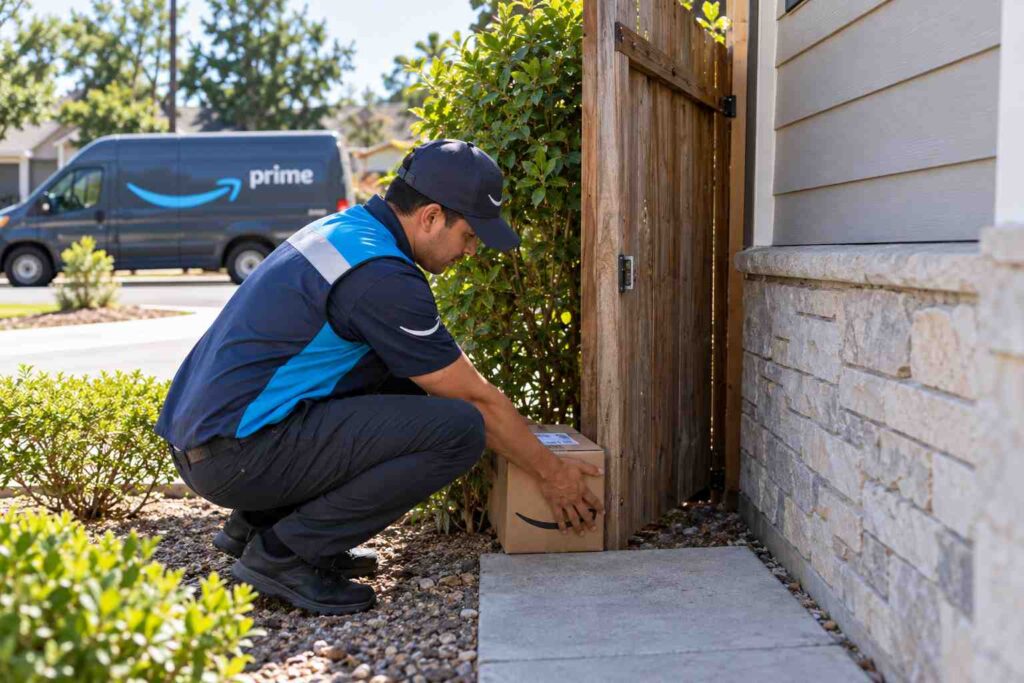
When your tracking page says a package was “left in a safe place,” it means the driver made a judgment call to hide it somewhere out of sight instead of leaving it in plain view at your door, usually behind a planter, beside a garage, on a porch swing, or tucked behind an item near your entrance. Carriers do this specifically to reduce the chance of theft or weather damage, but it also means the package will not always be sitting where you expect it. Most of the time it is still on your property within a few feet of your usual delivery spot; the next step is a careful, methodical search rather than an immediate stolen-package report.
What “Left in a Safe Place” Actually Means on Your Tracking Page
“Safe place” is not a specific fixed location. It is a general delivery note that a driver applies when they decide, using their own judgment, that setting the package in an obvious spot at your front door is riskier than tucking it somewhere less visible. According to USPS’s own Delivery Instructions guidance, customers can set formal delivery instructions before a package is marked out for delivery, choosing options like leaving it with a neighbor or holding it at the Post Office, and those instructions display directly on the tracking page once accepted. UPS offers a similar system called UPS My Choice, where members can specify a preferred drop spot such as a side door, garage, or a custom note for the driver. FedEx offers a comparable tool through FedEx Delivery Manager, which lets a recipient set standing delivery preferences or request that a package be held at a nearby staffed location instead.
When no specific instructions exist on file, the driver is left to decide what counts as reasonably hidden from the street. That is why the tracking status can say “left in a safe place” even if you never set any preference at all. It is simply the driver’s own note describing what they did with the package that day.
Why Carriers Use Safe Place Delivery Instead of Handing It to You
Package theft and weather damage are common enough that most carriers train drivers to avoid leaving anything in a spot that is easily seen from the sidewalk or street. A porch package sitting in full view is an easy target for a passerby, while the same box tucked beside a doorway alcove or behind an outdoor bench is far less noticeable. Carriers also try to protect packages from rain or direct sun, especially on porches with no overhang.
Consider a realistic scenario: a driver arrives at a townhouse with a shared front stoop visible from a busy street corner. Rather than leaving a box in plain sight, the driver sets it just inside the side gate, next to the trash cans, where it is shielded from view and weather. The tracking update reads “delivered, left in a safe place,” but the resident, who always expects packages at the front door, never thinks to check the side gate. This kind of mismatch between where a driver considers “safe” and where a resident expects to look is the single most common cause of a “safe place” package feeling lost when it is actually only a few feet away.
The Most Common Places Carriers Consider “Safe”
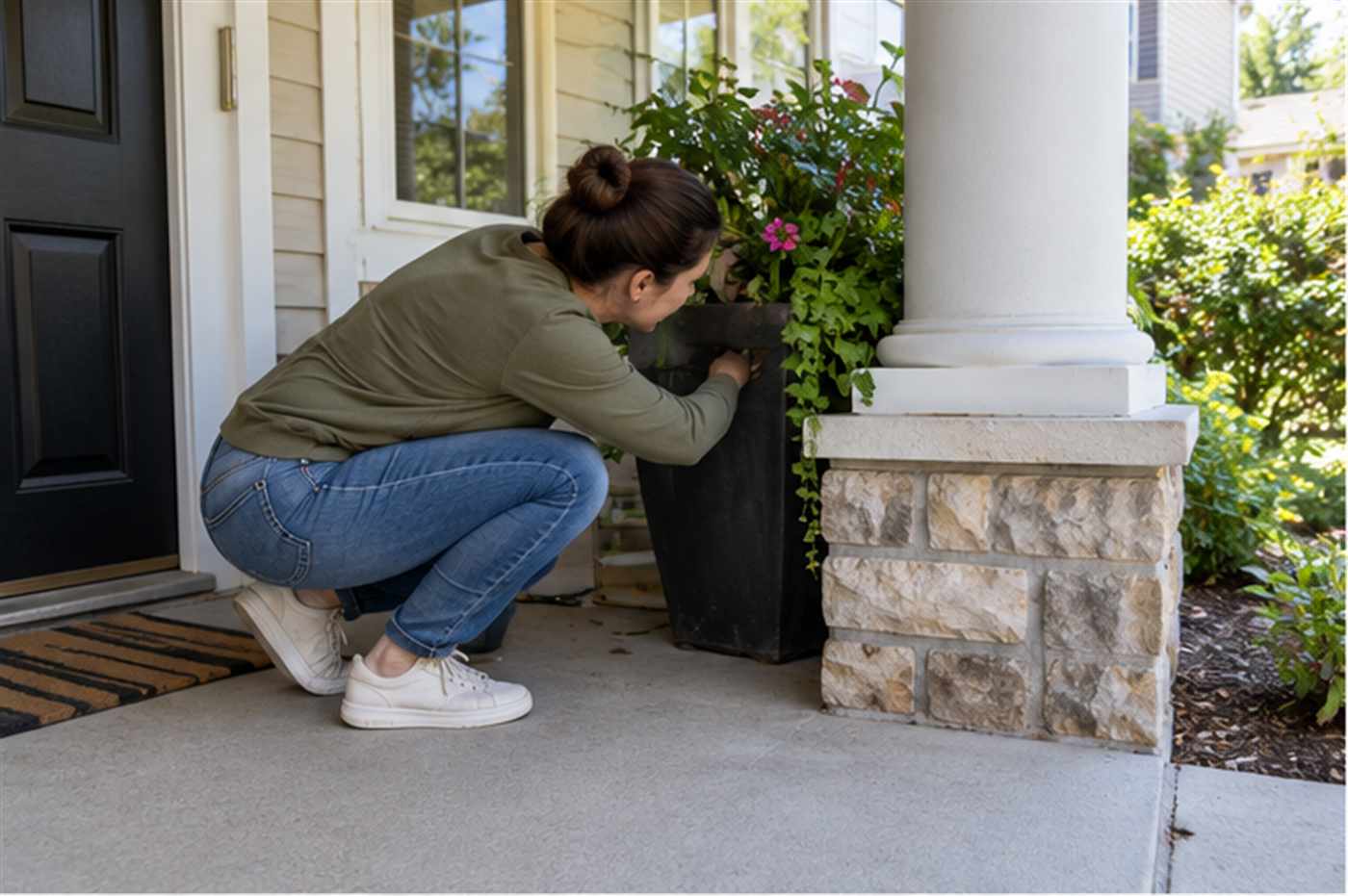
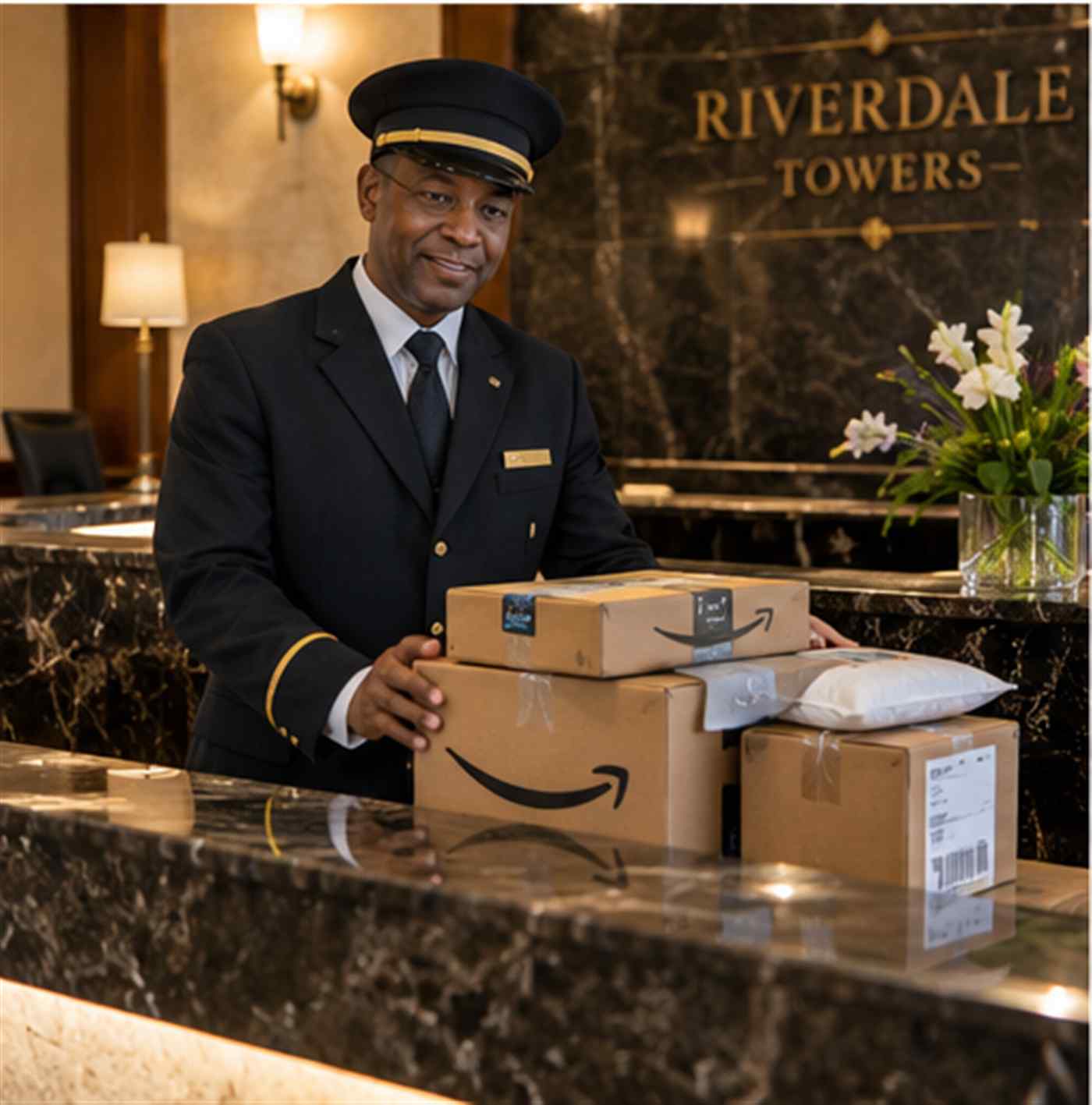
Before assuming a package is missing, it helps to know the handful of spots drivers repeatedly choose because they are shielded, dry, and out of direct view. Behind a porch planter or column is one of the most frequent choices, along with a side or back door if there is a fence or gate without a locked latch. Under a porch bench, inside a screened porch that was left unlocked, next to a garage’s side entrance, and behind trash or recycling bins near the door are all common as well. In apartment or condo buildings, drivers sometimes leave packages with a doorman, at a front desk, or inside an unlocked mail alcove instead of a specific unit door, and the tracking update may still read “safe place” even though the true location is a shared building space rather than your personal doorstep.
Check the property’s full perimeter, not just the front door. Walk the full path a driver would take from the street to your door, including side gates, garages, and any secondary entrance, since drivers often use whichever approach keeps the package least visible from the road.
How to Actually Find a Package Marked Delivered to a Safe Place
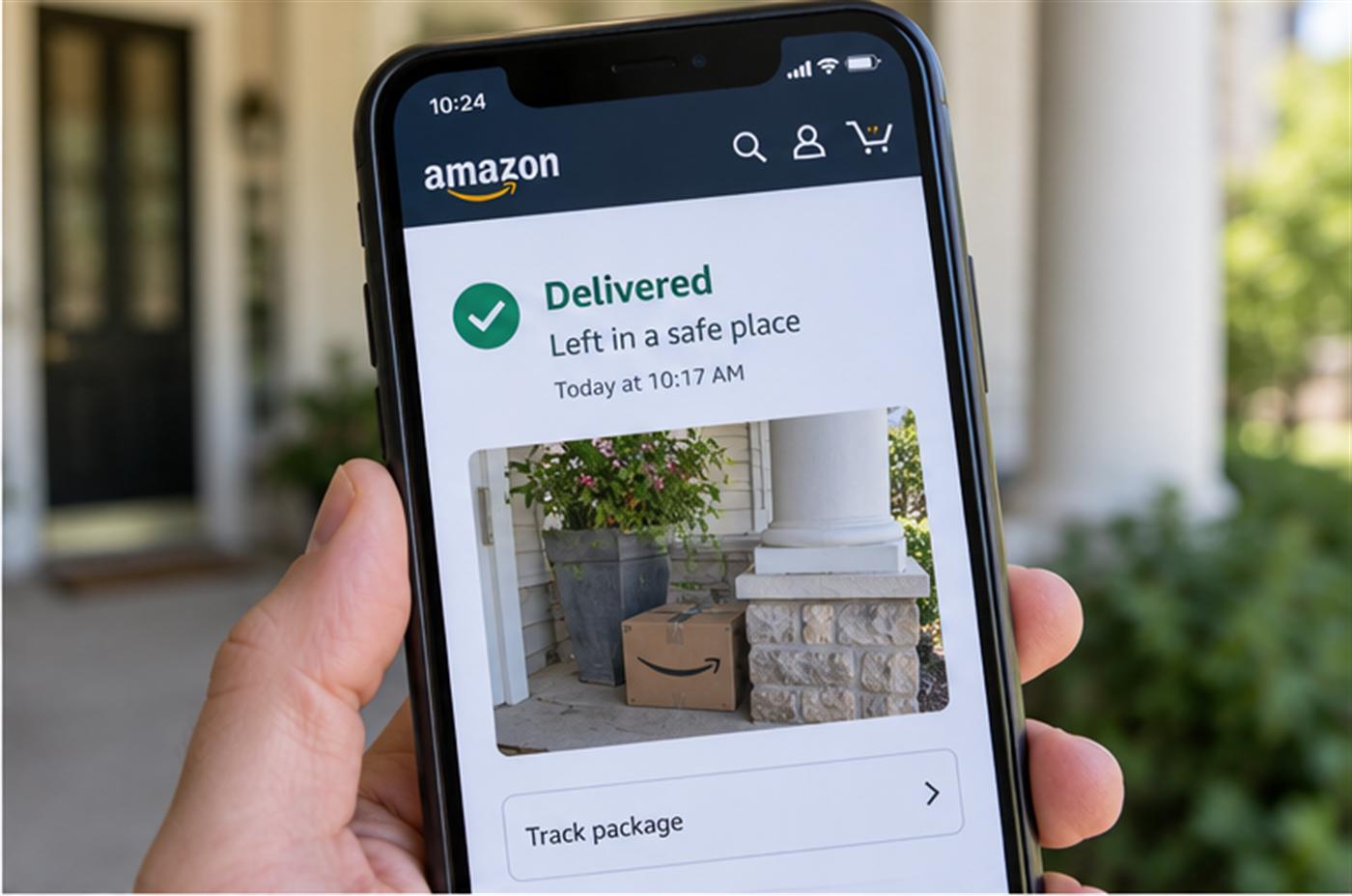
Start by opening the tracking details and looking for a delivery photo. USPS, UPS, and FedEx all frequently attach a photo of exactly where the package was placed, and that image is the fastest way to identify the spot without guessing. If a photo is available, zoom in on background details like a specific plant, door color, or house number, since drivers sometimes photograph the correct package at a neighboring address by mistake.
If no photo is attached, walk the property methodically in daylight. Check behind any planters, furniture, or decorative items near every entrance, not just the front door. Look inside porches, breezeways, or carports even if you assume they were locked, since a screen door can appear closed without actually latching. If you live in a multi-unit building, check with the front desk, leasing office, or a neighbor whose unit number could plausibly be confused with yours, since misdelivery to a similar address or unit number is common in buildings with repetitive layouts.
If the search turns up nothing, the tracking history itself can help narrow things down. The exact timestamp of the “delivered” scan, combined with any GPS-based delivery photo, at least confirms roughly when and by whom the package was dropped off, which is useful information if you ultimately need to file a claim.
Do USPS, UPS, and FedEx Handle “Safe Place” Differently?
The general idea is the same across carriers, but the tracking language and the tools behind it differ slightly. USPS tends to use plain wording like “left in/at” a described location, and its Delivery Instructions system is tied to your USPS.com account rather than the individual package, so once it is set up it applies to future deliveries at that address automatically. UPS’s My Choice program lets members set standing driver instructions, such as a gate code or a specific preferred corner of the porch, and those preferences travel with the account across shipments from different retailers. FedEx separates the concept into two related tools: Delivery Manager for setting general preferences like a signature-release choice, and Hold at Location for redirecting a package away from your address entirely to one of thousands of staffed pickup points, which removes the guessing game completely since nothing gets left outside.
None of these systems override a shipper’s own request for a required signature, so if a package was marked as requiring one, it will not show a safe place delivery at all; it will instead show an attempted delivery with a note about needing someone present.
What to Do If You Still Can’t Find It After Searching
If a thorough search of your property and any shared building spaces comes up empty, contact the carrier directly rather than the retailer first, since the carrier can sometimes pull additional driver notes or a more detailed delivery photo that is not visible on the public tracking page. USPS, UPS, and FedEx all allow you to open a missing package investigation tied to the tracking number. If the carrier confirms the delivery photo and details do not match your property at all, that is a strong sign of a misdelivery to a nearby address, and the retailer or seller can typically issue a replacement or refund once the carrier’s investigation is complete.
It is worth giving it a few hours before escalating, especially in the evening, since occasionally a household member, roommate, or family member brings a package inside without mentioning it to everyone else in the home.
Can You Control Where the Driver Leaves Your Packages?
Yes, and doing so ahead of time is the most reliable way to avoid this problem altogether. Setting up a free account with USPS Delivery Instructions, UPS My Choice, or FedEx Delivery Manager lets you specify an exact preferred location, such as “always leave at the side door under the light” or “hold at the local FedEx location instead of leaving at the property.” FedEx’s Hold at Location option, for example, redirects delivery to a staffed pickup point rather than leaving anything unattended at all. Once instructions are on file, most drivers will follow them consistently instead of guessing at a new hiding spot with every delivery. The one timing catch to know is that instructions generally need to be set before the package status changes to out for delivery; changes made after that point may not reach the driver in time for that specific delivery.
Frequently Asked Questions
- Does “left in a safe place” mean the same thing as “delivered to a neighbor”? No. A safe place delivery stays on your own property, just in a less visible spot, while a neighbor delivery is a separate tracking status showing the package was handed to or left at a different address entirely.
- Why didn’t I get a photo with my safe place delivery? Not every driver’s handheld scanner is required to capture a photo on every stop, and coverage varies by carrier, region, and delivery volume that day. A missing photo does not mean anything went wrong with the delivery itself.
- Should I report it stolen right away if I can’t find it? It is better to search thoroughly and contact the carrier first. Many “missing” safe place packages turn up within a few hours once every possible hiding spot has actually been checked.
- Can a driver leave a package in a safe place if it required a signature? No. A signature requirement blocks a no-contact safe place delivery entirely, so the tracking page will show an attempted delivery instead, and the carrier will typically try again or hold it for pickup.
If you are the one responsible for tracking packages for other people, such as running a mailroom, apartment complex, or business receiving area, keeping every delivery logged and accounted for gets a lot harder to do by memory alone. Teams in that position often find it easier to rely on dedicated package tracking software instead.
