
Why Does Amazon Show My Package Delivered by ‘Amazon Logistics’ Instead of UPS or USPS?
Amazon Logistics is not a shipping error or a third-party reseller trick; it is Amazon’s own last-mile delivery network, built so Amazon can deliver packages itself instead of handing them to UPS, USPS, or FedEx. When your tracking page shows “Amazon Logistics” or the code AMZL_US as the carrier, your package is being delivered by an Amazon-branded van, a contracted local delivery company working exclusively for Amazon, or an independent driver using the Amazon Flex app, rather than by a traditional national carrier.
What Is Amazon Logistics, Exactly?
Amazon Logistics is the umbrella name for the delivery operation Amazon has built over the past decade to reduce how much it depends on UPS, USPS, and FedEx. Instead of one company doing all the driving, Amazon Logistics runs on two main types of drivers. The first is the Delivery Service Partner program, often shortened to DSP, in which independently owned small businesses sign a contract with Amazon to run one or more delivery routes. According to Amazon’s own account of the program, DSPs are small, independent businesses that hire and manage their own drivers while receiving vans, routing technology, and safety tools from Amazon, and the program has grown to include thousands of these partner businesses delivering tens of millions of packages a day worldwide.
The second type of driver comes from Amazon Flex, a separate program in which individual people sign up through an app and pick up delivery blocks in their own personal vehicles, similar in spirit to a rideshare or food delivery app but for Amazon packages. A single neighborhood might see deliveries from a Flex driver in an ordinary car in the morning and a branded Amazon van from a DSP in the afternoon, and both would show up in tracking simply as Amazon Logistics. This structure is why an Amazon Logistics delivery can look noticeably different from one day to the next, even for packages from the same Amazon account.
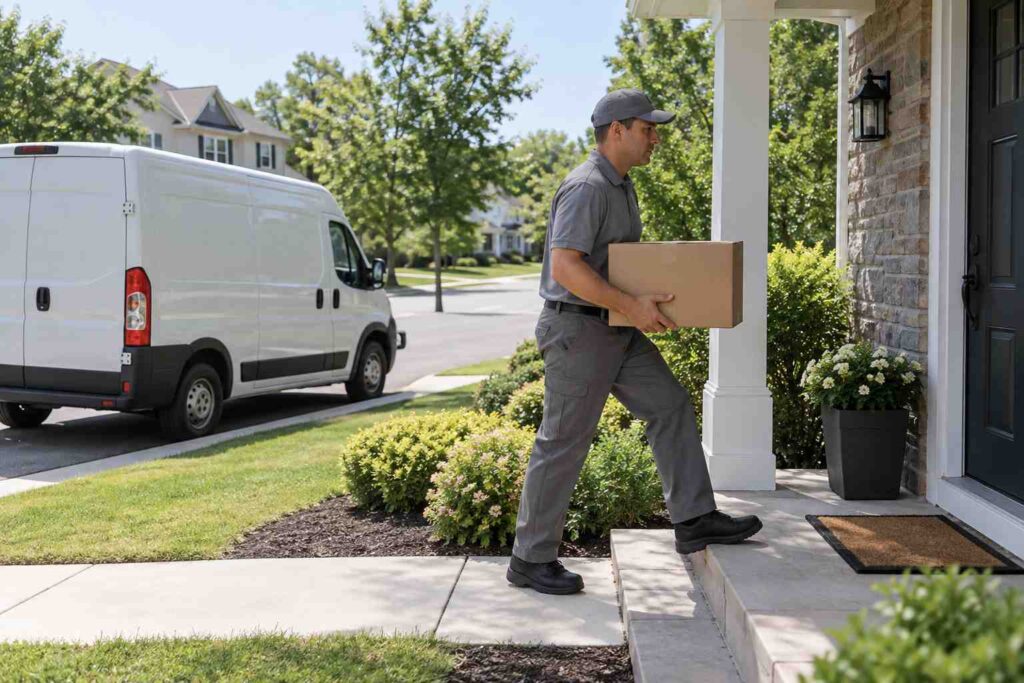
Picture a household that has lived in the same neighborhood for years and always associated package delivery with a brown UPS truck or a white postal van. Once a growing share of that household’s orders start moving through Amazon Logistics, the pattern changes noticeably: some days bring a boxy Amazon-branded van driven by a DSP employee working a full shift, and other days bring a compact sedan with no markings at all, driven by a Flex driver squeezing in a two hour delivery block between other commitments. Both scenarios are Amazon Logistics, and both are fully sanctioned parts of the same delivery network, even though they look completely different in a doorbell camera recording.
According to Amazon’s own description of the Delivery Service Partner program, the company has empowered thousands of entrepreneurs to build DSP businesses since the program launched in 2018, and those businesses collectively employ hundreds of thousands of delivery drivers who now deliver more than 20 million Amazon packages every day across the countries where the program operates. That scale is part of why Amazon Logistics has grown from a minor supplement to UPS, USPS, and FedEx into one of the largest package delivery operations in the country in its own right.
Why Amazon Increasingly Delivers Its Own Packages
Amazon built this network for reasons that mostly come down to control and speed. When Amazon relies on UPS, USPS, or FedEx, it is one customer among millions, subject to those carriers’ own capacity limits, pricing, and delivery schedules, especially during high-volume periods like the winter holidays. By running its own delivery operation for a large share of orders, Amazon can schedule Sunday deliveries, offer same-day and next-day windows in many metro areas, and adjust routes in real time based on its own warehouse and inventory data instead of coordinating with an outside company’s separate systems.
Consider a household that orders a phone charger on a Tuesday afternoon and sees it marked for delivery by Wednesday morning. A traditional carrier’s regular ground network usually cannot promise that turnaround because packages move through a fixed hub-and-spoke schedule shared across countless shippers. Amazon Logistics, running its own regional delivery stations close to customers and dispatching its own drivers directly from those stations, can commit to a tighter window because it controls every link in that last stretch of the trip. This is also why Amazon has steadily shifted a growing share of its own orders onto Amazon Logistics over the years, rather than continuing to hand nearly everything to outside carriers the way it did in Amazon’s earlier years.
This shift also gives Amazon more control during the periods when shipping networks are under the most strain. During the weeks leading up to the winter holidays, national carriers see a sharp spike in volume from thousands of different retailers all at once, which can slow down transit times across the board. Amazon Logistics is not immune to holiday volume, but because its delivery stations and driver network exist solely to move Amazon’s own packages, Amazon can add temporary Flex driver capacity and adjust DSP routes specifically around its own forecasted order volume instead of competing for space on a shared carrier network alongside every other retailer shipping through UPS, USPS, or FedEx that same week.
How Tracking Looks Different With Amazon Logistics
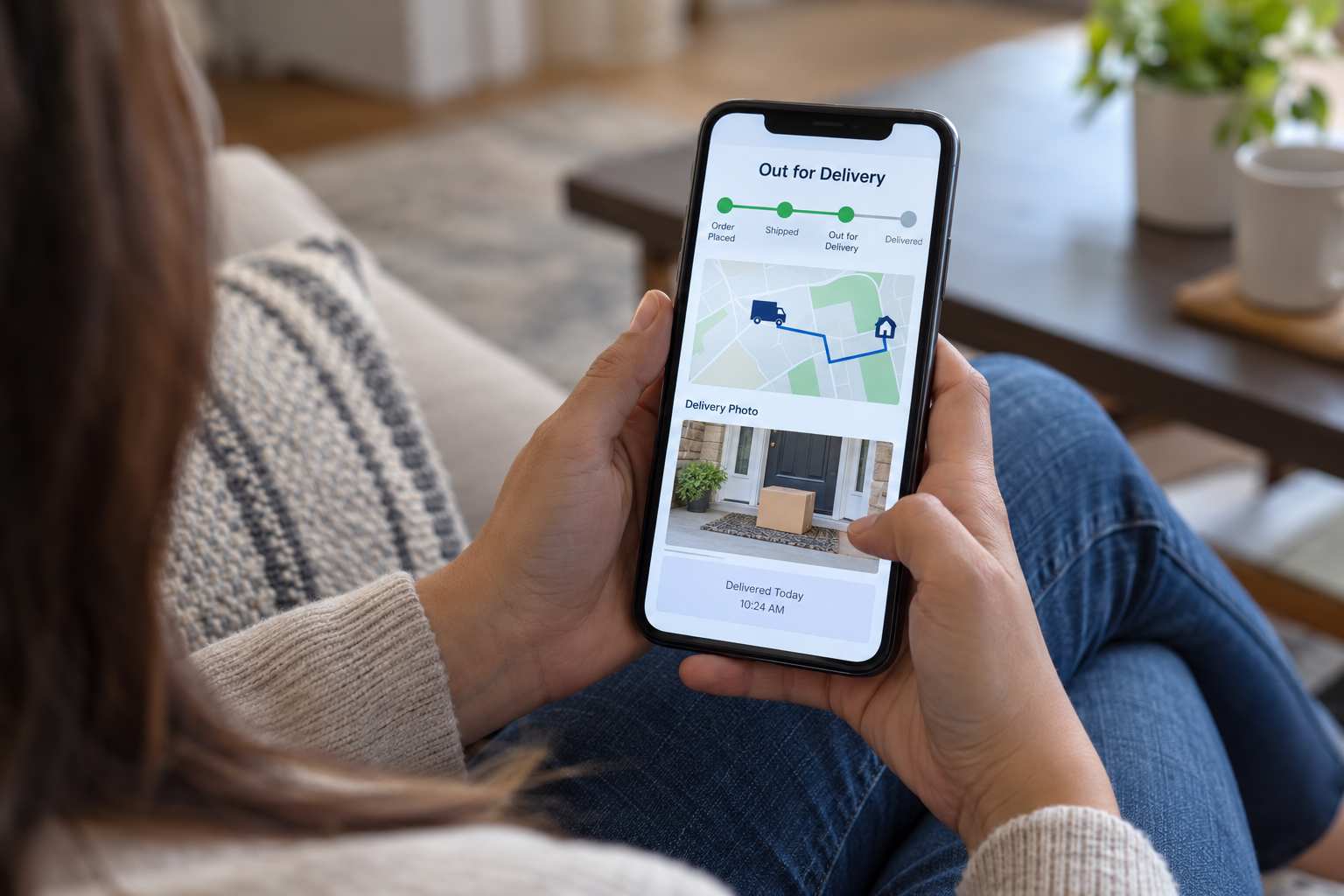
Once you know a package is moving through Amazon Logistics, a few tracking quirks make more sense. The tracking page usually shows fewer intermediate scan events than a UPS or FedEx shipment does, since the package often moves directly from an Amazon fulfillment center to a regional delivery station and then straight out for delivery, without passing through the same kind of public sorting-facility network those other carriers use. Many Amazon Logistics deliveries also include a delivery photo taken by the driver’s handheld device at the moment of drop-off, along with a short delivery note describing exactly where the package was left, such as “front door” or “leasing office,” which is a feature traditional carriers have only started rolling out more broadly in recent years.
Delivery windows also tend to be narrower and more specific with Amazon Logistics. Instead of a broad “by end of day” estimate, tracking may show a two-hour or four-hour window scheduled for that specific route, which can shift slightly earlier or later as the driver works through their stops. If a driver runs into unexpected traffic, a closed gate code, or a longer stop at a previous address, this window can update mid-route, which is normal and does not usually mean anything has gone wrong with the delivery itself.
Why a Delivery Might Come From a Personal Vehicle
Seeing an unmarked personal car rather than a branded van is one of the more common points of confusion with Amazon Logistics, and it almost always means an Amazon Flex driver is handling that particular delivery. Because Flex drivers are independent contractors using their own cars, there is no requirement for the vehicle to carry any Amazon branding, and the driver may be delivering for only a two or three hour block that day rather than working a full shift. This is a normal, sanctioned part of how Amazon Logistics operates and is not, by itself, a sign of a scam or a lost package.
What To Do If Something Goes Wrong With an Amazon Logistics Delivery
Because Amazon Logistics deliveries are handled by Amazon’s own network rather than an outside carrier, the process for resolving a problem is also different. With a UPS or FedEx shipment, a customer typically files a claim with that carrier or asks the original shipper to do so on their behalf. With an Amazon Logistics delivery, the entire process happens directly through your Amazon account. If a package shows as delivered but has not actually arrived, Amazon generally recommends waiting a short period, since delivery photos and driver GPS data sometimes lag slightly behind the actual drop-off, before going to Your Orders, selecting the item, and choosing the option to report a problem with that order.
From there, Amazon’s own team reviews the driver’s delivery data, including the photo and GPS location if one was captured, and typically resolves straightforward cases, especially lower-value items, within a few days by issuing a refund or reshipping the item. Higher-value orders or ones without a clear delivery photo may take a bit longer while Amazon follows up directly with the DSP or Flex driver who handled the route. Either way, the key difference to remember is that you are working with Amazon customer service itself rather than a separate shipping company’s claims department, which is usually faster precisely because Amazon already owns every part of that last-mile trip.
Take the example of a customer who orders a $30 kitchen gadget and a $400 laptop stand in the same week, and both show as delivered by Amazon Logistics but only the kitchen gadget actually arrives. The lower-value gadget is likely to be refunded or reshipped almost immediately once reported, often without any back-and-forth, because the cost of investigating further would outweigh the value of the item. The laptop stand, being a higher-value order, is more likely to trigger Amazon’s team to pull the specific delivery photo and GPS timestamp for that stop and, if needed, follow up with the DSP business that owned the route that day before issuing a resolution. Neither outcome requires the customer to contact UPS, USPS, or FedEx at any point, since Amazon Logistics keeps the entire chain, from warehouse to doorstep, inside systems Amazon itself controls.
If a driver complaint is more about behavior than a missing package, such as a package being left somewhere unsafe or handled roughly, Amazon also accepts that kind of feedback through the same order history flow, and it gets routed back to the specific DSP business or Flex account associated with that delivery, since Amazon tracks performance for each of its delivery partners individually.
If you are responsible for tracking packages that come into a building on behalf of other people, whether that is a busy apartment community, a corporate mailroom, or another kind of shared receiving area, keeping an accurate record of what arrived and when is exactly the kind of problem mailroom management software is built to solve.
