
How to Train Mailroom Staff on New Package Tracking Software Without Disrupting Daily Operations
The best way to train mailroom staff on new package tracking software is to run a short pilot with a small group while the rest of the team keeps working the old way, then expand training in stages once that pilot group is comfortable and any workflow kinks are worked out. Trying to switch every staff member over to a new system on the same day, during a normal shift, is one of the most common reasons a rollout of mailroom management software feels chaotic instead of routine, even when the software itself works fine.
Why Rushed Software Training Backfires
Research on organizational change consistently shows that rushing a rollout is a leading cause of failure, not the technology itself. A widely cited analysis by researchers Errida and Lotfi found that roughly 60 to 70 percent of organizational change initiatives fail to reach their intended goals, and a common thread across those failures is inadequate preparation of the people who have to use the new process every day. In a mailroom, that plays out in a very specific way: a manager schedules a single afternoon of training for the whole staff, packages keep arriving the entire time, and by the end of the day nobody has had enough hands-on practice to actually use the system with confidence the next morning.
Consider a receiving team of six people handling 200 packages a day. If all six are pulled into a two-hour training session at once, the dock backs up for that entire window, and each person only gets a few minutes of actual practice logging a package before the session ends. A week later, half of what they learned is forgotten, and the team quietly slides back into writing package details on paper because it feels faster than a system nobody was given enough time to learn.
Start With a Pilot Group Instead of a Full Switch
A phased approach works better than an all-at-once switch. Research from McKinsey & Company found that companies are three times more likely to succeed at a digital transformation when they use piloting and prototyping rather than rolling a new system out everywhere at once. For a mailroom, that means choosing one shift, one receiving dock, or two or three staff members to learn the new software first, while everyone else keeps using the current process for a week or two.
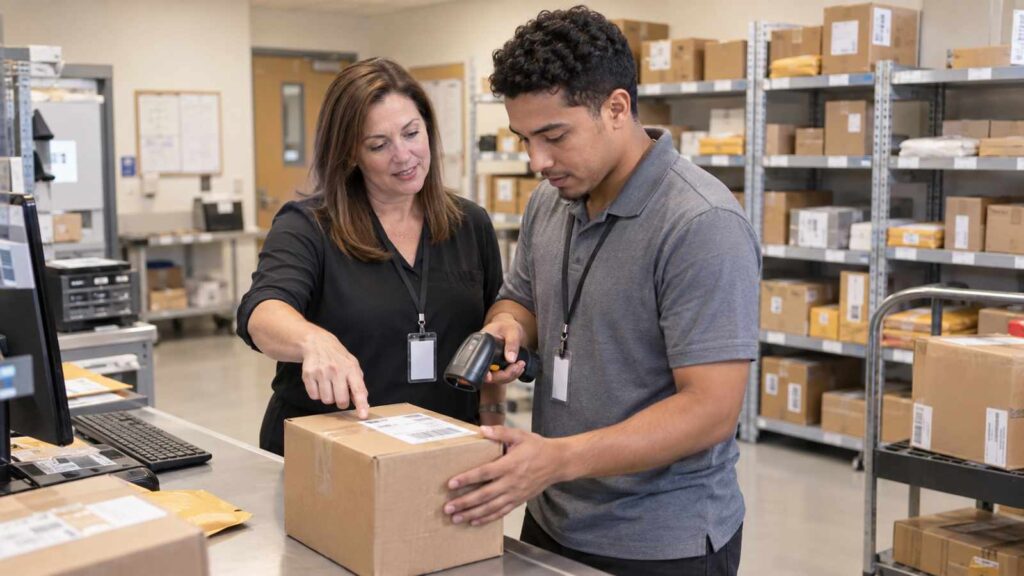
During that pilot window, the small group logs real, live packages in the new system side by side with whatever method the rest of the team is still using. This does two things at once. It gives the pilot group enough repetition to become genuinely comfortable, and it surfaces any real workflow problems, like a barcode that scans slowly in low light near the loading dock, while the stakes are still small. Once the pilot group can run the software smoothly during a normal, busy morning without slowing down, they become the people who train everyone else, which is far more convincing to skeptical coworkers than a manager or an outside vendor explaining the same thing secondhand.

Build Training Around Real Package Volume, Not a Classroom Schedule
Training works best when it happens in short bursts tied to the actual job, rather than one long classroom-style session. Instead of a single sit-down training day, break the material into ten or fifteen minute segments that staff can practice between real deliveries: one session on scanning and logging a package at intake, a separate one on notifying the recipient, another on verifying identity at pickup. Each piece only needs to be taught right before it will actually be used, so it sticks.
It also helps to give staff something they can glance at on the job instead of relying on memory during their first week. A one-page printed reference works well taped near the scanning station, and TekCore’s own package tracking software brochure is a reasonable starting point for building that kind of quick-reference sheet, since it lays out the core steps in plain language. For questions that come up outside of training hours, pointing new staff to a standing resource like TekCore’s package tracking software FAQ gives them somewhere to check before assuming something is broken or before falling back on the old paper process out of habit.
Running the old and new methods in parallel for a short overlap period, rather than cutting off the old process the moment training ends, also reduces pressure. If a staff member forgets a step on the new system during a busy Monday morning, having the old backup process still technically available for a few more days means a stressful moment doesn’t turn into an abandoned package sitting unlogged in the corner.
Matching the Training Format to How Staff Actually Learn
Not every staff member absorbs a new process the same way, and a single training format rarely works for an entire mailroom team. Some people pick up a new scanning workflow fastest by watching a coworker do it two or three times before trying it themselves. Others do better with a short written checklist they can follow step by step the first few times, checking off each action until it becomes automatic. A newer employee who is also still learning the physical layout of the mailroom, where outbound bins are, which shelf holds oversized packages, benefits from pairing the software training with that orientation rather than treating them as two separate lessons on two separate days.
A practical way to cover these differences without building an elaborate training program is to offer two short formats side by side: a five minute live demonstration at the scanning station for staff who learn by watching, and a printed one-page walkthrough for staff who prefer to read the steps at their own pace. Letting each person choose, or use both, costs almost nothing extra to prepare but meaningfully cuts down on the number of people who quietly struggle in silence because the one training format offered did not match how they learn best.
Give the Team an Internal Champion
Every successful rollout benefits from having at least one staff member, not a manager and not an outside vendor, who becomes the go-to person for quick questions. This person does not need a special title. They simply need to be someone coworkers already trust and feel comfortable asking a basic question without feeling judged. A Whatfix survey of 300 IT and digital transformation leaders found that 64 percent said they would have invested more in user training and support if they could redo their last technology rollout, which points to how often organizations underestimate how much day-to-day, informal support staff actually need after the official training ends.
In practice, this internal champion is usually a member of the pilot group described earlier. Because they already worked through the early problems themselves, they can answer a coworker’s question in the specific language of that mailroom, not generic software instructions. Having this person physically nearby during the first two weeks of a wider rollout, rather than routing every question to IT or to a manager who is busy with other things, keeps small confusion from turning into a wave of staff quietly reverting to old habits.
Handling Staff Who Are Hesitant About the Change
Some resistance to a new system is normal and usually is not really about the software itself. It is often about staff worrying they will look slow or incompetent while learning something new in front of coworkers and customers, or feeling like a new process was handed down without anyone asking how it would affect their actual daily routine. Involving a few frontline staff early, even informally, when deciding how the new software will be introduced tends to reduce this friction considerably, since people are naturally more willing to support a change they had some say in shaping.
It also helps to be direct about what specifically will get easier for staff personally, not just what will improve for the organization or for report the manager, such as fewer angry phone calls about a package “nobody can find” once every intake is logged and searchable. Framing training around a concrete, personal benefit tends to land better than a generic explanation about efficiency or company-wide numbers that an individual staff member on the loading dock has little day-to-day connection to.
Picture a receiving clerk who has logged packages by hand on a clipboard for eleven years and now feels like a beginner again in front of newer coworkers. Rather than correcting every small mistake in the moment during a busy morning, a manager who checks in privately at the end of the shift, acknowledges that the adjustment is genuinely harder for someone who has done the job a certain way for over a decade, and asks what specifically felt confusing tends to keep that employee engaged. The alternative, letting frustration build silently until the employee simply stops trying and reverts to the clipboard when no one is watching, is far more common than most managers expect, and it is almost always preventable with a short, honest conversation early on.
What to Watch in the First Two Weeks After Go-Live
The first two weeks after a wider rollout are when habits either take hold or quietly slip back to the old way. Managers should plan to walk the receiving area at different times of day, not just check a dashboard from an office, and ask staff directly what is confusing rather than assuming silence means everything is going smoothly. Short daily or every-other-day check-ins, even five minutes at a shift change, catch small confusion before it becomes an ingrained workaround that is much harder to undo a month later.
It is also worth expecting a temporary dip in speed during this window and planning staffing or scheduling around it rather than treating a slower Tuesday as a sign the software itself is the problem. A team that logged 200 packages an hour under the old process might run closer to 150 an hour in week one of a new system and be back above the old pace by week three, once muscle memory catches up. Preparing managers for that normal, temporary curve ahead of time keeps everyone from panicking and reverting too early.
If your team is evaluating new mailroom software and wants staff to get comfortable with real workflows before committing to a full purchase, it is worth choosing a vendor that lets you start a trial with your own packages and your own staff first, rather than deciding based on a demo alone.
