
What Does “Out for Delivery” Mean and How Long Should It Take?
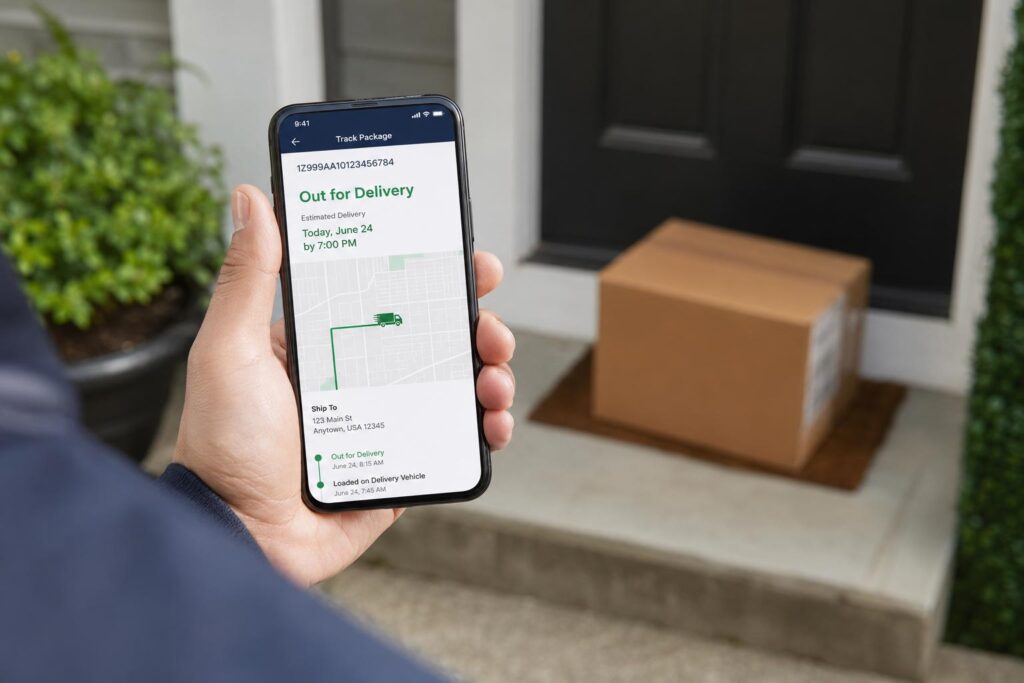
“Out for delivery” means your package has left the local distribution center and is on a delivery vehicle headed to your address that day. In most cases, you should expect the package within a few hours, and almost always by the end of the same business day. If several hours pass and the status has not changed, that is usually normal; it does not mean your package is lost. Below, we break down exactly what “out for delivery” means at USPS, UPS, FedEx, and Amazon, why the status can sit unchanged for hours, what time of day most deliveries actually happen, and what to do if your package does not show up by the end of the day.
What “Out for Delivery” Means at Each Major Carrier
Every carrier uses slightly different language, but the underlying idea is the same. Your package has been sorted at the local facility, loaded onto a truck or van, and handed to the driver responsible for your route. It is no longer sitting in a warehouse or moving between distribution hubs; it is physically on its way to your door.
USPS
The United States Postal Service marks a package as “out for delivery” once a letter carrier has it loaded and assigned to a delivery route for that day. USPS treats this as a delivery attempt in progress, and it carries real weight in the system. According to USPS, packages that are out for delivery are no longer eligible for Package Intercept, the service that lets you redirect or stop a shipment before it reaches you, because the item has already been handed off to the carrier for that day’s route (USPS Package Intercept). USPS also lists “out for delivery” alongside delivery attempts and returns to sender as one of the key tracking milestones its text alert system reports (USPS Text Tracking).
UPS
UPS defines “out for delivery” as the point when a package has reached the local UPS facility and has been handed off to a driver for delivery that day. If for some reason the driver cannot complete the delivery, UPS will typically attempt again the next business day rather than leaving the package in limbo (UPS Tracking Status Meanings).
FedEx
FedEx uses “out for delivery” to indicate that a package handler has scanned the shipment and it has been placed on a FedEx vehicle for delivery that same day. FedEx recommends checking the tracking page for an estimated delivery window rather than assuming an exact time, since routes can shift throughout the day (FedEx Out for Delivery).
Amazon
Amazon works a little differently because it often uses its own delivery network, Amazon Logistics, alongside UPS, USPS, and regional courier partners. When an Amazon order shows “out for delivery,” it means the package is loaded on a vehicle and scheduled to reach you that day. Amazon also provides an Estimated Delivery Window, generally a two to four hour block, so you have a narrower sense of when the driver may arrive rather than just knowing it will happen sometime before the day ends (Amazon Estimated Delivery Windows).
Why the Status Can Sit Unchanged for Hours
It is common to see “out for delivery” appear early in the morning and then stay exactly the same for six, eight, or even ten hours with no new update. This happens because most carriers do not scan a package again until it is actually delivered. The scan that triggered “out for delivery” happened when the package left the sorting facility, and the next scan will not happen until the driver reaches your door and marks it delivered. There is no scan in between to tell you the truck turned onto your street or is two stops away, unless the carrier offers live map tracking, which some Amazon and a few regional carrier services do.
A driver’s route also plays a large role. Delivery routes are usually planned in a specific order to save time and fuel, not necessarily in the order that makes the most sense to any one recipient. If your address falls near the end of the route, your package may show “out for delivery” all morning and not physically arrive until late afternoon or early evening. Traffic, weather, a heavier than usual load that day, or a last minute route change can all extend the window without ever changing the tracking status in between.
What Time of Day Do Out for Delivery Packages Usually Arrive
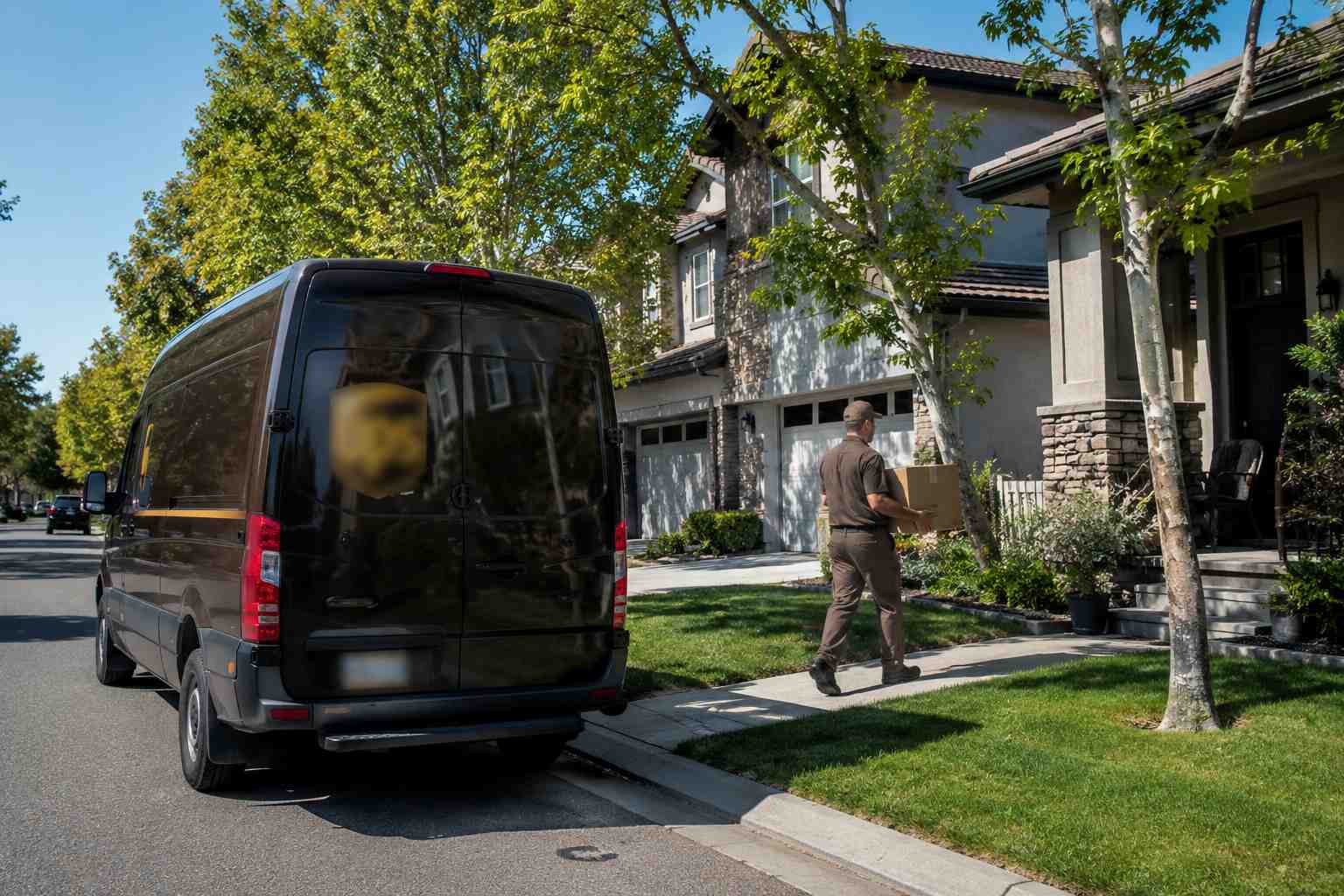
Most residential deliveries happen between roughly 9 a.m. and 8 p.m. local time, with the bulk landing in the early to mid afternoon as drivers work through their routes. USPS carriers typically begin routes in the morning and aim to finish by early evening. UPS and FedEx ground drivers often run later into the evening, especially during busy shopping seasons, and it is not unusual for a package to arrive after 7 p.m. Amazon deliveries can run even later, sometimes past 9 p.m., particularly in areas served by Amazon Flex drivers or during high volume periods around holidays. If your package is marked “out for delivery” first thing in the morning, treat that as the start of a window that could reasonably stretch into the evening rather than a guarantee of an early arrival.
Out for Delivery but Did Not Arrive Same Day: What to Do
If the day ends and your package is still showing “out for delivery,” do not panic right away. This is one of the more common tracking hiccups, and it usually resolves within a day. A few steps can help.
Check the tracking page late in the evening. Many carriers update the status to “delivery exception” or push the expected date to the next day once the driver’s shift ends, even if you do not get a separate notification.
Look around your delivery area. Packages sometimes get left in a location you would not expect, such as a side door, a mailroom, or with a neighbor, before the tracking status catches up.
Wait until the next business day before escalating. Carriers frequently roll an incomplete route into the next morning, and the package is often the very first stop.
Contact the carrier directly if a full day passes with no update. USPS, UPS, and FedEx all have support lines and online chat for tracking issues, and Amazon has a dedicated help flow for late Amazon Logistics deliveries. Have your tracking number ready before you reach out.
If a package genuinely never arrives after being marked delivered, that is a different situation with its own set of steps, since the carrier’s system has already closed out the shipment as complete.
How “Out for Delivery” Differs from “In Transit” and “Delivered”
These three statuses represent three very different stages, and mixing them up is one of the most common sources of tracking confusion. “In transit” means the package is still moving between facilities, whether that is a regional sorting hub, a cross country truck route, or a plane, and it has not yet reached the local facility that will hand it off for final delivery. A package can sit in “in transit” for anywhere from a day to over a week, depending on the distance and shipping method.
“Out for delivery” is a much narrower and more immediate stage. It means the package has already reached the local facility nearest to you and is physically loaded onto a vehicle for delivery that day. There is no more long distance travel left; the only remaining step is the final few miles to your address.
“Delivered” means the carrier has completed the drop off and typically logged a final scan, sometimes with a photo, signature, or GPS location attached, depending on the carrier and delivery type. Once a package shows “delivered,” the carrier considers that shipment closed out, which is why timing matters so much if a package that showed delivered does not actually turn up.
Frequently Asked Questions
Does “out for delivery” mean my package will arrive today?
In almost all cases, yes. “Out for delivery” means the package is already loaded on a vehicle for delivery that day. Delays do happen because of traffic, weather, heavy delivery volume, or route changes, but same day arrival is the standard outcome once this status appears.
Why has my package said “out for delivery” all day with no updates?
Most carriers only scan a package again once it is actually delivered, so there is no midday update to show you where the truck is on its route. The lack of movement in the tracking status does not mean anything has gone wrong; it simply reflects how the scanning system works.
What should I do if a package is still out for delivery at night?
Check the tracking page again in the late evening, since the status often updates once the driver’s shift ends. If nothing changes, give it until the next business day, since carriers commonly roll an unfinished stop into the following morning’s route before you need to contact support.
If you are the one keeping track of packages for other people, such as in a mailroom, an apartment complex, or a business receiving area, staying on top of “out for delivery” updates for dozens or hundreds of packages a day is a very different job than tracking one order for yourself. In that case, dedicated package tracking software can help keep everything organized in one place.
