
Package Tracking Notifications for Real-Time Delivery Updates & Alerts
TekTrack® gives you complete control over how, when, and whether recipients are notified: email, SMS, WhatsApp, HTTP web service post, or a custom notification method. Create as many notifications as you need, automate their delivery, and schedule them exactly the way your organization wants.
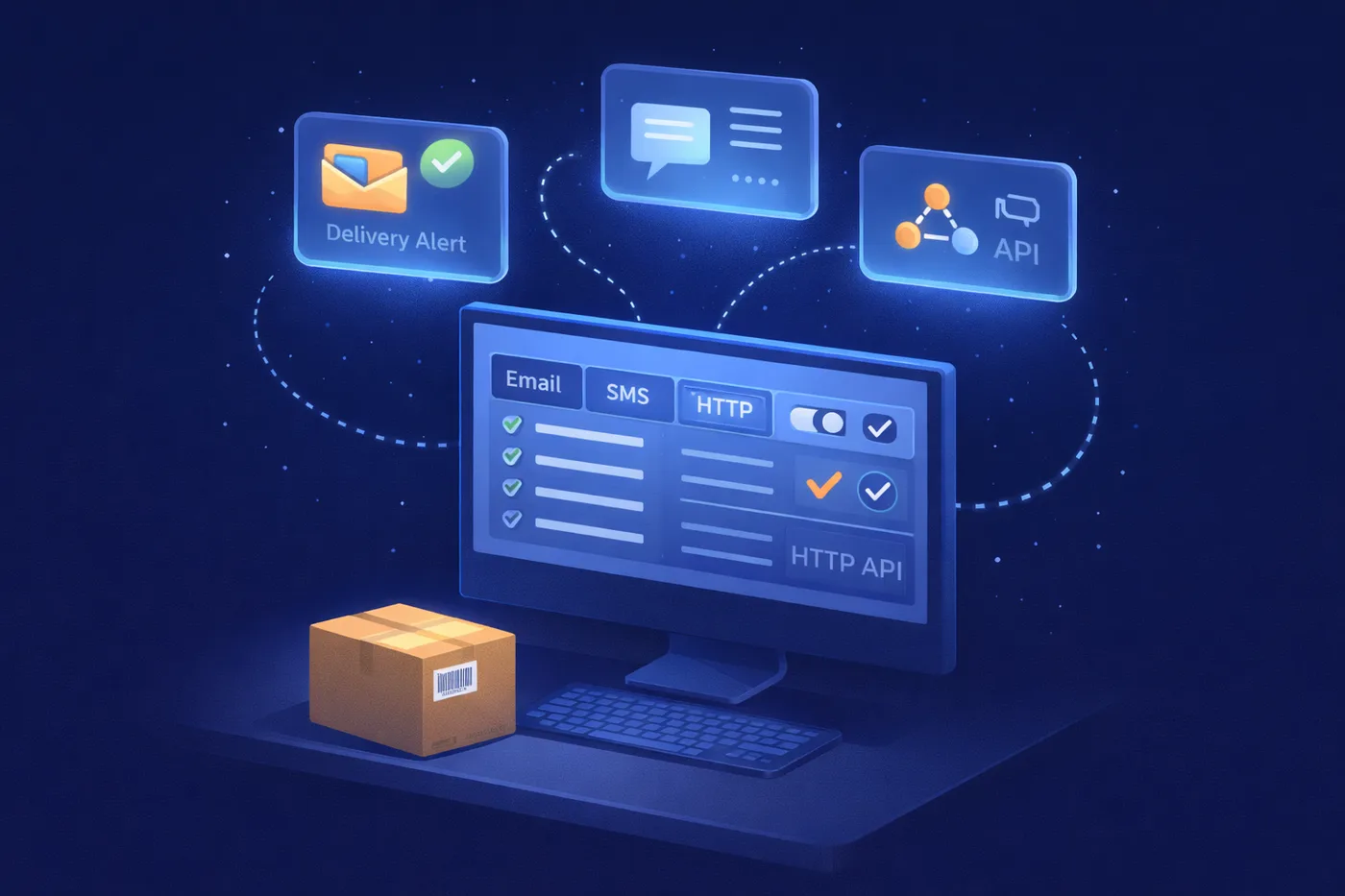
Notify Recipients Exactly the Way Your Organization Works
When a package is logged in TekTrack, you decide what happens next. Send an immediate automated notification through any supported channel, hold it until a specific day and time, or send nothing at all, configured entirely by you.
Notifications in TekTrack are not one-size-fits-all. You might want a formal email with full delivery details and a proof-of-receipt signature for one department, a notification containing a table of packages for your accounting team, a quick SMS for a remote employee, and an HTTP web service post feeding your IT infrastructure, all running simultaneously, each with its own template and rules. TekTrack supports all of it.
- Five supported channels: email, SMS, WhatsApp, HTTP web service post, and custom notification methods through plugins
- Can be triggered automatically when a package is processed, with no manual step required from staff
- Create custom notification messages and layouts
- Optionally include proof-of-receipt signatures, proof-of-delivery pictures, and photos taken during package processing in any notification
- Optionally configure notifications to only be sent on specific days and times of the week
- Automated reminders for recipients who have not picked up their packages
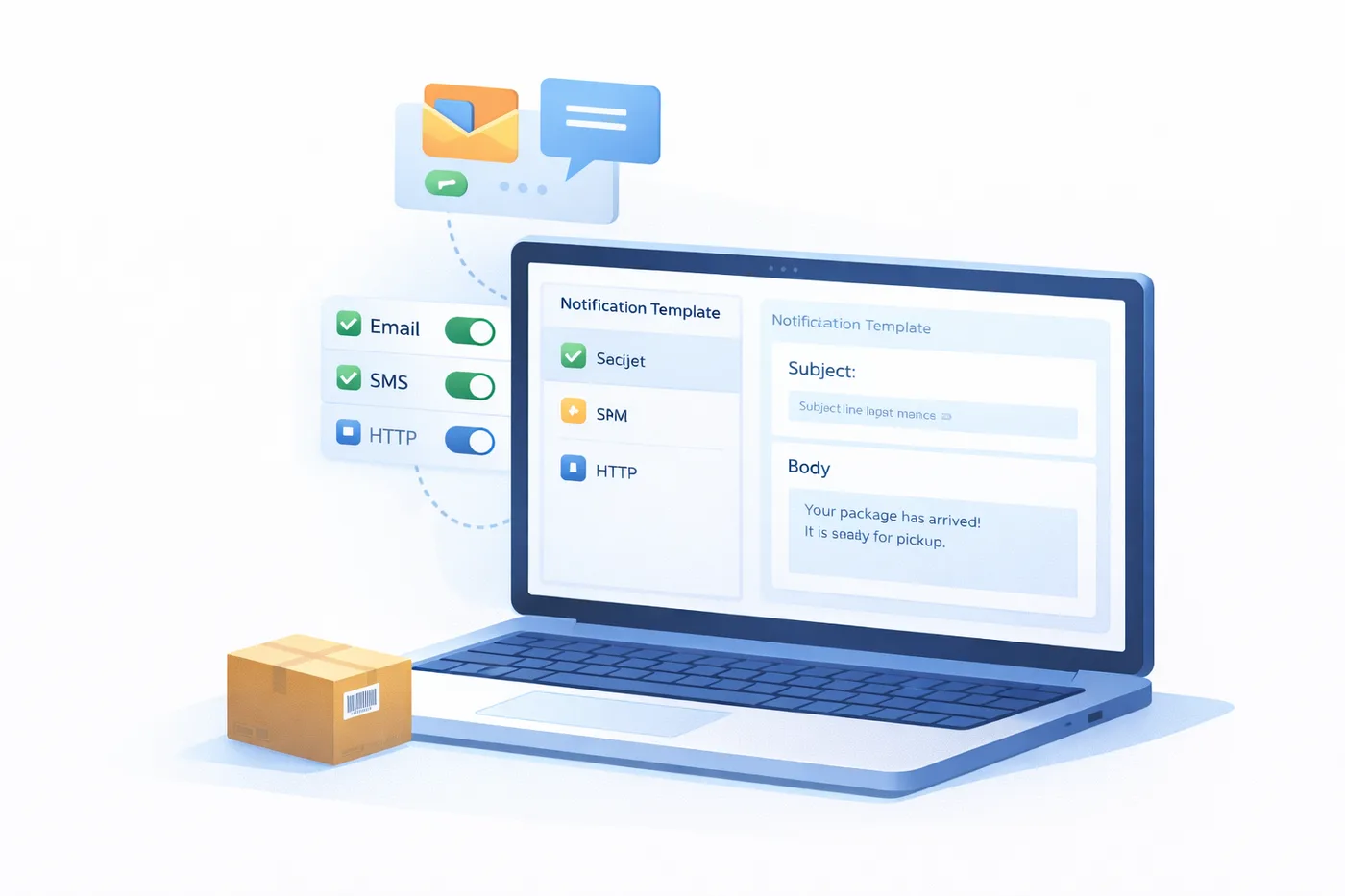
Five Ways to Reach Your Recipients
TekTrack supports every major notification channel, from simple email to enterprise HTTP web service posts and custom-built integrations. Enable the channels that fit your organization and ignore the rest.
The most widely used notification method. TekTrack sends fully customizable email notifications to any recipient the moment a package is logged in, or held until a day and time you configure. Message content, subject line, and layout are all yours to control, from a simple one-liner to a detailed table of package information.
Standard
SMS / Text Message
Instant text notifications sent directly to a recipient’s mobile phone. No app required. Ideal for high-volume environments where email alone is not enough, or for recipients who are frequently away from their desks and need an immediate alert.
Standard
For organizations where WhatsApp is already the primary communication channel, particularly in global operations, international offices, or mobile-first workforces, TekTrack delivers package notifications directly through WhatsApp.
Standard
HTTP Web Service Post
When a package is logged in, TekTrack can POST a notification payload to any URL you specify. This connects package intake events directly to your existing systems, dashboards, ticketing platforms, or custom workflows, without manual intervention or middleware. Package data flows into your own infrastructure automatically.
Advanced
Custom Notifications
If your organization uses a notification channel TekTrack does not support out of the box, such as an internal messaging system, a proprietary platform, or a specialized enterprise tool, TekTrack’s plugin architecture lets your development team build a custom notification integration. Your channel, your rules, fully connected to TekTrack’s package events.
Enterprise
Notifications That Fire Without Any Extra Steps
Once you configure a notification, TekTrack handles everything automatically, triggered by package processing events, sent on the schedule you define, with no additional action required from your staff.
Fully Automated Triggering
Notifications fire automatically the moment a package is processed in TekTrack. Your staff logs in the package, and TekTrack handles the notification entirely. No separate send step. No manual follow-up. No one has to remember to do anything.
Configurable Send Windows
Notifications do not have to fire the moment a package arrives. Configure any notification to only be sent on specific days and times of the week, so recipients receive their alerts during appropriate hours. A notification triggered at midnight, for example, can be held and delivered at 8:00 AM the following morning instead.
Automated Pickup Reminders
If a recipient has not picked up their package after a period of time you configure, TekTrack automatically sends a reminder using its own separately configured template. Reminders stop automatically the moment the package is collected, with no manual cancellation needed.
Packages Don’t Sit… Reminders Keep Things Moving
Configure reminders entirely separately from initial notifications, giving you independent control over when they trigger, what they say, and how often they repeat.
Your Configurable Time Threshold
Set the time period after which a reminder fires: hours, days, or a custom interval. Once a recipient has not collected their package after the threshold you define, TekTrack sends the reminder automatically.
Your Own Reminder Template
Reminder messages use a separate template you design independently from the initial notification, so you can escalate the tone, change the format, or include additional pickup instructions as time passes without touching the original notification.
Stops Automatically on Pickup
Once a package is collected, reminders stop immediately. No manual cancellation required from you or your staff. Your front desk team no longer needs to make follow-up calls or track which packages are still waiting.
See TekTrack Notifications In Action
Let us walk you through how notifications are built, what recipients see, and how you can tailor every template to fit your exact workflows.
TekTrack vs Typical Package Tracking Notification Features
Most package tracking software sends a fixed email notification and calls it done. Here is how TekTrack compares.
| Notification Feature | 📋 Typical Competitors | TekTrack ✓ |
|---|---|---|
| Email notifications | ✓ Standard | ✓ Unlimited* customizable templates |
| SMS / text notifications | △ Some products only | ✓ Supported & configurable |
| WhatsApp notifications | ✗ Rarely supported | ✓ Supported & configurable |
| HTTP web service post | ✗ Not available | ✓ POST to any URL on package log-in |
| Custom notification plugin | ✗ Not available | ✓ Plugin architecture for any channel |
| You control when notifications send | △ Often always-on | ✓ Fully configurable, nothing sends without your setup |
| Automated triggering on package processing | △ Some products only | ✓ Fires automatically, no extra UI step |
| Configurable send windows by day & time | ✗ Not available | ✓ Hold notifications until the day & time you choose |
| Proof-of-receipt signature in notification | ✗ Not available | ✓ Embedded automatically in any template |
| Proof-of-delivery photo in notification | ✗ Not available | ✓ Attached or embedded in message |
| Package processing photos in notification | ✗ Not available | ✓ Include photos taken during package processing |
| Unlimited* message templates | ✗ Fixed format only | ✓ One for every audience and scenario |
| Department-level table format | ✗ Not available | ✓ Table format with custom columns & fields |
| Automated unclaimed package reminders | △ Some products only | ✓ Your configurable threshold, your own template |
| Per-department notification settings | ✗ Organization-wide only | ✓ Independent settings per department or location |
* Unlimited notification templates are available to Cloud customers and On-Premise customers with the Automation Module.
Frequently Asked Questions
How many notification templates can we create?
Cloud customers and On-Premise customers with the Automation Module can create unlimited notification templates, one for each department, recipient group, package type, or scenario. Each template has its own content, format, channel, trigger rules, and schedule, and each runs independently without affecting the others.
Do staff need to do anything extra to trigger a notification?
No. Once you configure a notification, it fires automatically when a package is processed, with no additional UI interaction required from your staff. They log in the package, and TekTrack handles everything from that point. There is no separate send step.
Can notifications include a proof-of-receipt signature, delivery photo, or processing pictures?
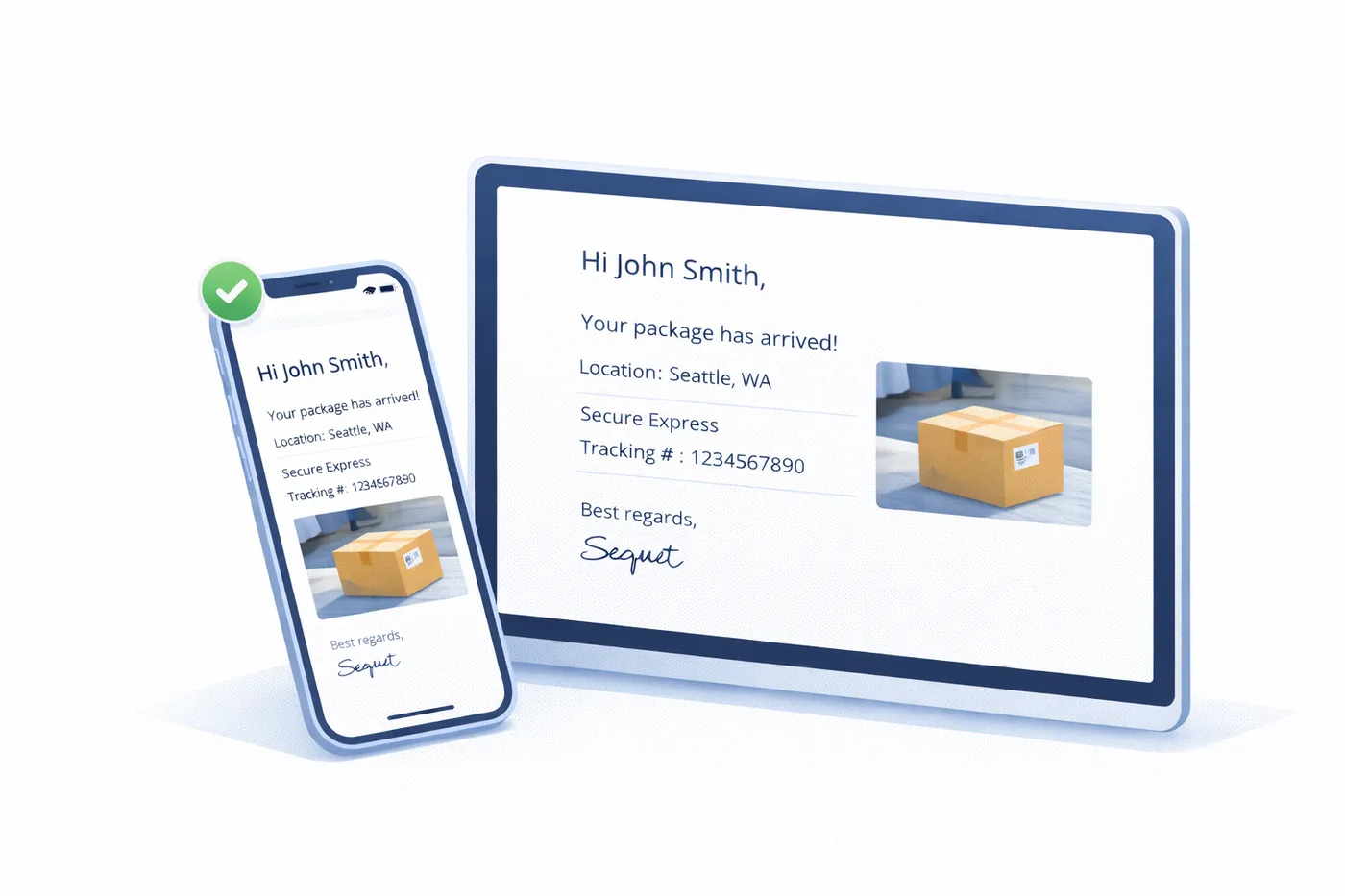
Yes. Any notification template you create can be configured to include the recipient’s proof-of-receipt signature, a proof-of-delivery photo, and pictures taken during package processing, all embedded directly in the message. This gives recipients and your organization an immediate, embedded record of delivery, similar to the delivery confirmation photos provided by major carriers.
Can we configure notifications to only be sent at certain times?
Yes. Configure any notification template to only be sent on specific days and times of the week. This does not create a scheduled report, it simply holds the notification until the configured send window arrives. For example, a package logged in at 11:00 PM can be held and sent at 8:00 AM the following morning rather than notifying the recipient in the middle of the night.
How do we control what information appears in a notification?
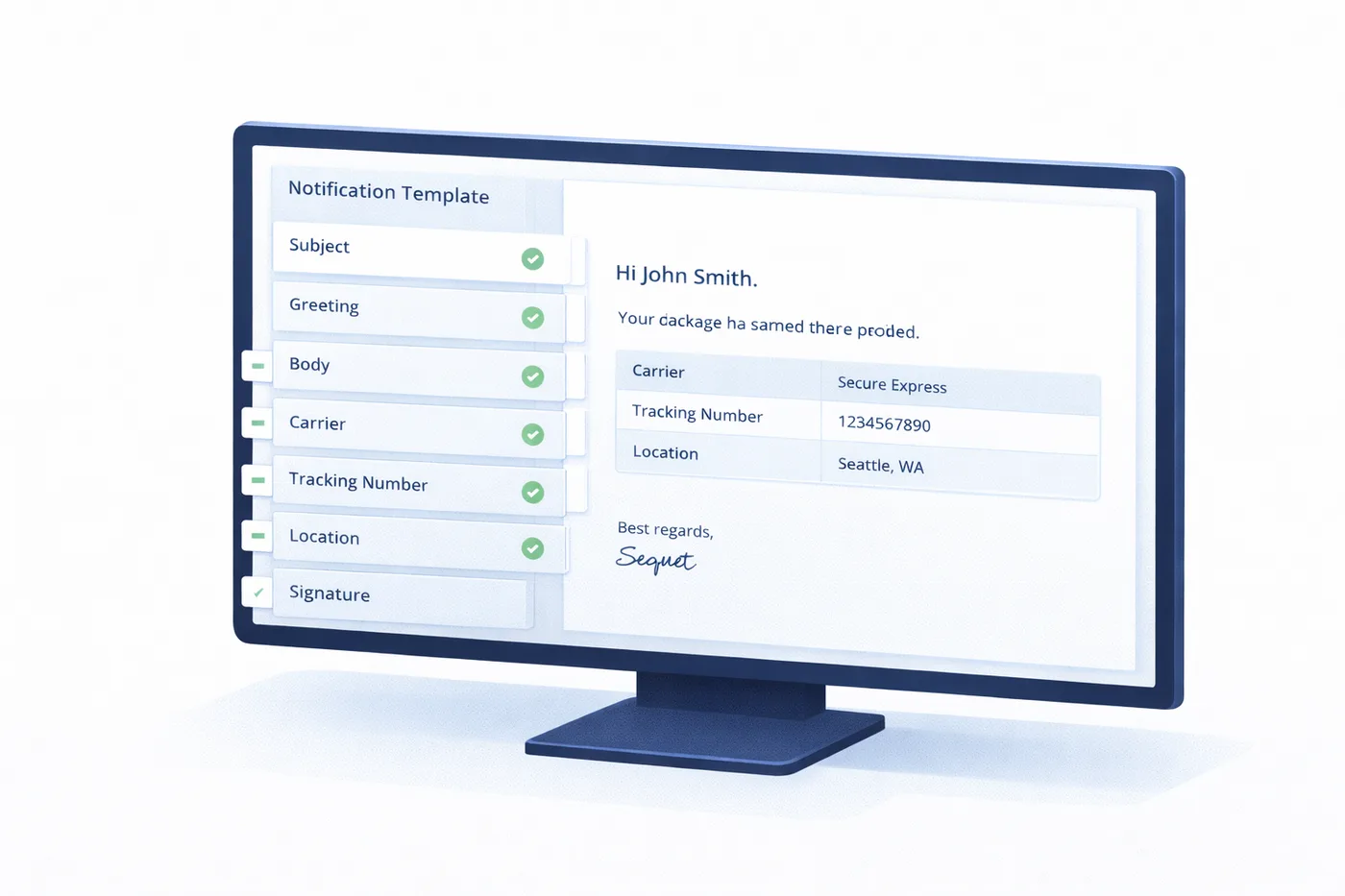
You choose the data fields, layout, and text for each template. Include or exclude any combination of fields: carrier, tracking number, sender, arrival time, location, PO number, custom instructions, and more. For departments that need a structured table format, you define which columns appear and in what order.
How do HTTP web service posts work with our existing systems?
When a package is logged in, TekTrack sends an HTTP POST request to a URL you specify. This allows package intake events to trigger actions in your existing platforms, such as updating a dashboard, creating a ticket, logging to a database, or feeding into any workflow that can receive an HTTP request. You configure the endpoint and TekTrack handles delivery automatically.
Can we build a custom notification plugin?
Yes. TekTrack’s plugin architecture lets your development team build a custom notification integration for any channel not supported out of the box, such as internal messaging platforms, proprietary tools, or specialized enterprise infrastructure. The custom notification plugin connects your channel directly to TekTrack’s package processing events.
How do automated unclaimed package reminders work?
Configure a time threshold, for example 24 hours. If a recipient has not collected their package after that period, TekTrack automatically sends a reminder using a separate reminder template you design. Reminders continue at your configured interval until the package is collected, at which point they stop automatically, with no manual cancellation required.
Notifications That Work the Way Your Organization Works
See TekTrack notification configuration in action, from a single automated email to a full library of templates across departments, channels, and schedules.